Best AI Coding Tools for Beginners Learning to Code in 2026
A Tutor or a Crutch
The short answer: start free, and stay free for a long while. Verified students get the paid experience free through GitHub Education, and the general free tiers cover light daily practice. The tool matters less than the habit: never accept a line you cannot explain out loud. Upgrade only when your projects consistently exhaust the free limits, which for a learner takes a while.
Starting to code has never had this much help built in. A few years ago, a beginner learned alone with a textbook and a search engine. Now an AI assistant sits inside the editor, ready to explain an error or draft a first attempt.
That help is a double-edged tool. Used well, it acts like a patient tutor who never tires of your questions. Used carelessly, it writes code you never understand and quietly stalls your progress.
This guide picks the best AI coding tools for beginners and, just as important, shows how to use them so you still build real skill. Most of these tools work through AI pair programming, where the assistant suggests code alongside you as you type. If you would rather start with a no-cost option, our roundup of the best free AI coding tools pairs well with this one.
Start Inside the Editor, Not the Terminal
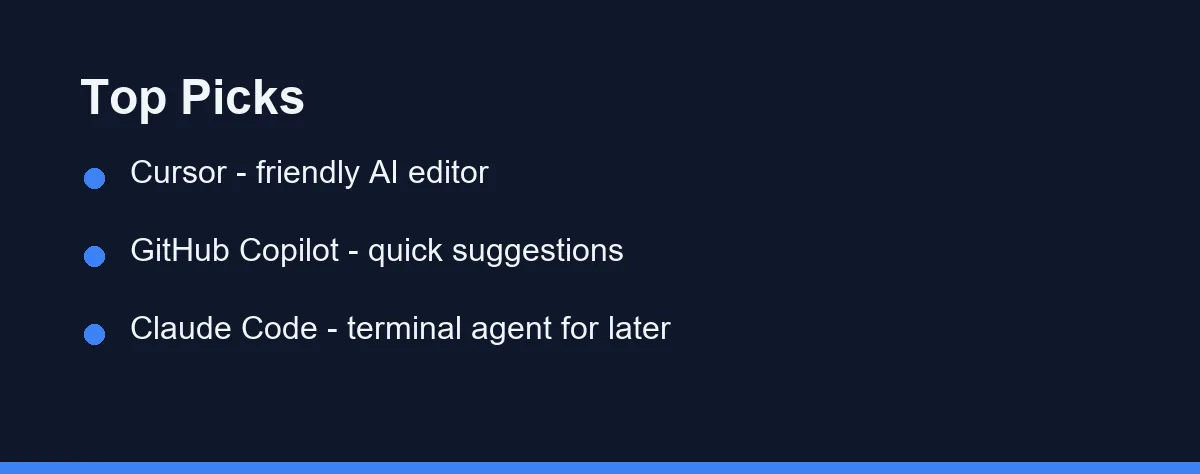
For most beginners, an in-editor tool like Cursor or GitHub Copilot is the friendliest starting point.
They show suggestions and explanations right where you write code, which keeps the learning curve gentle. A terminal agent like Claude Code is powerful but better once you have the basics.
The table further down compares the top picks side by side.
What Beginners Should Look For
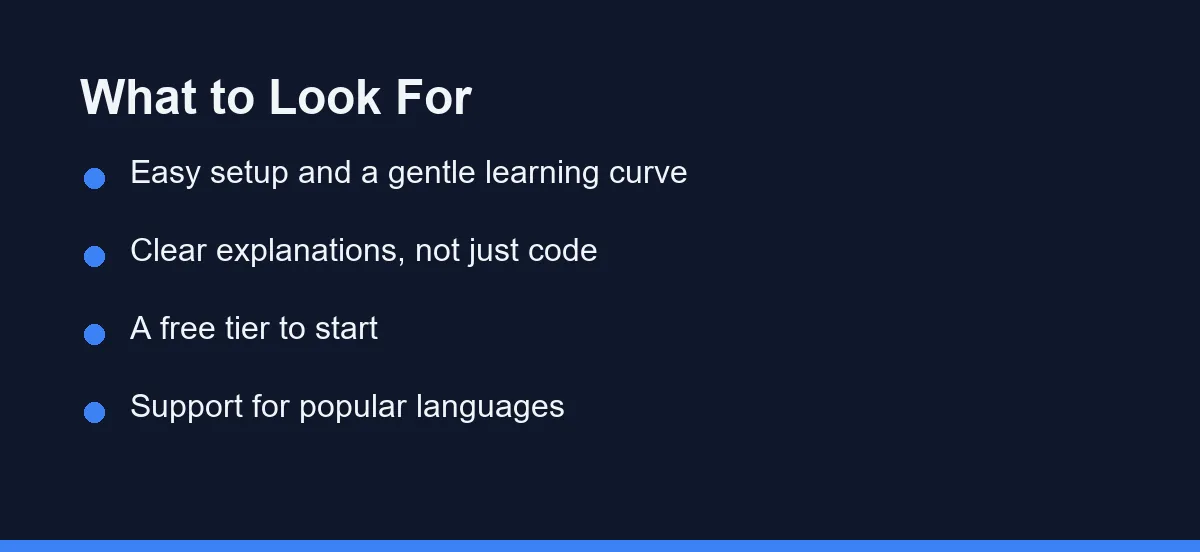
Not every feature matters when you are starting out. A few things make the biggest difference for new coders.
- Easy setup and a gentle learning curve.
- Clear explanations, not just blocks of code.
- A free tier so you can start without cost.
- Support for popular beginner languages like Python and JavaScript.
A tool that explains its suggestions will teach you more than one that only completes code.
The Top Picks Compared
The table below compares the leading tools for beginners.
| Tool | Form factor | Beginner fit | Free tier | Why |
|---|---|---|---|---|
| Cursor | AI-first editor | Excellent | Yes | Friendly layout, inline help |
| GitHub Copilot | Editor extension | Excellent | Yes | Quick suggestions, wide support |
| Windsurf | AI-first editor | Very good | Yes | Clean interface, guided flow |
| Tabnine | Editor extension | Good | Yes | Privacy focus, simple completions |
| Claude Code | Terminal agent | Later stage | Limited | Powerful, but terminal-based |
Cursor and Copilot are the easiest places to begin. Windsurf is a close third if you like a clean, guided editor. Claude Code is a great next step once you are comfortable, and our Claude Code setup guide walks through it.
Why In-Editor Tools Suit Beginners
In-editor tools keep everything in one place. You write code, see suggestions inline, and ask questions without leaving the editor.
This matters when you are learning, because context stays visible. You can read a suggestion, compare it to your own attempt, and learn from the difference.
The familiar layout also means fewer moving parts, so you can focus on the code rather than the tooling.
A Simple First Project
A small project is the best way to start. Try building a short script and asking the tool to explain each part.
# Ask your AI tool: "Explain what this does, line by line."
numbers = [4, 8, 15, 16, 23, 42]
total = sum(numbers)
average = total / len(numbers)
print(f"Average: {average}")
Type the code yourself first, then ask for an explanation or a small improvement. This keeps you active in the learning, not just watching.
How to Learn With AI Without Losing Skills
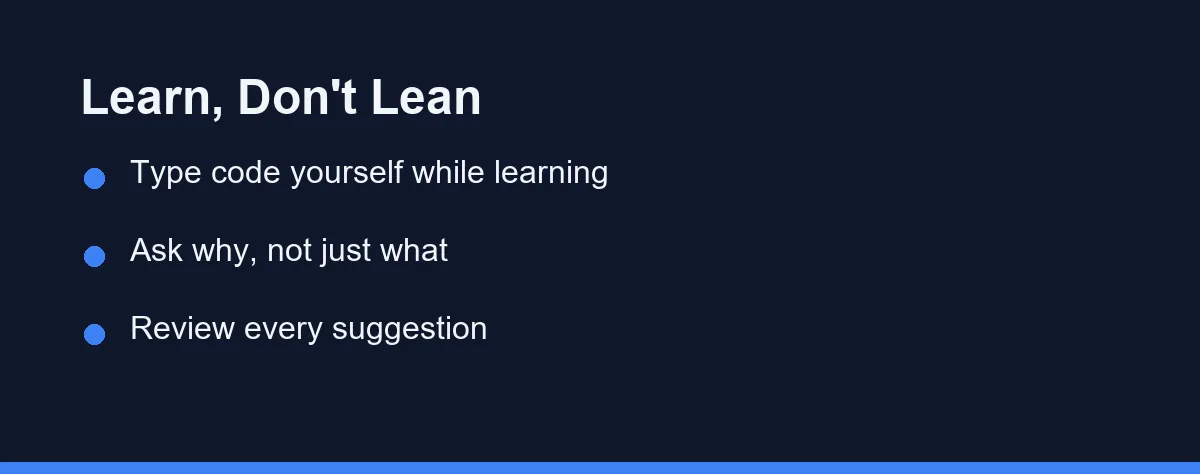
AI tools can help or hurt, depending on how you use them. The goal is to learn, not to lean on autopilot.
Type code yourself while you are learning a concept, even if the tool could write it for you. The practice is where the skill forms.
Ask why, not just what. When you get a suggestion, ask the tool to explain the reasoning so you understand it.
Review every suggestion before you accept it. Treat AI output as a draft from a helpful tutor, not a final answer.
Common Beginner Mistakes With AI Tools
A few habits can slow your learning if you are not careful. Knowing them helps you avoid the traps.
The first mistake is accepting code you do not understand. If you paste a suggestion without reading it, you miss the lesson it could teach. Always read and, ideally, retype it.
The second is leaning on the tool for everything. When you let AI write every line, your own skills stop growing. Reserve the tool for explaining, reviewing, and unblocking, not for replacing practice.
The third is skipping the basics. AI can write a loop for you, but you still need to understand loops. Use the tool to check your understanding, not to avoid building it.
Avoiding these three habits keeps AI a helper rather than a crutch.
A Four-Week Learning Plan
A simple plan keeps your learning steady. This four-week ramp pairs practice with AI support.
In week one, write small scripts by hand and ask the tool only to explain your code. In week two, keep writing yourself, but ask for one small improvement per script and study the change.
In week three, try a slightly larger project, and use the tool to debug errors by asking why they happen. In week four, ask for tests on your code and learn how each test checks behavior.
By the end of the month, you will have written real code yourself and used AI to deepen, not replace, your understanding.
Which Starting Point Fits You
Different beginners have different starting points. Here are direct picks for the most common ones.
Best for an absolute first-timer: Cursor. The AI-first editor keeps chat, suggestions, and files in one friendly window. You can ask plain-English questions about your own code without switching tools, which shortens the gap between confusion and understanding.
Best if you already use VS Code: GitHub Copilot. It installs as an extension, so nothing about your setup changes except that suggestions now appear inline. That low friction makes it easy to try without relearning your editor.
Best for privacy-minded learners: Tabnine. If you are cautious about where your code goes, Tabnine’s privacy focus and simpler completions are reassuring. It does less hand-holding than Cursor, but it stays out of your way while you practice.
Best for the next step up: Claude Code. Once loops and functions feel natural, a terminal agent shows you how larger tasks get automated. It is not a first tool, yet it is a strong second one as your projects grow.
Best on a strict budget: any free tier. Cursor, Copilot, and Windsurf all offer free plans that comfortably cover months of learning. Start there and only pay once you consistently hit the limits.
Pricing for Beginners
Most beginner-friendly tools offer a free tier, which is usually enough to start. Paid plans unlock higher usage and extra features once you code more often. The table below shows rough monthly ranges at the time of writing, so confirm current pricing on each official site.
| Tool | Free tier | Typical paid plan (approx.) | Good for |
|---|---|---|---|
| Cursor | Yes, limited usage | ~$20/mo Pro | Learners who want a full AI editor |
| GitHub Copilot | Yes, limited | ~$10/mo individual | VS Code users |
| Windsurf | Yes, limited | ~$15/mo Pro | A guided, clean editor |
| Tabnine | Yes, basic | ~$9-12/mo | Privacy-minded beginners |
| Claude Code | Usage-based | Pay per usage | The next step after basics |
These figures are approximate and change often, so treat them as a rough guide rather than a quote. You can begin free and only upgrade once you code often enough to hit the limits. Many learners stay on the free tier for months as they build the fundamentals, and that is perfectly fine.
For a broader look at the category, see our guide to the best AI coding assistants. If cost is your main concern, the free AI coding tools for students guide lists options that stay free longer.
Build the Habit Before the Speed
The best AI coding tools for beginners are friendly in-editor options. Cursor and GitHub Copilot lead, Windsurf sits close behind, and Claude Code makes a strong next step once the basics click.
The tool matters less than the habit. Treat the assistant as a patient tutor rather than an autopilot. Type code yourself, ask why a suggestion works, and review every line before you accept it.
Start with a free tier and work through small projects at your own pace. Let the tool explain anything that confuses you, and retype examples instead of pasting them.
The learners who gain the most from AI are the ones who use it to understand more deeply, not to skip the hard parts. Build that habit early and you will pick up real skill alongside the speed.
For your next step, our Claude Code setup guide is a good read once you are ready to try a terminal tool.
Beginners building for phones face an extra hurdle, since emulators and platform SDKs sit outside the editor. Our look at AI coding assistants for mobile development covers which tools follow you into that workflow.
FAQ
What is the best AI coding tool for beginners?
In-editor tools like Cursor and GitHub Copilot are the friendliest for beginners, since suggestions and explanations appear right in the editor.
Will AI tools stop me from learning to code?
Only if you accept code without understanding it. Used as a tutor that explains and reviews, they can speed up learning.
Are there free AI coding tools for beginners?
Yes. Several tools offer free tiers that are enough to start learning. Confirm current limits on each official site.
Cursor or GitHub Copilot for a complete beginner?
Cursor and GitHub Copilot both have gentle learning curves. Copilot installs as an extension in an editor you may already use, while Cursor is a full AI-first editor. Either is a fine first tool.
How long before an AI tool actually helps me learn?
Give it a few weeks of daily practice. Type code yourself, ask the tool to explain its suggestions, and review every line before you accept it. That habit turns AI into a tutor rather than a crutch.
Sources
- Anthropic pricing — checked 2026-09-07
- Cursor pricing — checked 2026-09-07
- GitHub Copilot plans — checked 2026-09-07
Some links may be affiliate links. We may earn a commission at no extra cost to you.
This article was written with AI assistance. It is researched and fact-checked, not based on personal hands-on testing unless explicitly stated.
Comments
Post a Comment