Free AI Coding Assistants for Students in 2026
Free Access Is Real, but It Is Not Uniform
Students learning to code in 2026 have an advantage no previous generation had. Capable AI coding assistants now offer free tiers that handle explanations, debugging, and boilerplate. Used well, they compress months of confusion into faster feedback loops.
The catch is that free access varies widely between vendors. Some tools cap monthly completions, others restrict the best models to paid plans, and student programs come with verification steps. Picking the wrong one wastes time you should spend learning.
This guide compares the practical free options for students as of mid-2026. It focuses on what free tiers actually include, not marketing headlines. The goal is to help you learn faster without paying for features you do not need yet.
Where Most Students Should Start

For most students, the strongest starting point is the free student access that major vendors have historically offered through education programs, such as GitHub’s student pack. Verified students often unlock features that normally sit behind paid plans. Confirm the current terms on the official education page before you count on it.
The free routes cover most coursework, but the paid tier is a fair question once a capstone or an internship starts. We weigh that specific decision in our GitHub Copilot worth-it guide, which has a section on the student case.
If you cannot verify student status, general free tiers still cover coursework. Editor-integrated assistants with free plans handle completions and chat well enough for most assignments. Open-source options paired with free model tiers offer another path with no vendor lock-in.
Whichever route you pick, start with one tool inside the editor you already use. Switching tools mid-semester costs more focus than any single feature gains. For a deeper look at how the leading assistants differ, see our comparison of GitHub Copilot vs Claude Code.
Four Things That Decide a Free Plan
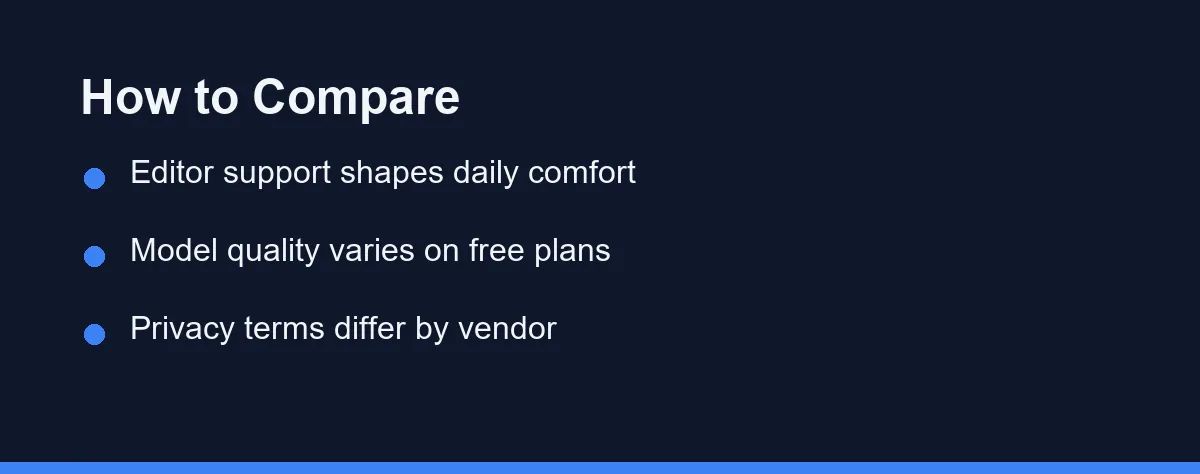
Free plans are not all equal, and the differences matter more for students than professionals. The criteria below separate tools you will keep from tools you will abandon by midterms. Weigh them against your actual coursework.
The Cap You Will Hit Mid-Assignment
Vendors describe free tiers generously, but caps appear in daily use. Look for the monthly completion count, chat message limits, and which models the free plan actually serves. A tool that runs out mid-assignment is worse than a simpler tool that keeps working.
Ten Minutes of Verification Paperwork
Several vendors offer verified students free or discounted access to paid features. Verification usually requires a school email or enrollment proof. The paperwork takes minutes and can unlock a semester of premium features, so check this before settling for a general free tier.
Whether It Lives in Your Editor
An assistant only helps inside the editor you use. Check first-class support for your environment, whether that is VS Code, JetBrains, or a browser IDE. Also confirm the tool handles your course languages, since support quality varies beyond the mainstream ones.
What Happens to the Code You Paste
Free tiers sometimes train on your prompts and code unless you opt out. For personal projects this may not matter, but for research code or anything under an academic policy it can. Read the data retention section of each privacy policy before connecting real work.
The Four Free Routes, Side by Side
The tools below represent the main free routes available to students as of mid-2026. Availability and limits change often, so treat this as a map rather than a contract. Verify details on each official site.
GitHub Copilot Through Student Verification
Copilot has historically been free for verified students through GitHub Education. It integrates tightly with VS Code and JetBrains and covers completions plus chat. For students already using GitHub for coursework, verification is usually the fastest premium unlock available. If you go this route, our guide to using GitHub Copilot in VS Code walks through the setup.
The free student offer depends on staying verified. Terms have changed before, so re-check each academic year. For a wider look at whether the tool suits new coders, see is GitHub Copilot worth it for beginners.
Gemini Code Assist on the General Free Tier
Google has offered a substantial free tier for individual developers, including students. It works in popular editors and handles completions and chat with generous limits. For students without verification options, it is one of the strongest no-cost starting points.
Limits and model access on the free plan shift with product updates. Confirm the current quota on the official page.
Codeium for Unlimited Basic Completions
Codeium built its reputation on a genuinely free individual tier with unlimited completions. It supports a wide range of editors and languages. For students who want a set-and-forget assistant with no usage anxiety, it remains a practical choice.
Advanced features and the newest models typically sit in paid tiers. The free plan still covers typical coursework comfortably.
Open-Source Assistants You Wire Up Yourself
Open-source assistants like Cline and Continue run inside VS Code and connect to whichever model you choose. Paired with free model tiers or local models, they cost nothing and teach you how the tooling actually works. That transparency has real educational value.
Setup takes more effort than commercial tools. Students comfortable with configuration files will not mind; absolute beginners might.
| Option | Free Route | Editor Support | Best For |
|---|---|---|---|
| GitHub Copilot | Student verification | VS Code, JetBrains | Students on GitHub already |
| Gemini Code Assist | General free tier | VS Code, JetBrains | Generous no-verification limits |
| Codeium | Free individual plan | Very broad | Unlimited basic completions |
| Cline / Continue | Open source + free models | VS Code | Learning the tooling itself |
No single option wins every row. Verification unlocks the most polish, while open-source routes teach the most about how assistants work.
Notice that editor support and limits matter more than model benchmarks at this stage. A reliable tool you can use all month beats a slightly smarter one that stops answering.
How to Set Up Once and Not Tool-Hop
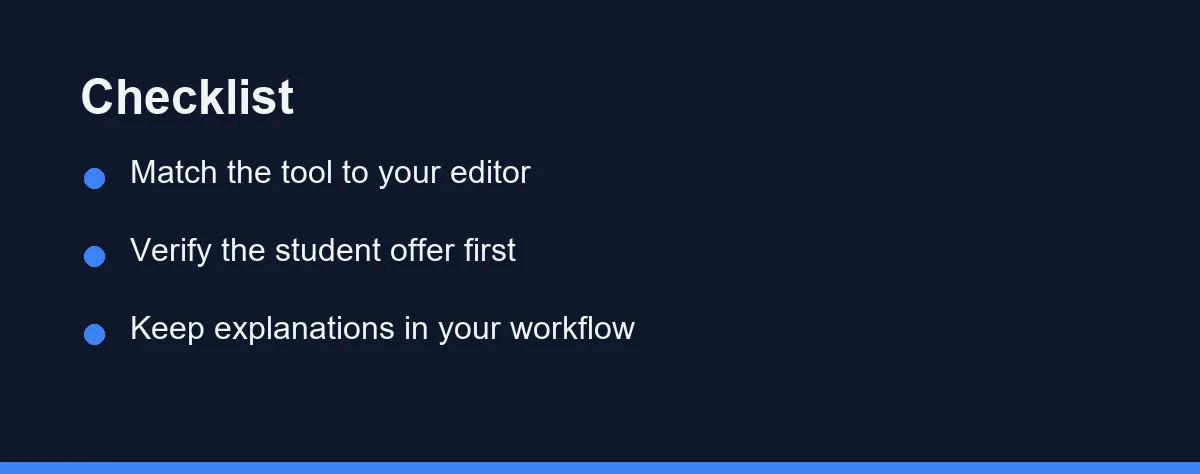
Start from your editor, not from the tool. If your course uses VS Code, every option above works; if you live in a JetBrains IDE, shortlist the ones with first-class plugins. Fighting your editor wastes more time than any assistant saves.
Next, spend ten minutes on student verification before settling for a general free tier. A verified student unlock usually beats any unverified plan. Keep proof of enrollment handy and renew when the academic year rolls over.
Then set learning rules for yourself. Accept suggestions only after you can explain them, and use chat to ask why code works rather than just what to type. Students who treat assistants as tutors consistently learn faster than students who treat them as answer machines.
Finally, re-evaluate at semester boundaries. Your needs change as courses get harder, and vendor terms change too. Five minutes of review twice a year keeps your setup current without constant tool-hopping.
What “Free” Includes, and What It Does Not
Free tiers across this category typically include capped completions, basic chat, and access to mid-tier models. Paid individual plans commonly add newer models, higher limits, and features like larger context windows. Student programs blur this line by unlocking paid features at no cost for verified users.
Vendors adjust quotas and eligibility often, and offers sometimes differ by region. This guide deliberately avoids quoting specific figures because they change faster than articles do. Treat any third-party pricing table with the same caution.
Always confirm current pricing and eligibility on each vendor’s official pricing and education pages. At the time of writing, every option in this guide offers a usable free route for students. The differences lie in caps, models, and verification effort rather than raw availability.
Which Free Route Fits Your Course Load
A first-year student in an introductory course. Choose the tool with the clearest chat explanations and keep inline completion switched off. Understanding beats speed while the syntax is still new.
A computer science student in algorithms courses. Use the assistant after each attempt, never before. Ask it to critique your complexity analysis rather than produce the solution you were meant to derive.
A bootcamp student building portfolio projects. Turn completion on and let it handle setup files, routing, and forms. The learning here sits in the architecture, not in the boilerplate.
A student on a group capstone project. Agree on one assistant and one review rule for the whole team. Mixed tools and unreviewed AI commits create merge pain that costs more than the tool saves.
A student writing research or thesis code. Check the data retention terms before you connect anything. Unpublished research deserves the same caution as commercial source code.
The Habit Matters More Than the Tool
Students in 2026 do not need to pay to get real value from AI coding assistants. Verified student programs offer the most features, generous general free tiers cover the rest, and open-source routes reward the curious. The right choice depends on your editor, your courses, and your willingness to verify.
Whatever you pick, the tool matters less than the habit. Use the assistant to understand code, not to avoid understanding it. That single discipline determines whether these tools accelerate your learning or quietly replace it.
Start with one option this week, set your learning rules, and revisit at the end of the semester. By then you will know exactly what you need from a paid plan, if anything at all.
FAQ
Can students really use AI coding assistants for free in 2026?
Yes, several mainstream assistants offer meaningful free tiers, and some vendors have historically offered free access for verified students. Free plans usually cap usage or limit advanced models, so confirm current terms on each official site before relying on one for coursework.
Is it cheating to use an AI coding assistant for homework?
It depends on your course rules. Many instructors allow assistants for learning and debugging but not for graded submissions, so always check your syllabus and ask before using one on assessed work.
What is the best way for a beginner to learn with an AI assistant?
Start with one assistant inside the editor you already use, keep completions short, and make yourself explain every accepted suggestion. Treat the tool as a tutor that drafts ideas, not as a replacement for understanding the code.
What happens to my free student access after I graduate?
Student programs tie access to verified enrollment, so it usually lapses when your verification expires rather than on graduation day itself. GitHub Education, for example, asks students to re-verify periodically. Plan ahead by testing a general free tier a month before your status runs out, so you are not switching tools during finals. Confirm the current renewal rules on the official education page, since terms have shifted before.
Which assistant helps most in a data structures and algorithms course?
For that kind of coursework, a chat-first tool matters more than fast autocomplete. Asking GitHub Copilot chat or Claude why your recursion base case fails teaches far more than accepting a finished solution. Many students switch inline completion off during algorithm practice so the assistant cannot hand over the answer. Save the autocomplete-heavy setup for project courses where boilerplate is the bottleneck.
Sources
- GitHub Copilot plans — checked 2026-09-07
- JetBrains AI IDEs — checked 2026-09-07
- GitHub Copilot documentation — checked 2026-09-07
Some links may be affiliate links. We may earn a commission at no extra cost to you.
This article was written with AI assistance. It is researched and fact-checked, not based on personal hands-on testing unless explicitly stated.
Comments
Post a Comment