Best AI Tools for Writing Unit Tests in 2026

Essential, Slow, and Often Skipped
Writing unit tests is essential, but it is also slow and repetitive. Many developers skip tests when deadlines press, which leaves bugs hiding in the code.
AI tools change that math. They read your functions, draft test cases, and wire up assertions in seconds, so you write more tests with less friction.
This guide explains the best AI tools for writing unit tests in 2026. You will see how each one works, a clear comparison, and how to choose the right fit.
Why Use AI to Write Unit Tests
Unit tests protect your code from silent regressions. They catch broken logic before it reaches production, and they document how a function should behave.
The problem is effort. Writing thorough tests by hand takes time, and many teams under-test because of it.
AI tools lower that cost. They generate boilerplate, suggest edge cases you might miss, and match your existing test style and framework.
The result is broader coverage with less manual typing. You still review every test, but the AI handles the tedious first draft so you focus on the logic that matters.
The Tools at a Glance
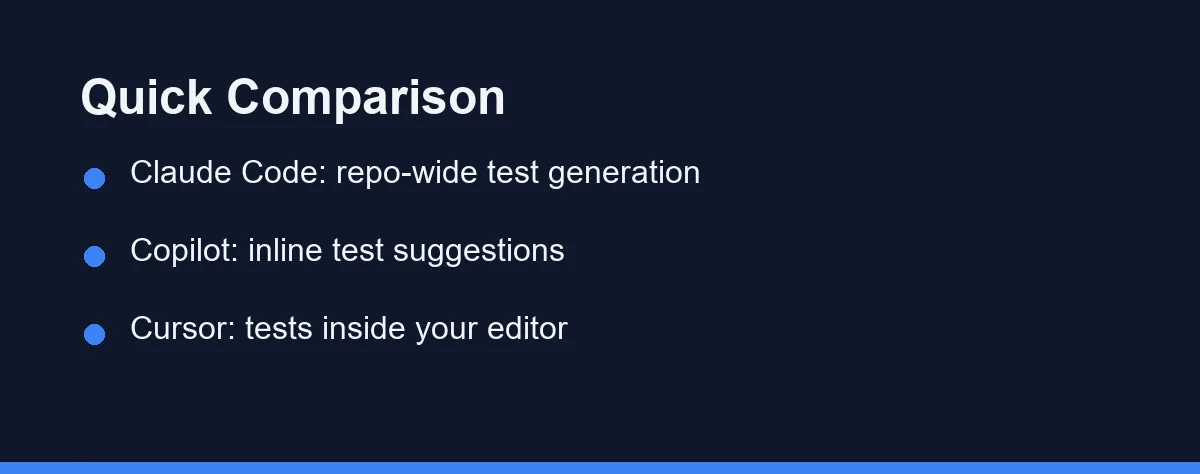
Several strong tools can generate unit tests in 2026. The best choice depends on your workflow, language, and how much repository context you need.
The table below summarizes the practical differences. Each tool takes a slightly different shape, from terminal agents to in-editor assistants.
| Tool | Form factor | Best at | Test workflow |
|---|---|---|---|
| Claude Code | Terminal / CLI agent | Repo-wide test generation | Reads many files, writes and runs tests |
| GitHub Copilot | IDE extension | Inline test suggestions | Suggests tests as you type or via chat |
| Cursor | AI code editor | Tests inside the editor | Generates tests on a selection or file |
| Codeium / Windsurf | Editor and extension | Free inline assistance | Autocomplete-style test snippets |
| Tabnine | IDE extension | Privacy-focused completion | Local-aware test completions |
Each of these tools can produce useful tests. The difference is how much context they pull in and where you do the work.
Claude Code: Repository-Wide Test Generation
Claude Code is a command-line agent from Anthropic. You run it in your terminal, point it at a project, and describe the tests you want.
Because it reads the whole repository on demand, it suits large test jobs. It can generate tests across several modules and update imports in one coordinated pass.
It can also run the tests it writes. That means it can generate a suite, execute it, read the failures, and fix the gaps without leaving the terminal.
For a deeper category overview, see our guide to the best AI coding assistants. You can also review the official Claude Code documentation for current features.
GitHub Copilot: Inline Test Suggestions
GitHub Copilot lives inside your editor as an extension. It suggests test code as you type, and it offers a chat panel for larger requests.
Its strength is speed on small tasks. When you start a test function, Copilot often completes the assertions and setup in a single suggestion.
It works across many languages and frameworks. You can ask it to write tests for a highlighted function, and it matches the style of your existing test files.
For full feature and plan details, check the official GitHub Copilot page before you commit to a tier.
Cursor: Tests Inside Your Editor
Cursor is an AI-first code editor built on the VS Code foundation. If you know VS Code, the layout feels familiar right away.
It generates tests on a selection or a whole file. You highlight a function, ask for tests, and the suggested test file appears next to your code.
This keeps the workflow tight. You never leave the editor, which suits developers who prefer an interactive, visual flow.
For a closer comparison of two popular tools, read our Claude Code vs Cursor for Python guide.
What to Look For in an AI Testing Tool
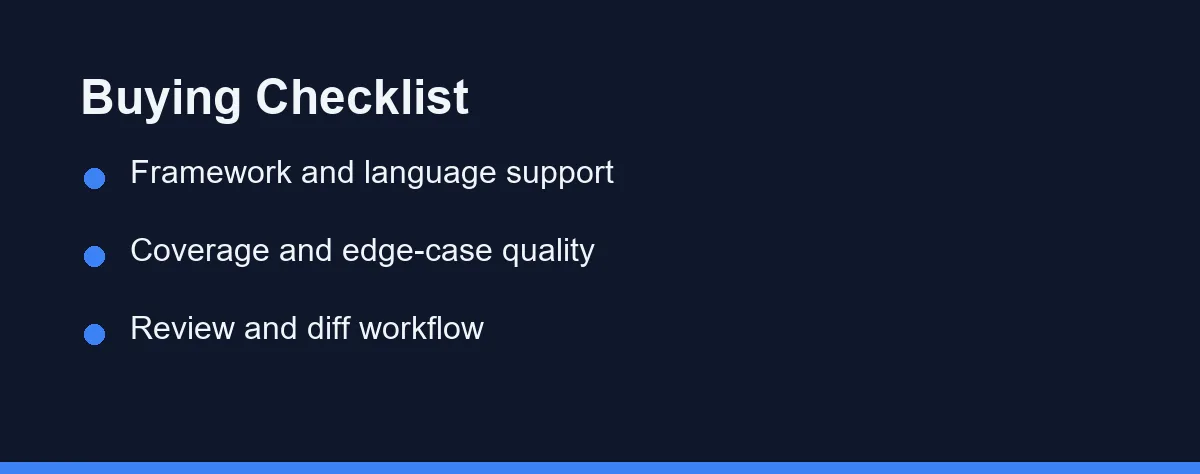
Not every tool fits every team. A few factors decide whether a tool will actually help your testing workflow.
Framework support comes first. The tool should recognize your stack, whether that is pytest, Jest, JUnit, or another framework, and write tests in that style.
Edge-case quality matters next. Good tools suggest tests for empty inputs, error paths, and boundary values, not just the happy path.
Review workflow is the third factor. You want clear diffs so you can read each generated test, confirm the logic, and reject weak assertions.
Finally, consider context scope. A terminal agent that reads the whole repository fits large suites, while an in-editor tool fits quick, focused edits.
A Quick Code Example
Here is how a Claude Code session for unit tests might look in practice. The flow is simple and stays in the terminal.
# Install the CLI, then start it inside your Python project
npm install -g @anthropic-ai/claude-code
cd my-python-project
claude

# Then describe the testing task in plain English, for example:
# "Write pytest unit tests for calculate_total in billing.py,
#  including empty-cart and negative-quantity edge cases, then run them."
The AI then drafts the tests, runs the suite, and reports results. You review the generated file before committing it.
This pattern works for most agents. You describe the function and the edge cases, and the tool produces a first draft you can refine.
What Each Testing Tool Gives Up
Every tool involves trade-offs. Here is a balanced view for unit testing work.
Terminal agents like Claude Code shine on large, multi-file suites. They read the whole repo and run tests, but the terminal style takes adjustment if you prefer a graphical editor.
In-editor tools like Copilot and Cursor shine on speed and flow. They keep you in one window, though very large, repo-wide test jobs can feel less coordinated.
Free tools like Codeium lower the barrier to entry. They offer solid inline suggestions, but advanced agentic features often sit in paid tiers.
Match the tool to your task. Quick single-file tests favor an editor tool, while sweeping suite generation favors a terminal agent.
Free Tiers Cover Light Test Work
Most of these tools offer a free tier plus paid plans, and pricing changes often. Always confirm the current numbers on each official page.
Free tiers usually cover light, individual use. They are a good way to test the workflow before you pay for higher limits.
Paid plans add capacity and advanced features. Heavy daily users get more value from a paid tier, while occasional users may start free.
As a rule, match the plan to how often you write tests. Confirm the latest details on the tool’s official pricing page before you subscribe.
How to Choose the Right Tool

The right tool depends on your daily habits. Start by thinking about where you spend most of your time.
If you live in the terminal and manage large repositories, a CLI agent like Claude Code will feel powerful. It generates and runs whole suites in one pass.
If you prefer an editor and quick inline help, Copilot or Cursor will suit you better. They keep testing close to the code you are writing.
If budget is tight, start with a free tier. You can upgrade later once a tool proves it fits your workflow.
Many developers also combine tools. They use an editor assistant for small tests and a terminal agent for the heavy, repo-wide jobs.
Which Tool Fits Your Testing Workload
Testing needs vary more than tool marketing suggests. Here are direct picks for the situations that come up most.
Best for a large existing codebase with thin coverage: Claude Code. Backfilling tests across dozens of modules is a repository-scale job. A terminal agent can generate, run, and repair a suite in one pass rather than file by file.
Best for test-as-you-write habits: GitHub Copilot. If you write the function and the test together, inline suggestions keep that rhythm intact. The tests stay small and focused because you request them one at a time.
Best for refactoring under test: Cursor. When you change a function and its tests together, an editor that reads the surrounding project is less likely to leave a stale assertion behind.
Best for a strict privacy or compliance policy: Tabnine. Teams that cannot send source code to a general cloud service trade some capability for a tighter data boundary. Test code often touches exactly the sensitive logic those policies exist to protect.
Best on no budget: the free tiers of Codeium or Windsurf. Test generation is a well-suited task for free plans, since each request is short and self-contained.
One caution applies to all of them. Generated tests can raise your coverage number while asserting almost nothing, so read what each test actually checks before you merge it. Our breakdown of why generated tests pass while the bug ships lists the five patterns that make an assertion unable to fail.
What Good Review of a Generated Test Looks Like
Reviewing an AI test takes under a minute if you know what to check.
Read the assertion first, not the setup. If the assertion only confirms that the function returned something, the test is decoration rather than protection.
Check the mocks next. A mock that replaces the very logic under test will pass forever, no matter how badly the real code breaks.
Then look for the missing cases. Ask specifically for empty inputs, boundary values, and error paths, because generated suites lean toward the happy path by default.
Finally, break the code on purpose and rerun the suite. A test that still passes after you introduce a real bug is worse than no test, because it buys false confidence.
Draft by Machine, Merged by You
AI tools have made unit testing far less painful in 2026. They draft tests fast, suggest edge cases, and match your existing framework.
No tool replaces your judgment, though. Treat every generated test as a first draft, then review the logic and assertions before you merge.
For most developers, the smartest move is to try one free tier this week. Keep the tool that matches your daily habits, and let it handle the tedious first pass while you focus on the cases that matter.
If your tests run on Jest or Vitest, the choice of assistant matters more than the test framework. Our best AI coding assistant for JavaScript guide breaks down which tool handles cross-file JavaScript work best.
Generated tests also fail in a specific way worth knowing about. How to stop an AI assistant from breaking your tests covers the guardrails that keep a passing suite passing.
Generated code raises a separate question once it ships in a product. Does AI-generated code create license risk sets out what the training data argument actually means for a commercial repository.
FAQ
Can AI write unit tests on its own?
AI tools can draft most unit tests from your code, but you still review them. They generate cases and assertions fast, yet a human confirms the logic and edge cases.
Do AI test tools work with any testing framework?
Most support popular frameworks like pytest, Jest, and JUnit. The tool usually detects your existing setup and matches its style and imports.
Are AI generated unit tests reliable enough to trust?
They are a strong starting point, not a final answer. Treat AI tests like a first draft, then verify coverage and meaningful assertions before merging.
What is the most common flaw in AI generated tests?
Watch for tests that assert on the implementation instead of the behavior, and for mocks so broad that the test passes even when the real function breaks. Both look like coverage while catching nothing.
Will AI tests actually improve my code coverage?
Coverage percentage rises easily because generated tests hit the happy path first. Read whether the new tests check error paths and boundary values, since that is where real regressions hide.
Sources
- Anthropic pricing — checked 2026-09-07
- GitHub Copilot plans — checked 2026-09-07
- Cursor pricing — checked 2026-09-07
Some links may be affiliate links. We may earn a commission at no extra cost to you.
This article was written with AI assistance. It is researched and fact-checked, not based on personal hands-on testing unless explicitly stated.
Comments
Post a Comment