Is AI Pair Programming Worth It for Beginners?
Learning To Code With Something Finishing Your Sentences
Learning to code in 2026 looks different than it did a few years ago. An AI assistant now sits inside most editors, ready to finish your lines before you have finished thinking them.
The promise is a patient partner that never sleeps. It suggests code, explains errors, and drafts functions on demand, which shortens the gap between an idea and working software.
The worry is just as real. If the tool writes the hard parts, do you actually learn them?
Many new coders sense they are building speed on a shaky foundation. This guide takes that concern seriously rather than dismissing it.
The Rule That Makes It Safe: Explain Every Line

One habit separates beginners who benefit from those who stall. Never accept a line you cannot explain out loud.
That rule sounds small and does most of the work. It converts each suggestion from a mystery into a short lesson, because explaining forces you to read.
Without it, the failure mode is passive copying. You learn to prompt instead of to program, your output looks strong, and the fundamentals stay weak.
So the honest verdict is conditional. AI pair programming is worth it for beginners who treat the assistant as a tutor to interrogate rather than an oracle to obey.
For background on how these tools work, see our AI pair programming explained guide.
Three Modes, And When To Rotate Between Them
Beginners do not need the most advanced setup. They need three working modes and the sense to move between them.
A Built-In Editor Assistant
Many editors now ship with an AI assistant or a simple plugin. Inline completion appears as you type, and a chat panel answers questions in the same window.
The strength is low friction. There is little to configure and nothing to switch between.
The trade-off is that convenience makes passive copying easy. Discipline matters more in this mode than in any other.
A Standalone AI Chat Tool
Some beginners prefer a separate chat window beside their editor. They paste code, ask why it breaks, and read the explanation in plain language.
The benefit is that you must retype or adapt the answer yourself. That small act of transcription reinforces what you just read.
The cost is a slower loop, which is often a fair price early on.
A Suggestions-Off Practice Mode
The third mode is a habit rather than a product. You keep an assistant installed but switch it off for practice sessions.
Solve the problem cold, then turn the tool back on to compare approaches. The assistant becomes a reviewer instead of a crutch.
This builds real recall, which is the skill interviews and jobs actually test.
| Approach | Learning Value | Speed | Best For |
|---|---|---|---|
| Built-in editor assistant | Moderate | High | Staying in one familiar workflow |
| Standalone AI chat | High | Moderate | Understanding why code works |
| Suggestions-off practice | Highest | Low | Building recall and fundamentals |
| Inline help on boilerplate only | Moderate | High | Skipping repetitive setup safely |
| Chat after a failed attempt | Very high | Low | Turning a stuck moment into a lesson |
The pattern is clear once you scan the rows. The fastest option risks the least learning, while the slowest builds the most.
A healthy routine rotates deliberately. Use inline help for boilerplate, switch to chat for concepts, and go tool-free for drills.
The rotation also protects you from a subtle trap. Staying in one mode all week makes that mode feel like the only way to work, whichever mode it is.
What Actually Matters When Picking A Tool
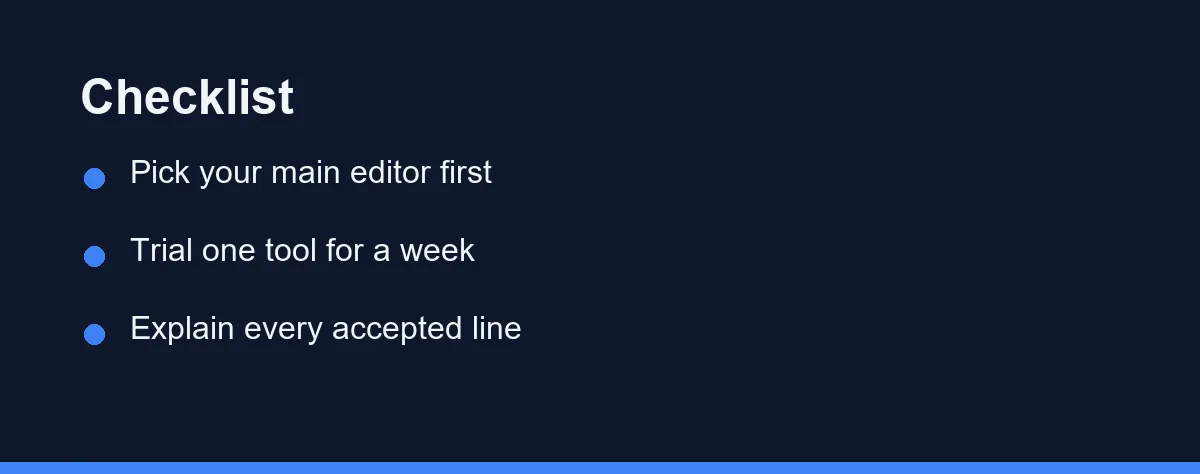
Begin with the editor you already know. Adding AI to a familiar environment beats learning a new editor and a new assistant at once.
Then favour a tool that explains itself. A good beginner assistant answers follow-up questions rather than only emitting code.
Look closely at the free tier next. Most beginners do not need a paid plan to start, and a generous free option lets you build habits before spending anything.
Check how the tool handles your code. Some assistants send it to the cloud for processing, so confirm the privacy terms on the official site if you work on school or client projects.
Value an easy suggestions toggle more than raw model power. That switch is what makes unaided practice sessions possible without uninstalling anything.
Finally, commit to a trial week of real practice rather than a quick demo. Keep the tool only if it makes you a stronger coder rather than a faster typist. Our best AI coding tools for beginners roundup compares friendly starting points.
Free Tiers Are Enough While You Are Learning
Most AI coding assistants use monthly subscriptions, and many offer a free tier. Confirm current pricing and limits on the official site, as of 2026, since plans change often.
Free tiers typically cap usage or advanced features. That limit is rarely a problem while you are still learning the basics.
Treat any free allowance as room to build habits rather than a race to exhaust. Delay upgrading until a specific limit slows genuine work.
Watch the renewal date on any trial you start. Beginners often subscribe during an enthusiastic week and forget the plan through three quiet ones.
Paid plans add higher limits and more capable models, which matter more on larger real projects. That moment usually arrives later than beginners expect.
For students, watch for education discounts and bundled offers. Our free AI coding assistants for students guide covers no-cost starting points.
Habits That Quietly Cost You The Fundamentals
Accepting code you cannot explain is the most damaging. A working line you do not understand is a gap waiting to surface in an interview.
Skipping unaided practice entirely is the most gradual. If every problem gets AI help, your recall never develops at all.
Trusting every suggestion is the most surprising. Assistants produce confident code that is sometimes subtly wrong, so test the output and question anything that looks off. Our AI code review tools compared guide explains what to check.
Chasing the most powerful tool too soon is the most expensive. A simple free assistant plus good habits beats a premium plan used passively.
Letting the assistant name things is the most invisible. Reading code written by someone else all day is how beginners end up unable to structure a file on their own.
Which Learner Fits Which Approach
The right answer depends on why you are learning. These verdicts match the advice to four common beginner paths.
Self-Taught Learner Studying Alone
Worth it, with guardrails. Without a mentor, an assistant fills the gap when you are stuck at midnight.
Lean on its explanations, then rebuild each solution unaided before moving on. That rebuild is what turns a hint into a skill you own.
Bootcamp or CS Student
Worth it, but use it sparingly during graded work. Assignments exist to stretch the exact muscles AI can shortcut.
Use the tool to review finished code and clarify concepts. Do not use it to draft answers you will later be expected to write from memory.
Career Switcher Building a Portfolio
Worth it, and often essential. Speed matters when you are shipping projects to prove employability.
Let the assistant handle boilerplate and setup. Then make sure you can explain every architectural choice to a hiring manager.
Hobbyist Coding for Fun
Worth it, with almost no downside. If you code for enjoyment and small personal tools, passive acceptance costs you little.
Use as much help as you like. Tighten your habits only if you later decide to code professionally.
Faster Is Not The Goal
The support is genuinely valuable during the frustrating early weeks. Friction removed at the right moment is often what keeps a beginner going.
The risk is real but avoidable, and it comes down to one behaviour rather than one tool. Passive copying builds output without understanding, and that catches up with you at the interview stage.
So measure yourself on the right axis. Ask whether you could rewrite last week’s project from scratch, not whether you finished it quickly.
That question has a useful property. It is uncomfortable to answer honestly, and the discomfort tells you exactly which topic to practise next.
Start on a free tier in an editor you know, set the explain-it-out-loud rule, and trial it for a week. For related reading, see our guides on AI pair programming explained and the best AI coding tools for beginners.
FAQ
Is AI pair programming good for beginners?
It can be, if you treat suggestions as drafts to review rather than answers to copy. Beginners learn fastest when they read each suggestion, ask why it works, and reject code they cannot explain. Used that way, an AI partner speeds up practice without replacing understanding.
Will AI pair programming stop me from learning to code?
There is a real risk if you accept code blindly. Over-reliance can hide gaps in the fundamentals you still need to build. The fix is discipline. Type some code yourself, explain each accepted suggestion, and keep solving problems unaided.
How should a beginner start with an AI coding assistant?
Start with a free or low-cost tool inside an editor you already use. Turn on inline suggestions, then practice reading and editing them instead of accepting everything. Confirm current plans and limits on the official site before paying for anything.
Which AI coding assistant is best for a complete beginner?
For most beginners the best pick is whichever assistant runs natively in the editor they already know, with a usable free tier and a clear chat panel for follow-up questions. Fit and low friction matter more than raw model power this early. Trial one for a week before paying.
Can AI pair programming help me get my first developer job?
It can help, but only indirectly. Employers hire for understanding, not for typing speed, so use the tool to learn faster rather than to hide gaps. Make sure you can explain every line in your portfolio projects, because interviews test exactly the fundamentals AI can otherwise mask.
Some links may be affiliate links. We may earn a commission at no extra cost to you.
This article was written with AI assistance. It is researched and fact-checked, not based on personal hands-on testing unless explicitly stated.


Comments
Post a Comment