Best AI Code Review Tools Compared in 2026
Feedback Before a Human Opens It
Code review is where quality, security, and team trust come together. In 2026, AI code review tools have become a normal part of that process.
These tools read your changes, flag likely bugs, and suggest fixes before a human reviewer even opens the pull request. The result is faster feedback and fewer obvious mistakes slipping through.
This guide compares the best AI code review tools available today. You will see how they work, where each one shines, and how to choose for your team.
What Are AI Code Review Tools?
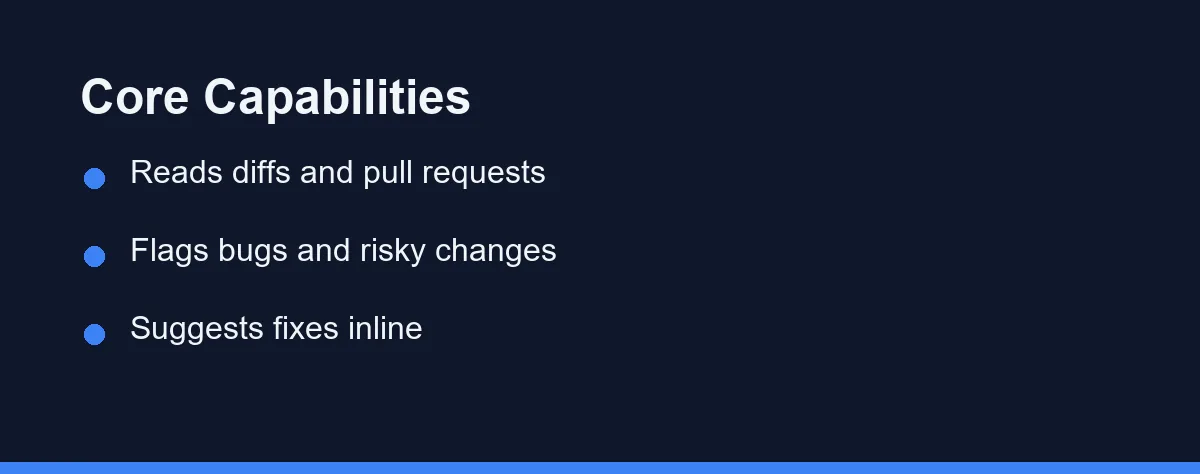
An AI code review tool reads a code change and gives feedback on it. The change is usually a pull request, a diff, or a single file.
Instead of waiting for a teammate, you get an instant first pass. The tool points out logic errors, risky patterns, missing tests, and style problems.
Most tools work in one of three places. They live in your terminal, inside your editor, or directly on your Git hosting platform.
The goal is not to replace human review. It is to handle the repetitive checks so people can focus on design and intent.
Why Use AI for Code Review?
Manual review is valuable but slow. Reviewers are busy, time zones differ, and small pull requests can sit for hours.
AI changes that timing. A bot can comment within seconds of a push, so authors fix issues while the code is still fresh in their minds.
There is also a consistency benefit. Humans get tired and skip lines, but an AI applies the same checks to every change.
Finally, these tools help with learning. Junior developers see clear explanations of why a pattern is risky, which builds skill over time.
The Top AI Code Review Tools in 2026
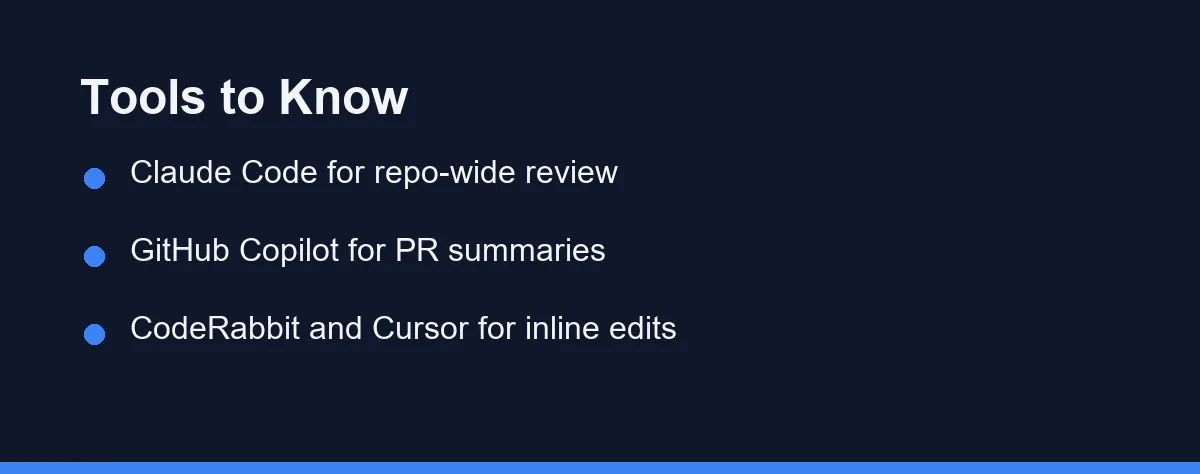
Several tools lead this category, and they take different shapes. Some are terminal agents, some are editor assistants, and some are Git-native bots.
Claude Code from Anthropic works as a command-line agent. You can ask it to review a branch, explain a diff, or audit a module across many files.
GitHub Copilot has grown beyond autocomplete. It now offers pull request summaries and review comments inside the GitHub interface.
CodeRabbit is a Git-native bot focused purely on review. It posts line-by-line comments on pull requests and learns from your feedback over time.
Cursor brings review into an AI-first editor. You can highlight code and ask for an inline critique without leaving the file.
Each tool fits a different workflow, which is exactly why the comparison below matters.
Feature Comparison Table
The table below summarizes the practical differences between the leading options. Use it as a quick scan before you commit to one tool.
| Tool | Form factor | Best at | Pricing model | Self-host option |
|---|---|---|---|---|
| Claude Code | Terminal / CLI agent | Repo-wide review and audits | Subscription plus usage | No |
| GitHub Copilot | Editor and GitHub UI | PR summaries in GitHub | Subscription tiers | No |
| CodeRabbit | Git-native bot | Line-by-line PR comments | Free tier plus paid | Limited |
| Cursor | AI-first editor | Inline review while editing | Free tier plus paid | No |
| Qodo (Codium) | Bot and editor plugin | Test-aware review | Free tier plus paid | Enterprise |
Pricing here is qualitative on purpose. Plans change often, so confirm current numbers on each vendor’s official page.
For a wider view of the category, see our guide to the best AI coding assistants.
How These Tools Work in Practice
Most AI review tools follow a similar loop. They read the diff, build context from nearby files, and then generate comments.
A terminal agent like Claude Code runs where your code already lives. You point it at a branch and describe what kind of review you want.
A short command-line session might look like this.
# Review the current branch against main with a terminal agent
git checkout feature/payment-refactor
claude

# Then describe the review you want, for example:
# "Review the diff against main. Flag security issues,
#  missing error handling, and any untested edge cases."
A Git-native bot works differently. You install it once on your repository, and it comments automatically on every new pull request.
An editor tool sits closest to writing. You highlight a block, ask for a review, and read the feedback right next to the code.
The common thread is context. Better context means sharper feedback, which is why repo-aware tools often catch deeper issues.
Strengths and Trade-offs
Every tool involves trade-offs, so here is a balanced view for review work.
Terminal agents are strong at large, repo-wide audits. They read many files at once and trace problems across modules.
The trade-off is that they live outside your Git platform. You run them yourself rather than getting automatic comments on each pull request.
Git-native bots win on automation. They comment on every pull request with no manual step, which keeps teams consistent.
Their limit is depth. Some bots focus on the diff and miss issues that require broader project understanding.
Editor assistants are fast and interactive. You get review feedback as you write, before the code ever reaches a pull request.
The downside is scope. Inline review is great for one file, but less suited to coordinated, multi-file checks.
Security and Privacy Considerations
Code review tools read your source, so privacy matters a great deal. Treat data handling as a primary selection factor, not an afterthought.
Ask three questions before adopting any tool. Does it train on your code, how long does it retain data, and can it run self-hosted?
Teams with strict requirements often prefer tools that promise no training on private code. Some enterprise plans add self-hosting or private deployment for tighter control.
Open source projects have more freedom here. Their code is public, so the bar for data handling is lower than for proprietary work.
For a deeper look at one terminal-based option, read our Claude Code review. You can also confirm capabilities on the Claude Code documentation.
How to Choose the Right Tool
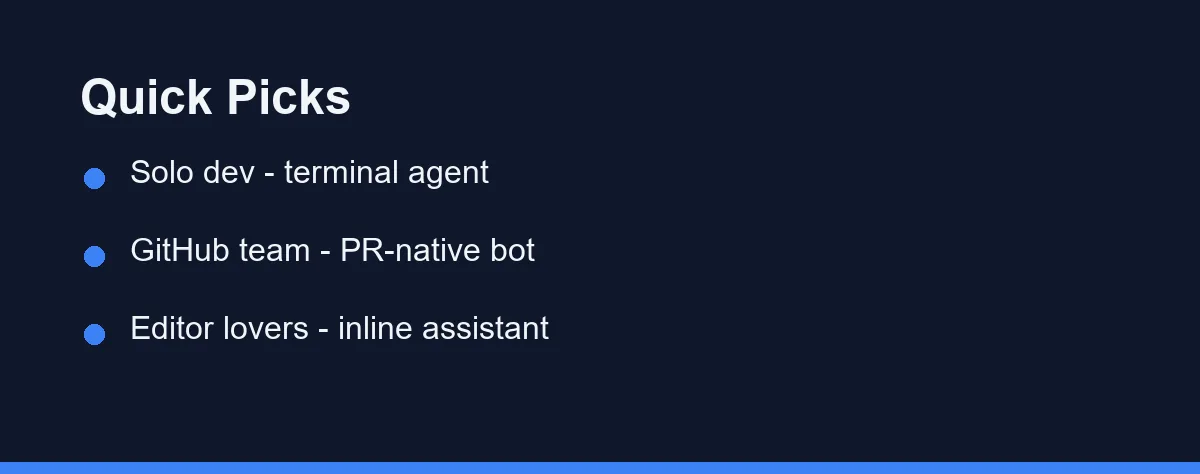
Start with where your team already works. The best tool is the one that fits your existing flow with the least friction.
If your team lives on GitHub, a Git-native bot or GitHub Copilot keeps review where pull requests happen. Comments appear automatically, and nobody has to change habits.
If you want deep, repository-wide audits, a terminal agent like Claude Code is a strong fit. It reads broadly and reasons across many files at once.
If your developers love their editor, an inline assistant such as Cursor keeps review close to the cursor. Feedback arrives before code ever leaves the editor.
Many teams combine two of these. A bot handles every pull request, while a terminal agent runs deeper audits before big releases.
Tips to Get Better AI Reviews
A few habits improve results with any of these tools. Clear input leads to clear feedback.
Keep pull requests small. Smaller diffs give the model tighter context and produce more focused comments.
Tell the tool what to prioritize. Ask for security, performance, or test coverage by name instead of a vague request.
Always pair AI review with a human pass. Use the bot for the first sweep, then let a person judge design and intent.
Finally, track which suggestions you accept. Over time this shows whether a tool earns its place in your workflow.
Verdicts by Team Type
The right tool depends on how your team already works. Here are direct picks for common setups.
Small team on GitHub: start with a Git-native bot such as CodeRabbit. It comments on every pull request automatically, which keeps a busy team consistent without changing anyone’s habits.
Solo developer or open-source maintainer: a terminal agent like Claude Code fits well. You run a deep review on demand before merging, and there is no per-seat bot to manage.
Editor-first team: an inline assistant such as Cursor keeps review next to the code, catching issues before a change ever reaches a pull request.
Regulated or privacy-sensitive org: prioritize tools with no-training guarantees and self-host or private-deployment options, even if that narrows the shortlist. Data handling outweighs convenience here.
Test-focused team: a test-aware tool like Qodo adds value by tying review feedback to coverage, flagging changes that lack matching tests.
Most maturing teams end up combining two: a bot on every pull request for consistency, plus a terminal agent for deep audits before major releases.
A Practical Layer, Not a Single Winner
AI code review tools have matured into a practical layer of modern development. They give fast, consistent feedback that helps both new and experienced developers.
There is no single winner for every team. Terminal agents excel at deep audits, Git-native bots automate every pull request, and editor tools keep review close to writing.
The smartest move is to match the tool to your workflow and test it on real changes for a week. Keep the one that saves the most time while still leaving final judgment to a human.
One layer below this sits the older question of rule-based scanning, which catches a different class of defect entirely. We compare the two in does static analysis still earn its place.
FAQ
What are AI code review tools?
They are tools that read a pull request or diff and flag bugs, risks, and style issues. They add a fast first pass before a human reviewer steps in.
Can AI code review replace human reviewers?
No. AI catches common issues early and saves time, but humans still judge design, intent, and business context that the model cannot fully see.
Are AI code review tools safe for private code?
It depends on the vendor. Check data handling, retention, and self-host options, and prefer tools that promise not to train on your private code. Treat privacy as a primary selection factor rather than an afterthought when the code is proprietary.
What is the best AI code review tool for a GitHub team?
A Git-native bot like CodeRabbit is usually the best fit, since it comments automatically on every pull request where your team already works. Pair it with a terminal agent for deeper audits before big releases if you need repo-wide depth.
Should I use more than one AI code review tool?
Yes, and many teams do. A common setup runs a Git-native bot on every pull request for consistency, plus a terminal agent for occasional deep, multi-file audits. The two cover fast routine feedback and thorough pre-release checks respectively.
Sources
- Anthropic pricing — checked 2026-09-07
- Cursor pricing — checked 2026-09-07
- GitHub Copilot plans — checked 2026-09-07
Some links may be affiliate links. We may earn a commission at no extra cost to you.
This article was written with AI assistance. It is researched and fact-checked, not based on personal hands-on testing unless explicitly stated.
Comments
Post a Comment