AI Coding Assistants for Data Scientists: What Works in a Notebook?
The Groupby Against Columns That Do Not Exist
Copilot in VS Code is the default here, at $10 per user per month. Setup is short, cell editing works, and completion suits repetitive cleaning and plotting. Reach past it when notebooks sit on a shared platform or the work spans many files. The catch is the same everywhere: the model cannot see your dataframe, only the code that made it.
Data work breaks the assumption most coding assistants are built on. Application code sits in files with imports at the top and functions below, while analysis lives in cells, in kernel memory, and in a dataframe nobody has described in writing.
That mismatch explains a common complaint. The same assistant that writes a clean API handler produces a confident groupby against columns that do not exist in your table.
The fix is rarely a different model. It is giving the assistant the context it cannot see, and knowing which parts of analysis work benefit from generated code at all.
This guide covers what changes in a notebook, which tools handle that environment seriously, and how to prompt with schema instead of guesswork. It also names the parts of the job where an assistant should not be trusted.
What Actually Moves the Needle
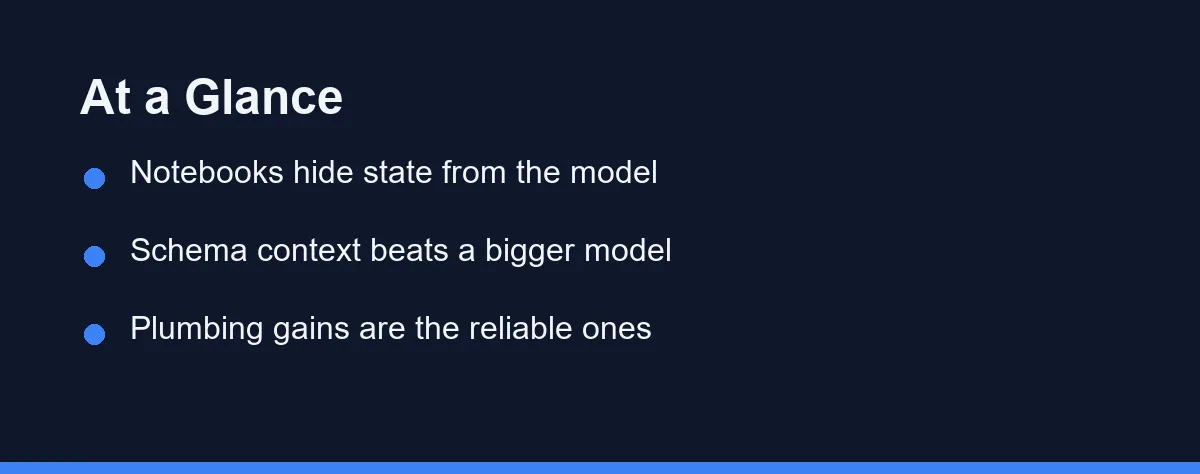
For most data scientists, a general assistant inside a notebook-capable IDE is the practical choice. GitHub Copilot in VS Code and Cursor both edit notebook cells directly and keep surrounding cells in context.
The larger win comes from how you prompt. Paste the output of a schema summary instead of describing columns from memory, and the suggestion quality changes more than switching tools would.
Reserve the assistant for plumbing and boilerplate, and keep judgment calls for yourself. Our best AI coding assistant for Python guide covers the broader tool landscape for Python work.
Why a Notebook Is Hostile Ground for a Model
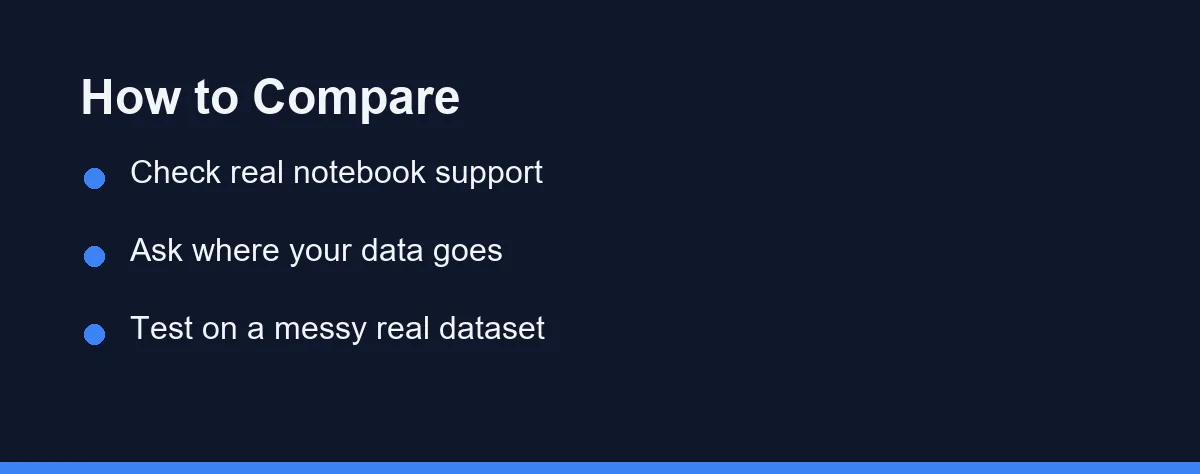
Start with genuine notebook support. Some tools edit .ipynb files as text, which breaks cell metadata and confuses output. Look for editors that understand cells, run them, and read the results back into context.
The deeper gap is what the assistant knows about your data. Tools that can read kernel state or accept pasted schema output produce far better transformations than tools working from column names in a filename. This single factor outweighs most benchmark differences.
Interaction style matters as well, because exploring is not the same as building a feature. Inline completion suits repetitive plotting and cleaning, while a chat panel suits “reshape this into a panel dataset” requests. Our AI code completion vs AI chat comparison explains the trade-off in detail.
Five Tools, Side by Side on Analysis Work
GitHub Copilot works inside VS Code notebooks, offering completion in cells and a chat panel with file context. Its strength is ubiquity and low setup, and its weakness is limited awareness of what is currently loaded in memory.
Cursor takes the editor-first approach, with strong multi-file context and an agent mode that edits across a project. Data teams who keep pipelines in scripts and notebooks together tend to prefer this shape, as covered in our GitHub Copilot vs Cursor comparison.
JetBrains AI serves PyCharm and DataSpell users who already live in that ecosystem. The integration reads project structure well, which helps when your analysis imports from an internal package rather than a single notebook.
Claude Code and similar terminal agents fit a different rhythm. They handle repository-wide refactors, script generation, and data pipeline chores from the command line rather than inside a cell.
Google Colab includes its own assistance for people who work entirely in hosted notebooks. It removes setup completely, though it ties you to that environment and its data handling terms.
The table lines those five up on the factors that matter for analysis work rather than application development.
| Tool | Notebook cell editing | Awareness of loaded data | Multi-file project context | Works offline from a local repo | Best fit |
|---|---|---|---|---|---|
| GitHub Copilot in VS Code | Yes, native cells | Limited, reads visible cells | Good | Editor local, model in cloud | Mixed notebook and script work |
| Cursor | Yes | Limited, reads visible cells | Strong across the project | Editor local, model in cloud | Analysis kept alongside code |
| JetBrains AI in PyCharm or DataSpell | Yes | Limited | Strong, understands imports | Editor local, model in cloud | Teams on JetBrains tooling |
| Claude Code in the terminal | Indirect, edits files | No kernel access | Strong across a repository | Local files, model in cloud | Pipelines and repo-wide chores |
| Google Colab assistance | Yes, hosted | Same session as your code | Weak outside the notebook | No, fully hosted | Quick hosted exploration |
The columns that separate these tools are project context and environment, not raw coding ability. Every option writes competent pandas; none of them knows your business definitions.
Prompting With Schema, Not Guesswork
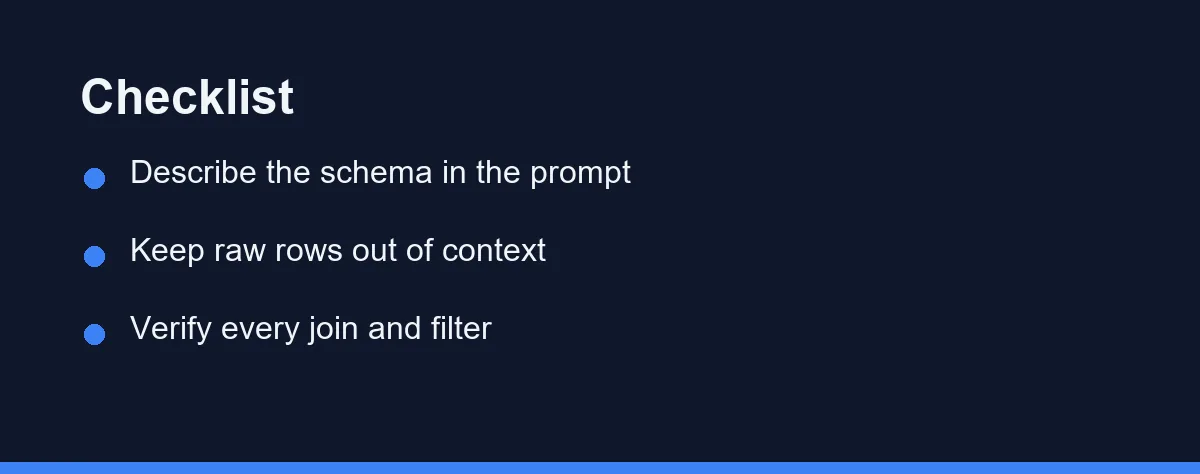
The highest-leverage habit is describing your data in the prompt. Run a compact summary and paste the output before asking for a transformation, so the assistant works from facts rather than column-name inference.
# Paste this output into the prompt before asking for a transformation
print(df.shape)
print(df.dtypes)
print(df.isna().sum())
print(df.head(3).to_string())
Trim the sample rows when the data is sensitive, and keep the dtypes and null counts. Those two lines carry most of the useful signal, and they rarely expose anything private.
Analysis code prints sample rows constantly, and those rows can hold personal or commercial data. Our AI coding assistant data privacy and security article covers the questions to ask before pointing a tool at real records.
State the grain of the table in words as well. Telling the assistant that each row is one order line rather than one order prevents the most common category of wrong aggregation.
Narrowing It Down Without Wasting a Month
Begin with where your analysis actually lives. Teams whose notebooks import from a shared internal library need project-wide context, while a solo analyst in hosted notebooks needs none of it.
Next, decide your data sensitivity line before you evaluate features. Regulated data changes the shortlist immediately, and it is easier to rule tools out first than to retrofit a policy later.
Then run the same real task through two candidates. Take a messy dataset you already understand, ask each tool for the same cleaning and aggregation, and check the output against a result you can verify. Demos on clean data tell you nothing.
Finally, weigh the cost of switching editors against the gain. Moving from a familiar IDE costs weeks of small friction, and the assistant advantage has to exceed that. Our how to choose an AI coding assistant for a small team guide walks through that decision for groups.
The Subscription Is Not the Expensive Part
Assistant pricing generally follows a per-user monthly subscription, with free tiers that are useful for evaluation and limited for daily work. Student and open-source discounts exist on several platforms, and team plans add administration and policy controls.
Confirm current pricing on the official GitHub Copilot, Cursor, and JetBrains AI sites before committing a team budget. At the time of writing, each vendor publishes tier details and data handling terms on its own pages.
The real expense is review time for generated analysis code. Every number that reaches a report needs checking against a result someone already trusts, and that work never appears on an invoice.
Wrong Answers That Run Without Error
The most common mistake is accepting a transformation because it runs. Silent joins that drop rows and filters that quietly exclude nulls produce clean output and wrong answers. Check row counts before and after every merge.
A second mistake is pasting large samples of real data into a prompt. Schema and dtypes carry the useful signal, while raw rows carry the risk. Build the habit early, because it is hard to retrofit.
A third mistake is asking for modeling advice without stating the evaluation setup. An assistant will happily suggest a model and metric that leak information across your split. Describe the split and the target definition explicitly.
Finally, do not let generated code accumulate without refactoring. Notebooks fill with near-duplicate cells that each work slightly differently, and the analysis becomes impossible to reproduce. Move stable steps into functions as soon as you repeat them.
Which Setup Fits Your Data Work
Analysts living in Jupyter on a laptop: Copilot inside VS Code is the pragmatic default. Setup is short, cell editing works, and the completion quality suits repetitive cleaning and plotting.
Notebooks that sit beside a shared codebase: Cursor or JetBrains AI fits better. Project-wide context matters when half the logic lives in an internal package.
Engineers building pipelines and scheduled jobs: a terminal agent such as Claude Code suits the work. Repository-wide edits, tests, and refactors are its natural shape, as our AI coding assistants for teams guide discusses.
Anyone handling regulated or personal data: the privacy terms decide the shortlist before any feature does. Settle that first, then compare the remaining tools on notebook support.
Teams working entirely in hosted notebooks: Colab assistance removes setup at the cost of portability. Read the data handling terms for your organization before it quietly becomes the default.
What You Are Actually Buying
An AI assistant is genuinely useful in data work, though not for the reason marketing suggests. The gain comes from faster plumbing and less boilerplate, not from better analysis judgment.
Pick a tool that edits notebooks natively and fits where your code already lives, then invest in the prompting habit. Describe the schema, state the grain, keep raw rows out of the context window, and verify every join against row counts. The assistant writes the code, and you remain responsible for whether the number is right.
FAQ
Why do coding assistants feel weaker in notebooks than in normal Python files?
A notebook's meaning depends on execution order and on variables that exist only in memory. An assistant reading the file sees cells and text, not the shape of the dataframe you loaded twenty minutes ago. Tools that read kernel state or accept pasted schema output close much of that gap.
Does the assistant see my data?
That depends on the tool and the plan, and it is the question to settle before installing anything. Cloud assistants send surrounding context to a server, which can include sample rows printed in a cell. Check the current data handling terms on the vendor site and prefer schema summaries over raw records in prompts.
Can an AI assistant handle pandas and SQL equally well?
Both are heavily represented in training data, so syntax help is strong for each. The weakness is business context, since column names rarely explain what a metric means. Assistants write the join quickly and cannot tell you the join is wrong for your definition of an active user.
Is a general coding assistant enough, or do data scientists need something specific?
General assistants cover most of the work, especially in an IDE that supports notebooks. The specific need is context about your data, which you supply through schema descriptions, docstrings, and consistent naming. Tooling matters less than the habit of giving the assistant that context.
Will an assistant help with the modeling part or only the plumbing?
Plumbing is where the reliable gains sit, including data cleaning, reshaping, plotting, and boilerplate for experiments. Model selection and evaluation still need judgment, because an assistant cannot see leakage in your split or bias in your sample.
Sources
- Cursor documentation — checked 2026-09-07
- GitHub Copilot documentation — checked 2026-09-07
- Claude Code documentation — checked 2026-09-07
Some links may be affiliate links. We may earn a commission at no extra cost to you.
This article was written with AI assistance. It is researched and fact-checked, not based on personal hands-on testing unless explicitly stated.
Comments
Post a Comment