Best AI Coding Assistant for Python Developers in 2026
Reads Like English, Fails Quietly
Python is the language where AI assistants both help the most and mislead the most. It reads like plain English, so suggestions look right at a glance. But a subtle indexing slip or a wrong pandas groupby can pass silently, which raises the stakes on the tool you choose.
There are more choices than ever in 2026, and they are not interchangeable. Some live in your editor and finish lines as you type. Others live in the terminal and reshape a whole package on command.
This guide compares the leading tools for Python work across autocomplete, refactoring, testing, and workflow. It also covers pricing shape and gives direct picks by developer type, so you can choose with confidence.
The Fast Call for Python Work
For inline autocomplete and quick edits, Cursor and GitHub Copilot are excellent in-editor choices.
For repository-wide refactors and automation, Claude Code leads with its terminal-based agent approach.
Many Python developers combine an in-editor tool with a terminal agent, and the table below shows where each one is strongest.
What Matters Most for Python
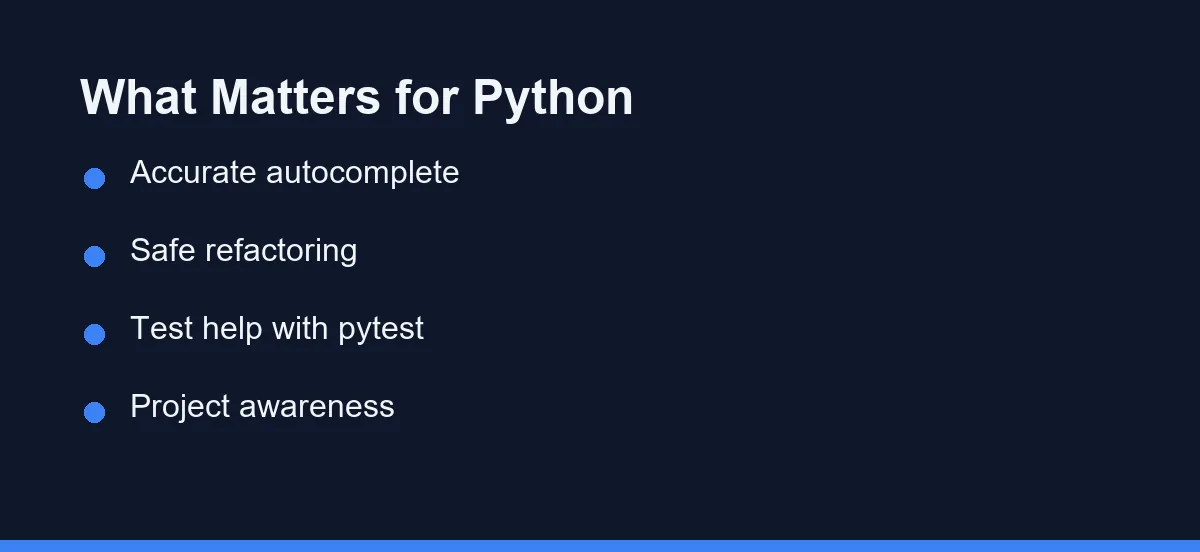
Not every feature matters equally for Python. A few capabilities make the biggest difference day to day.
- Accurate autocomplete that respects your imports and types.
- Safe refactoring across modules and packages.
- Help writing and updating tests with frameworks like pytest.
- Awareness of your project structure and dependencies.
The best tool for you is the one that handles these well for your style of work.
The Top Tools Compared

The table below summarizes how the leading assistants fit Python work.
| Tool | Form factor | Python strength | Test help | Best for |
|---|---|---|---|---|
| Cursor | AI-first editor | Fast inline edits and autocomplete | Quick single-file tests | Interactive coding |
| GitHub Copilot | Editor extension | Autocomplete across IDEs | Inline test drafting | Quick suggestions |
| Claude Code | Terminal agent | Repo-wide refactors and tests | Multi-module test passes | Large, multi-file tasks |
| Windsurf | AI-first editor | Guided edits and chat | Single-file tests | A clean editor flow |
| JetBrains AI (PyCharm) | IDE-integrated | Deep PyCharm tooling | Framework-aware tests | PyCharm-based teams |
Each tool handles Python well. The right pick depends on whether you prefer the editor or the terminal, and on the IDE you already trust.
Autocomplete and Inline Edits
For writing Python line by line, in-editor tools have the edge. Cursor and Copilot suggest completions as you type, which keeps small edits fast.
This is useful for everyday tasks, such as finishing a function, filling in a dictionary, or writing a quick loop. The suggestions stay close to your cursor and your current file.
If most of your time is spent typing and tweaking code by hand, an in-editor assistant will feel the most natural.
Refactoring Across Modules
Larger Python projects often need changes that span many files. Renaming a function, moving a class, or updating imports everywhere is tedious by hand.
This is where a terminal agent like Claude Code stands out. It reads the repository, plans the change, and edits the related files together.
# Example: a repo-wide refactor in a Python project
cd my-python-app
claude
# Then: "Rename the `Client` class to `ApiClient` across the package,
#        update all imports, and fix the affected tests."
For this kind of work, an agent that sees the whole project saves real time compared with editing each file by hand.
Writing and Updating Tests
Tests are central to good Python code, and AI tools help here in different ways.
In-editor tools are quick for a single test file. You can ask for a test next to the function you just wrote and review it inline.
A terminal agent is strong when tests span several modules. You can ask it to add coverage across a package and update fixtures in one pass. Whatever tool you use, read the generated tests to confirm they check the right behavior.
Working With Environments and Dependencies
Python projects rely on virtual environments and specific package versions. AI assistants can read your configuration, but they do not manage environments for you.
Make sure the tool runs against the right interpreter, especially in projects with multiple environments. A quick check of the active environment avoids confusing results.
When a tool suggests adding a dependency, confirm it fits your project and version constraints before you accept it. Treating suggestions as drafts keeps your environment clean.
Data Science and Notebooks
A large share of Python runs in notebooks and data work, and this area has its own quirks. AI assistants help here, but the review bar is higher.
In-editor tools speed up exploratory code. You can draft a pandas transform or a quick plot and refine it inline. That keeps a data analysis loop fast and interactive.
The catch is correctness. A model can produce code that runs cleanly yet computes the wrong thing, such as a subtle grouping or indexing error. Always check the output against a small, known example before trusting a result.
For heavier work across scripts and modules, a terminal agent can refactor a data pipeline and update its tests together. Notebooks themselves still need a human eye, since output cells and hidden state make automated edits riskier.
Verdicts by Python Developer Type
The best pick shifts with the kind of Python you write. Here are direct calls.
Web developer (Django or Flask): pair an in-editor tool for daily edits with Claude Code for changes that span models, views, and tests. The agent handles the cross-file sweeps.
Data scientist or analyst: start with Cursor or Copilot for fast, inline exploration, and review generated analysis code closely. Correctness matters more than speed here.
Beginner learning Python: choose Cursor or Copilot and treat it as a tutor. Read each suggestion and ask why it works, rather than accepting code you do not understand.
Automation or DevOps engineer: choose Claude Code. Its terminal-first design fits scripts, pipelines, and repeatable tasks better than an editor extension.
How to Choose for Your Workflow
Start from how you like to work. These questions point you to the right tool.
- Do you spend most of your time typing code in an editor? Choose Cursor or Copilot.
- Do you handle large refactors or automate tasks? Choose Claude Code.
- Do you want both fast edits and big-change power? Use one of each.
For a broader overview, see our guide to the best AI coding assistants. To compare two popular picks directly, read our Claude Code vs Cursor comparison.
Tips to Get Better Python Results
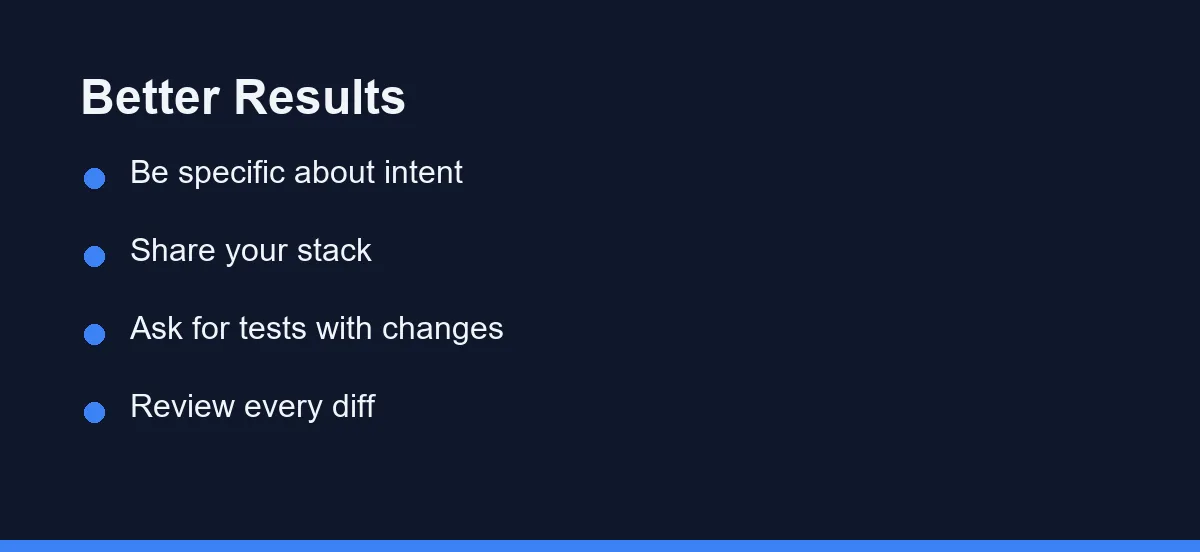
The tool matters, but how you prompt it matters just as much. A few habits lead to better Python output.
Be specific about intent. Instead of “clean this up,” say “add type hints and a docstring to this function.” Clear goals produce clear edits.
Share the right context. Mention the framework or library you use, such as Django or pandas, so suggestions match your stack.
Ask for tests with changes. When you request a refactor, ask for matching pytest updates in the same prompt to keep coverage intact.
Review every diff. AI output is a draft. Read it, run it, and confirm it behaves as expected before you commit.
Strengths and Trade-offs at a Glance
Each tool involves trade-offs for Python work. Here is a quick summary.
In-editor tools like Cursor and Copilot are fast and familiar. They keep you in flow for daily coding, but large refactors still need file-by-file guidance.
A terminal agent like Claude Code is powerful for whole-project changes and automation. The trade-off is a terminal-first style, which takes a little adjustment if you prefer a graphical editor.
For many Python developers, the sweet spot is using both. You get quick suggestions while writing and an agent that handles the heavier structural work when you need it. That balance covers the full range of Python tasks without forcing a single compromise.
Free Tiers, Then Roughly Twenty Dollars
Most of these tools offer a free tier, then paid plans that raise limits and unlock newer models. Claude Code uses usage-based access rather than a flat subscription. The table below shows rough monthly ranges at the time of writing, so confirm current pricing on each official site.
| Tool | Free tier | Typical paid plan (approx.) | Model type |
|---|---|---|---|
| Cursor | Yes, limited | ~$20/mo Pro | Flat subscription |
| GitHub Copilot | Yes, limited | ~$10/mo individual | Flat subscription |
| Windsurf | Yes, limited | ~$15/mo Pro | Flat subscription |
| Claude Code | Usage-based | Pay per usage | Usage-based |
| JetBrains AI | Limited | Add-on to IDE plan | Subscription add-on |
These figures are approximate and change often, so treat them as orientation, not a quote. Match the plan to how often you code. Heavy daily Python users get more from a paid tier, while occasional users can start free. For a closer look at one usage-based option, see our Claude Code pricing explainer.
Python Raises the Review Bar
There is no single best AI coding assistant for every Python developer, and that is the honest answer. Cursor and Copilot lead for in-editor work. Claude Code leads for repo-wide changes and automation. Windsurf and JetBrains AI round out the field for specific editors.
So match the tool to your habits rather than the hype. If you type code all day, an in-editor assistant will feel best. If you run big refactors and automation, a terminal agent will earn its place.
And remember that Python raises the review bar. A suggestion can run cleanly yet compute the wrong thing, so read every diff and check results against a known example. Try your shortlist on real work for a week, review each change, and keep the setup that makes you both fast and correct.
If JavaScript is also part of your stack, the trade-offs shift. Our companion guide to the best AI coding assistant for JavaScript covers framework fit and the mistakes these tools make in React and Node projects.
FAQ
What is the best AI coding assistant for Python?
It depends on your workflow. Cursor and Copilot lead for in-editor Python work, while Claude Code leads for repo-wide refactors and automation.
Do AI assistants understand Python virtual environments?
They can read your project files and configuration, but you still manage environments yourself. Always confirm the tool uses the right interpreter.
Are these tools good for data science in Python?
Yes. They help with scripts, notebooks, and libraries, though you should review generated analysis code carefully for correctness. Pandas and NumPy code in particular deserves a close read, since a subtle indexing error can pass silently.
Which AI assistant is best for a Python beginner?
Cursor and GitHub Copilot are usually the better first pick for beginners learning Python. Suggestions appear in context as you type, and you can ask why code works. Read each suggestion so the tool teaches rather than just types for you.
What about Django or Flask web development?
A terminal agent like Claude Code fits web frameworks well, since changes to a Django or Flask app often touch models, views, and tests at once. For quick edits inside a single view, an in-editor tool is faster.
Sources
- Anthropic pricing — checked 2026-09-07
- Cursor pricing — checked 2026-09-07
- GitHub Copilot plans — checked 2026-09-07
Some links may be affiliate links. We may earn a commission at no extra cost to you.
This article was written with AI assistance. It is researched and fact-checked, not based on personal hands-on testing unless explicitly stated.
Comments
Post a Comment