Claude Code Pricing Explained: Is It Worth the Cost?
The Cost Question Before the Value One
If you code daily on one project, the flat subscription wins. Predictable limits beat watching a meter, and the effective cost per task falls the more you use it. Occasional or bursty use is the case where paying for what you consume can work out cheaper. Price it against your own week rather than against the headline number, because the plans differ most at the edges.
Claude Code pricing is one of the first questions developers ask before they commit to the tool. The cost matters, but the real question is value.
This guide explains how Claude Code pricing works in plain terms. It covers the plans, the usage-based option, and what actually drives your monthly bill.
You will also see a clear comparison of the pricing models. By the end, you can decide whether Claude Code is worth the cost for your own workflow.
We keep prices qualitative on purpose. Numbers change often, so always confirm the latest figures on the official Anthropic pages before you buy.
How Claude Code Pricing Works
Claude Code is the command-line coding agent from Anthropic. You run it in your terminal and describe tasks in plain English.
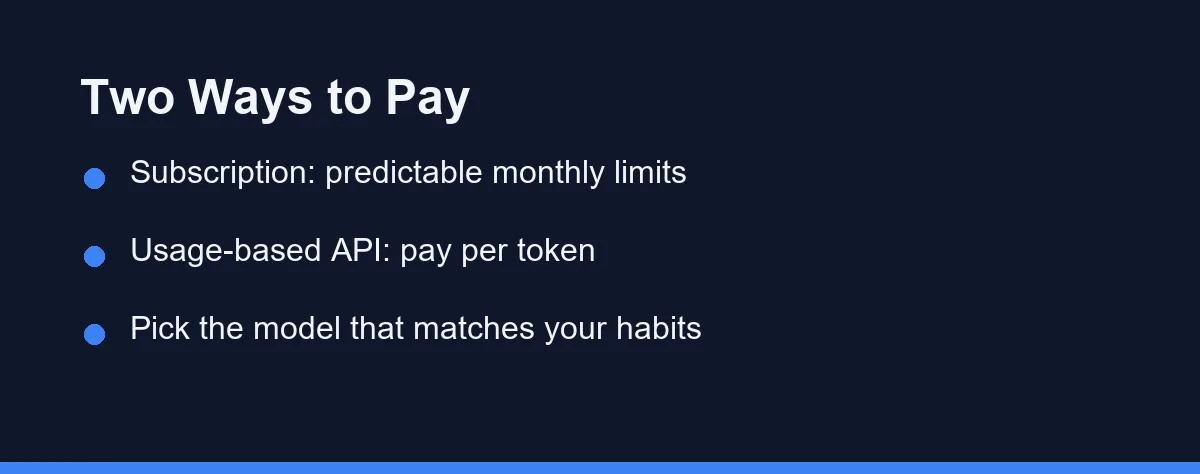
There are two main ways to pay for it. The first is a subscription plan, and the second is usage-based API access.
A subscription gives you a set of monthly limits for a flat fee. This makes your spending predictable, which many teams prefer for budgeting.
Usage-based access works differently. You pay for the tokens you consume, so a quiet month costs less and a busy month costs more.
Both options tap the same underlying models. The choice comes down to how steady your coding workload is from month to month.
For the official breakdown, check the Claude Code documentation. Plans and limits are updated there as they evolve.
Subscription vs Usage-Based Billing
The two models suit different kinds of developers. A subscription rewards consistent daily use, while usage-based billing rewards lighter, occasional use.
The table below summarizes the practical trade-offs. Use it to match a model to your habits.
| Factor | Subscription Plan | Usage-Based API |
|---|---|---|
| Billing style | Flat monthly fee | Pay per token used |
| Best for | Steady daily coders | Occasional or bursty use |
| Predictability | High, fixed budget | Variable, tracks activity |
| Cost in a quiet month | Same as a busy month | Lower, scales down |
| Cost in a heavy month | Capped by plan limits | Higher, scales up |
| Setup | Sign in and start | Manage an API key |
| Risk | Paying for unused capacity | Surprise spikes if unscoped |
Neither model is strictly better. The right pick depends on whether your usage is flat or spiky across a typical month.
If you code almost every day, a flat plan often feels cheaper per task. If you dip in now and then, paying by usage avoids wasted spend.
What Actually Drives Your Bill

Understanding the cost drivers helps you keep spending under control. A few factors move your bill more than others.
Project size matters first. Larger repositories mean more files in context, which uses more tokens per task.
Task length is next. A quick one-file fix is cheap, while a sprawling, multi-step refactor consumes far more.
Model choice also counts. More capable models cost more per token, so matching the model to the task helps a lot.
Output volume rounds out the list. Long generated files, big diffs, and verbose explanations all add to the total.
You can estimate rough usage before running a heavy job. The snippet below shows a simple way to think about token-based cost.
# A rough mental model for usage-based cost.
# Real prices change, so confirm current rates on the official pages.

input_tokens = 40_000      # files and instructions sent to the model
output_tokens = 8_000      # generated code, diffs, and explanations

# Imagine simple per-token rates (placeholders only).
input_rate = 0.000003      # cost per input token
output_rate = 0.000015     # cost per output token

estimated_cost = (input_tokens * input_rate) + (output_tokens * output_rate)
print(f"Estimated task cost: about ${estimated_cost:.2f}")
The exact rates here are placeholders. The point is the shape of the cost, not the specific dollar figure.
How to Keep Costs Predictable
You have real control over Claude Code spending. A few habits make your bill steadier and lower.
Scope your tasks tightly. Ask for one focused change instead of a vague, open-ended request that pulls in the whole repo.
Work in small steps for risky jobs. Request a change, review the diff, then continue, rather than chaining many edits blindly.
Choose the right model for the job. A lighter model handles simple edits well, and you save the powerful model for hard work.
Watch your limits and usage. Most plans show how much capacity you have left, which helps you avoid surprises.
If you are still setting things up, the Claude Code setup guide walks through the first steps. A clean setup makes it easier to monitor usage from day one.
Here is a simple terminal habit that keeps sessions focused and efficient.
# Start Claude Code inside a specific project, not your whole home folder
cd my-python-project
claude

# Then give a tight, scoped instruction, for example:
# "Refactor only auth.py to use the new token helper, and update its tests."
A narrow prompt like this sends less context. That keeps both the result and the cost more predictable.
Is Claude Code Worth It?
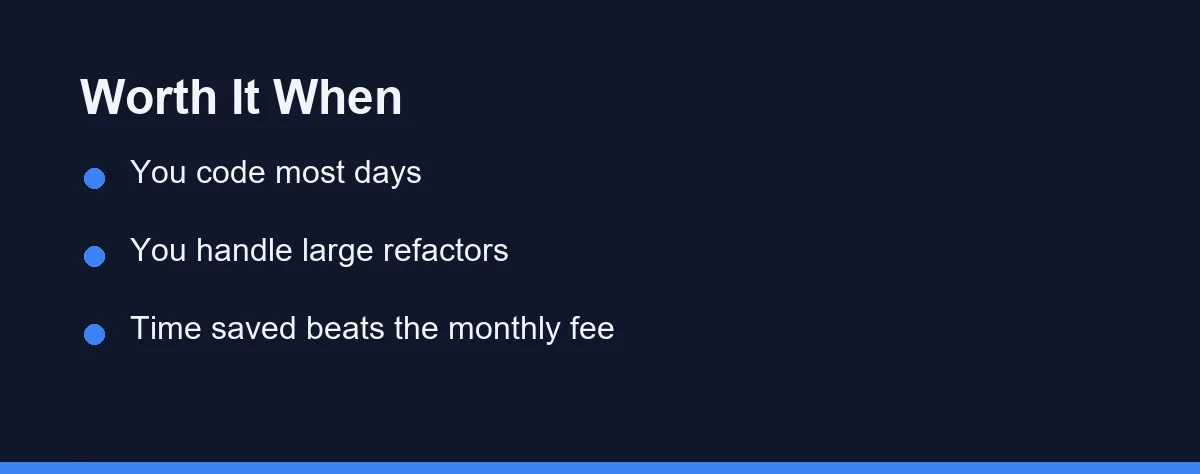
Value depends on how much you code and what you build. Cost only matters next to the time and effort it saves.
For developers who code most days, the math often favors Claude Code. One avoided hour of manual refactoring can outweigh a chunk of the monthly fee.
Large, multi-file work is where it shines. Renaming a function across many modules by hand is slow, and an agent does it in one coordinated pass.
Occasional users see a different picture. If you only touch code now and then, a lighter plan or pay-as-you-go access avoids paying for idle capacity.
Team context matters too. When several developers save time daily, the combined productivity gain usually clears the cost with room to spare.
The honest answer is that worth depends on usage. Heavy, repo-wide workflows tend to justify the price, while light use favors a smaller commitment.
How Claude Code Pricing Compares
Claude Code is not the only paid AI coding tool, and comparing models helps frame the cost. Most rivals also use subscriptions or usage-based billing.
Editor-based tools like Cursor blend a flat plan with usage limits. You can review current plans on the Cursor website before deciding.
GitHub Copilot uses a subscription model tied to your account. Details are listed on the GitHub Copilot page for the latest terms.
The key difference is form factor, not just price. Claude Code is a terminal agent built for repository-wide work, which changes how much value you get per dollar.
For a deeper look at strengths and limits, see our Claude Code review. It puts the pricing question in the context of real capabilities.
Tips Before You Subscribe
A little planning prevents buyer’s remorse. These steps help you choose the right plan with confidence.
Estimate your real usage first. Think about how many days a week you actually code and how big your projects tend to be.
Start smaller if you are unsure. You can move up to a larger plan once you see your true monthly pattern.
Confirm the current numbers directly. Pricing pages change, so verify plans and limits on the official Anthropic site before you pay.
Track your spending for a few weeks. Early monitoring tells you quickly whether a flat plan or usage billing fits you better.
Which Plan Fits Your Coding Volume
A daily coder on one main project. A flat subscription almost always wins. Predictable limits beat watching a token meter while you work, and the effective cost per task falls the more you use it.
A weekend or hobby developer. Usage-based access fits better. Quiet months cost close to nothing, which matters when the tool sits idle for weeks at a time.
A consultant billing several clients. Usage billing also makes cost allocation easier. You can map spending to a period of work instead of splitting one flat fee across unrelated projects.
A team running an evaluation. Put the pilot group on subscriptions so finance sees one predictable number. Move heavy automation to API billing later if scripted jobs come to dominate.
Automated jobs in continuous integration. These belong on usage-based access with a spending cap. Scripted runs repeat far more often than a human session, so an unwatched loop is the real budget risk.
Estimate Your Usage, Then Pick
Claude Code pricing comes in two clear shapes. A subscription gives predictable monthly costs, and usage-based access scales with your activity.
The right choice depends on how steady your coding is. Daily coders usually win with a flat plan, while occasional users lean toward pay-as-you-go.
Whether it is worth the cost comes down to value. For heavy, repository-wide work, the time saved often clears the price with ease.
Billing looks different again when the invoice is your own. Our guide to whether Claude Code is worth it for freelancers works through the hours-versus-subscription arithmetic that decides it for solo contractors.
If a plan you already pay for is the reason you are hesitating, moving is less painful than it looks. How to switch AI coding assistants without losing your setup covers what carries over and what you rebuild.
Estimate your usage, start at a sensible tier, and confirm the latest numbers on the official pages. With that approach, you can decide if Claude Code earns its place in your workflow.
Usage ceilings decide more than the monthly figure does. Our guide to why your assistant says you hit a limit explains what refills, what does not, and when a bigger plan is the wrong answer.
Token rates are only half the arithmetic on a metered plan. The other half is how much of the same prompt you pay for twice, which our breakdown of prompt caching and coding costs takes apart row by row.
FAQ
How does Claude Code pricing work?
Claude Code is available through Anthropic subscription plans and usage-based API access. Subscriptions give predictable monthly limits, while API billing charges by tokens used. Always confirm current numbers on the official pages.
Is Claude Code worth the cost for solo developers?
For developers who code most days, the time saved on refactors and tests often justifies the price. Occasional users may prefer a lighter plan or pay-as-you-go access to avoid paying for unused capacity.
Can I control how much Claude Code costs?
Yes. You can scope tasks tightly, work in smaller steps, and choose a plan that matches your real usage. Monitoring your token use and limits helps keep monthly spending predictable.
What is the difference between a Claude subscription and API key billing?
A subscription bundles Claude Code usage into a flat monthly plan with its own limits, and you simply sign in rather than manage keys. API access bills per token against an Anthropic account, so a heavy week costs more than a quiet one. Teams often prefer the flat plan for budgeting, while occasional users avoid paying for idle capacity. Confirm current pricing and limits on the official Anthropic site before choosing.
Why does the same kind of task sometimes cost more than it did before?
Cost tracks how much context the agent reads, not how hard the task feels to you. A long session accumulates conversation history, and every file the agent opens adds input tokens to each later turn. Starting a fresh session for an unrelated task, and naming the exact files you want changed, keeps that context small. Long generated output such as a large new file also adds to the total.
Sources
- Anthropic pricing — checked 2026-09-07
- Cursor pricing — checked 2026-09-07
- GitHub Copilot plans — checked 2026-09-07
Some links may be affiliate links. We may earn a commission at no extra cost to you.
This article was written with AI assistance. It is researched and fact-checked, not based on personal hands-on testing unless explicitly stated.
Comments
Post a Comment