How to Switch AI Coding Assistants Without Losing Your Setup

When a Better Tool Arrives Mid-Project
Budget one sprint of overlap and pick one authoritative tool. Install both, but let exactly one produce code that gets merged during the window. That is long enough to hit real tickets and short enough that you do not maintain two sets of rules forever. Move the rules file first, because it is the part that actually carries your conventions across.
Most teams never chose their AI assistant in a careful bake-off. Someone tried the tool a colleague mentioned, the trial went fine, and the default hardened into a habit.
Two quarters later something else looks stronger. That is when the real question surfaces: how much of the last six months of tuning has to be rebuilt from scratch?
The honest answer depends far less on the tools than on where your configuration lives. Part of it sits in your repository and moves for free. Part of it sits inside a vendor account and does not move at all.
This guide splits those two piles, then gives you a switching order that keeps the team shipping while the change happens.
The Short Version: Plan a Sprint, Not an Afternoon
Budget one sprint of overlap where both tools are installed and exactly one is authoritative for merged code. That window is long enough to hit real tickets and short enough that nobody forgets which tool is on trial.
Do the repository work first and the seat cancellation last. Almost every painful migration story runs that order backwards.
What Travels With You, and What Stays Behind

Configuration in your repository is portable by definition. Any tool you install next can read it, and it survives the vendor entirely.
That pile includes your instruction or rules file, your tests, your lint and formatter config, and the architecture notes that explain why the code looks the way it does. Adding a new assistant to a repo with these in place feels like onboarding a prepared hire.
The other pile lives in an account. Chat history, saved prompts stored in the vendor cloud, workspace indexes, org policy settings, and seat billing all sit there.
None of that pile transfers. You can rebuild policies and re-index a workspace, but you cannot carry the conversations, and no vendor offers an import path from a competitor.
There is a third cost that shows up in neither pile. Keyboard shortcuts, review reflexes, and the sense of when to accept a suggestion all reset when the interface changes, and that adjustment is measured in weeks rather than minutes.
Portability, Tool by Tool
The table below maps where each major tool keeps the things you would miss. Filenames and plan features change between releases, so confirm the current details in each vendor’s own documentation.
| What you configured | GitHub Copilot | Cursor | Claude Code | Windsurf (now Devin Desktop) |
|---|---|---|---|---|
| Project instruction file | .github/copilot-instructions.md |
rules files under .cursor |
CLAUDE.md in the repo |
rules under .devin/rules, with .windsurf/rules still read |
| Does that file travel? | Yes, it is committed | Yes, it is committed | Yes, it is committed | Yes, it is committed |
| Chat and session history | Vendor account | Vendor account | Local session files | Vendor account |
| MCP or external tool wiring | Agent-mode configuration | Project or global config | Project or user config | Plugin configuration |
| Editor you keep | Your existing IDE | A dedicated editor | Terminal, any editor | A dedicated editor |
| Team policy controls | Organisation admin | Team plan settings | Organisation settings | Team plan settings |
Read the fifth row before the first. Two of these tools ask you to change editors, and that decision touches every extension, theme, and shortcut your team has accumulated.
Anyone weighing the two editor-based options in more depth will find the trade-offs laid out in our Copilot and Cursor comparison.
A Migration Order That Avoids Rework
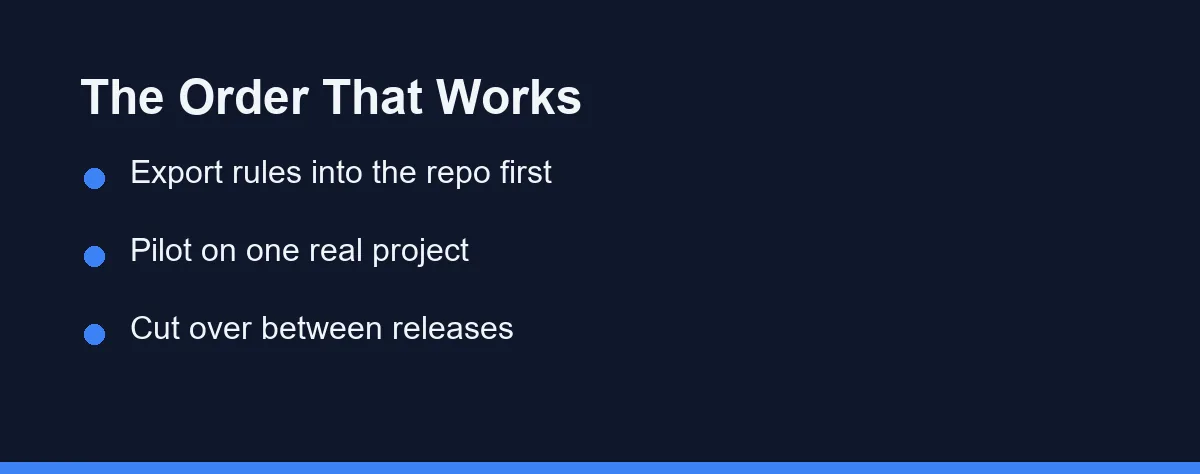
Export your prompt knowledge into the repository first. Open the old tool’s settings, copy every saved prompt and custom instruction into a markdown file, and commit it. This step costs an hour and makes everything after it reversible.
Write one canonical rules document. Keep the real content in a single file such as docs/ai-rules.md, then let each tool’s expected filename hold a short pointer or a copy generated from it. Our guide to coding standards an assistant will follow covers what belongs in that document.
Pilot on one real project, not a toy branch. Pick a repository with genuine legacy weight and give the new tool a sprint of ordinary tickets. Demo repositories flatter every assistant equally.
Compare on review outcomes, not on first impressions. Count how often suggestions survive review unchanged, how often they break tests, and how much context you had to re-explain. A tool that feels slower but produces fewer rework cycles is winning.
Cut over between releases. Pick a quiet week, switch the whole team on the same day, and keep the old seats alive for a fortnight as insurance.
Cancel deliberately, and read the terms once more. Confirm what the old vendor retains after cancellation, then remove the leftover config files so the next developer does not inherit two competing rule sets.
The Overlap Bill, and How to Keep It Small
Running two tools means paying twice for a period, and that is the correct price for a reversible decision. The size of the bill depends on the pricing model rather than the sticker.
Per-seat plans make overlap predictable, because doubling seats simply doubles a known number. As of October 2026, GitHub charges $19 per seat per month for Copilot Business, and Cursor lists Teams at $40 per user per month. Usage-based plans behave differently, since a team exploring a new tool tends to generate unusually heavy traffic in its first fortnight.
Keep the pilot to a small group when the new tool bills by usage. Three engineers on real tickets teach you more than fifteen engineers experimenting.
Pricing pages move often, so treat the figures above as a snapshot. Confirm current pricing on the official site before you commit a budget. Our breakdown of Claude Code pricing explains how the usage model differs from a flat seat, which is the distinction that matters when you budget an overlap.
The Handover File That Makes This Repeatable
Most of what an assistant needs to know about your project has nothing to do with the assistant. It is the same context a new hire would need in week one, written down once.
Keep it in the repository under a neutral name, then let each vendor’s expected file point at it. The structure below is deliberately boring, and boring is what survives a vendor change.
docs/ai-rules.md
  1. Stack and versions   Language, framework, build tool, test runner
  2. Boundaries           Directories the assistant must not edit
  3. House style          Naming, error handling, logging, comment density
  4. Test contract        Fix the code, never the expectation
  5. Review rules         What needs human sign-off before merge
  6. Known traps          Legacy corners that look wrong but are load-bearing
Section six earns its place quickly. Every codebase has a module that looks like an obvious refactor and is not, and an assistant with no memory of last year will propose that refactor on every tool you try.
Write the file for a competent stranger rather than for a model. Instructions that read naturally to a person tend to work across tools, while prompt tricks tuned to one vendor rarely survive the move.
How to Tell Whether the Pilot Actually Succeeded
Pick three numbers before the pilot starts and write them where the team can see them. Choosing metrics afterwards guarantees you find the ones that flatter a decision already made.
The first is survival: what share of accepted suggestions reach main without further edits. The second is rework: how often a change traced to the assistant broke a test or forced a follow-up fix.
The third is context tax, and it is the one teams forget. Count how often you re-explained something the tool should have read from the repository, because that number predicts its behaviour on your worst legacy module.
Two weeks of rough tallies beat a formal study nobody finishes. The goal is a comparison that is hard to argue with, not research.
Who Should Switch, and Who Should Stay Put
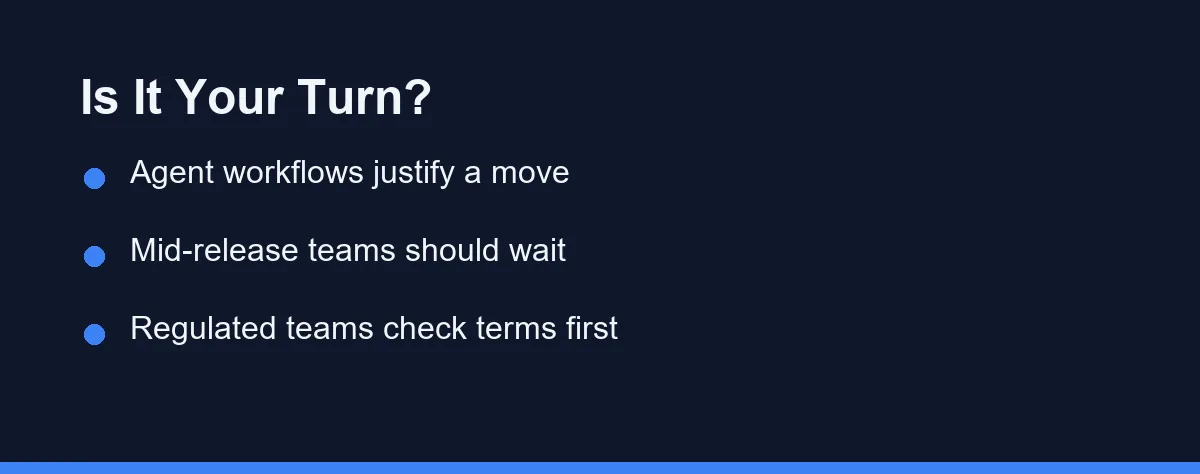
Teams outgrowing autocomplete: Switch. If most of your value now comes from multi-file changes and agent runs, a tool built around single-file completion will keep capping you.
Teams mid-release or mid-audit: Wait. The productivity dip during a switch is real and short, and it is the worst possible thing to introduce during a freeze.
Solo developers on personal projects: Switch freely and often. You carry no coordination cost, and trying three tools in a quarter is genuinely useful market research.
Regulated or privacy-sensitive teams: Investigate before you switch. Retention, training opt-outs, and data residency vary by vendor and plan, and our notes on assistant data privacy list the questions worth asking in writing.
Teams unhappy with output quality: Diagnose first. Poor results often trace back to a missing rules file or a repository the tool cannot navigate, and both problems follow you to the next vendor.
Teams switching because of one loud advocate: Slow down. Run the pilot with a sceptic on the panel, because a switch that only one person wants tends to get abandoned quietly within a month.
Failure Modes That Send Teams Back
Rules drift is the most common. Two instruction files fall out of sync, each tool reads a different one, and the codebase acquires two conflicting styles before anyone notices.
Switching during a release comes second. The new tool gets blamed for every incident that fortnight, fairly or not, and the trial ends before it produces usable evidence.
Underestimating the editor change costs more than teams expect. Moving to a dedicated editor means re-installing extensions, rebuilding shortcuts, and losing small workflow habits that were never written down.
Cancelling too early removes your fallback. Keep the old seats until the new tool has survived at least one incident and one large refactor.
Judging by vibes closes the set. Without a simple before-and-after measure, the decision reduces to whoever argues hardest, and our guide to measuring whether an assistant makes you faster offers a lighter measurement than most teams assume they need.
Make the Next Switch Cheaper Than This One
Every tool you adopt will eventually be replaced, so the goal is not picking a permanent winner. The goal is keeping your setup in a form the next tool can read.
Rules in the repository, standards in markdown, and tests that encode intent all belong to you rather than to a vendor. Anything you write into a vendor’s settings panel is a rental.
Do that consistently and the third migration takes an afternoon instead of a sprint. That portability is worth more than any single feature on a comparison table.
FAQ
Do I lose my chat history when I switch AI coding assistants?
Usually yes, at least in a usable form. Conversation history normally lives in the vendor account or in local session files, and no major tool exports it into a format a competitor can read. Treat anything you want to keep as documentation and move it into the repository before you cancel the old seat.
Can two AI coding assistants share the same rules file?
Yes, and it is the cheapest thing you can do. Write the real content once in a plain markdown file, then have each tool's expected instruction file point at it or repeat it. Confirm the current filename in each vendor's docs, because these names have changed more than once.
How long should I run both assistants in parallel before cancelling one?
Two weeks of overlap covers most teams, and one sprint is the useful unit. You need enough real tickets to see how the new tool behaves on your messy code, not just on a demo branch. Shorter trials mostly measure novelty.
Does switching tools change what happens to my source code?
It can, and this is the part teams skip. Retention windows, training opt-outs, and whether code leaves your region differ by vendor and by plan tier. Re-read the new tool's terms as a fresh decision rather than assuming parity with the old one.
Should one developer switch if the rest of the team stays?
Not on a shared codebase. Mixed assistants generate conflicting rules files and inconsistent commit style, and reviewers end up arbitrating tool preferences. A solo side project is a fine place for one developer to test the alternative.
Sources
- Anthropic pricing — checked 2026-09-07
- Cursor pricing — checked 2026-09-07
- GitHub Copilot plans — checked 2026-09-07
- GitHub Docs: Copilot plans — checked 2026-10-03
- Devin Desktop (formerly Windsurf) — checked 2026-10-03
- Devin Desktop docs: Memories and rules — checked 2026-10-03
Some links may be affiliate links. We may earn a commission at no extra cost to you.
This article was written with AI assistance. It is researched and fact-checked, not based on personal hands-on testing unless explicitly stated.
Comments
Post a Comment