How to Tell If an AI Assistant Actually Makes You Faster
Feeling Faster Is Not the Same as Being Faster
The short answer: trust your own four-week log. A sample size of one is a weakness everywhere except the question of whether this tool helps you. Count tasks finished and time to first working version, not lines produced, because generated lines are the thing the tool inflates. If output grows while understanding stalls, the measurement is telling you to change habits rather than tools.
Ask a developer whether the assistant speeds them up and the answer arrives instantly. It feels faster, the code appears in bursts, and the keyboard does less work.
Feelings are the wrong instrument here. The same research that finds developers reporting big speedups sometimes finds their measured completion times flat or worse on complex work.
The gap is not dishonesty. It is ordinary perception bias applied to a tool that changes how effort feels more than how long work takes.
So the question deserves a measurement, not a vibe. This article covers why intuition fails, which numbers deserve trust, and a four-week plan that answers the question for your own workload.
Why Developer Intuition Fails at Measuring Speed
Perception tracks effort, and assistants reshape effort dramatically. Watching code appear costs less strain than producing it, so the session registers as fast regardless of the clock.
Memory compounds the distortion. The dramatic save, meaning the function that materialised in one keystroke, sticks in memory, while the twenty minutes spent untangling a subtly wrong suggestion evaporates from the account.
Task switching hides in the total too. Prompting, waiting, reviewing, and re-prompting fragment attention in ways that never feel like cost at the moment they happen.
None of this is unique to coding tools. It is the standard reason self-reported productivity diverges from measured productivity everywhere, and it is why the honest answer starts with a log rather than an impression.
The Numbers Worth Tracking and the Ones That Lie
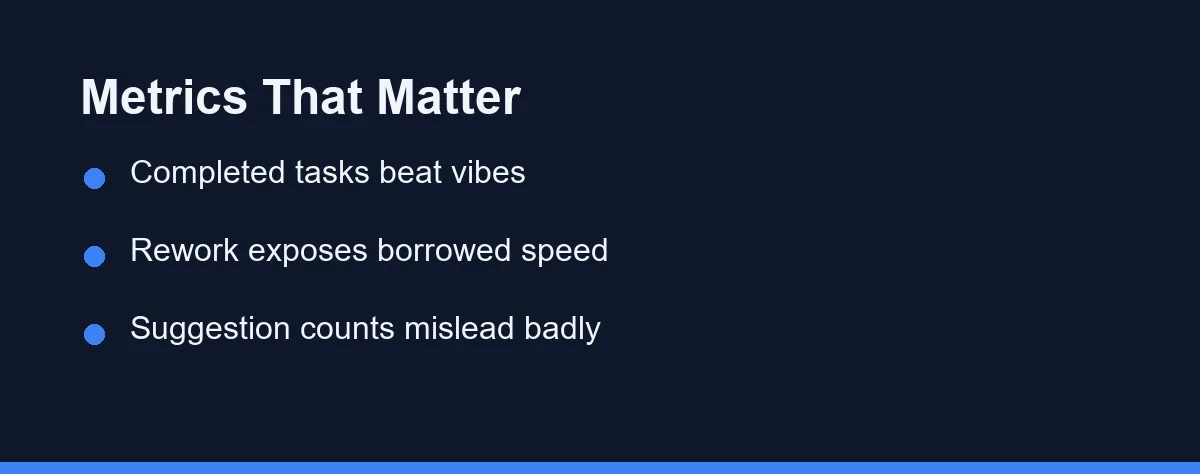
Not every available metric deserves your attention. The table separates the signals from the noise that tool dashboards love to display.
| Metric | What it tells you | The trap |
|---|---|---|
| Completed tasks per week | Real throughput on real work | Needs a comparable task mix |
| Rework rate on recent changes | Whether speed was borrowed | Shows up a week late |
| Time from start to merged | End-to-end delivery speed | Review queues add noise |
| Review time on your PRs | Cost your speed pushes to others | Depends on reviewer habits |
| Defects traced to new code | Quality cost of the pace | Slow to accumulate |
| Suggestions accepted per day | Almost nothing | Measures agreement, not value |
| Lines of code generated | Nothing at all | Rewards bloat directly |
The first two rows carry most of the weight. Throughput answers the headline question, and rework answers whether the throughput was real, since a fast merge that returns as three fix-ups was never fast.
The last two rows deserve active distrust. Acceptance rates and generated line counts are the numbers vendors surface most eagerly, and both rise easily while actual delivery stands still.
Quality sits behind all of it. Speed and quality trade against each other in ways that take weeks to surface, a relationship our look at whether AI pair programming improves code quality examines on its own.
A Four-Week Self-Measurement Plan That Costs Nothing
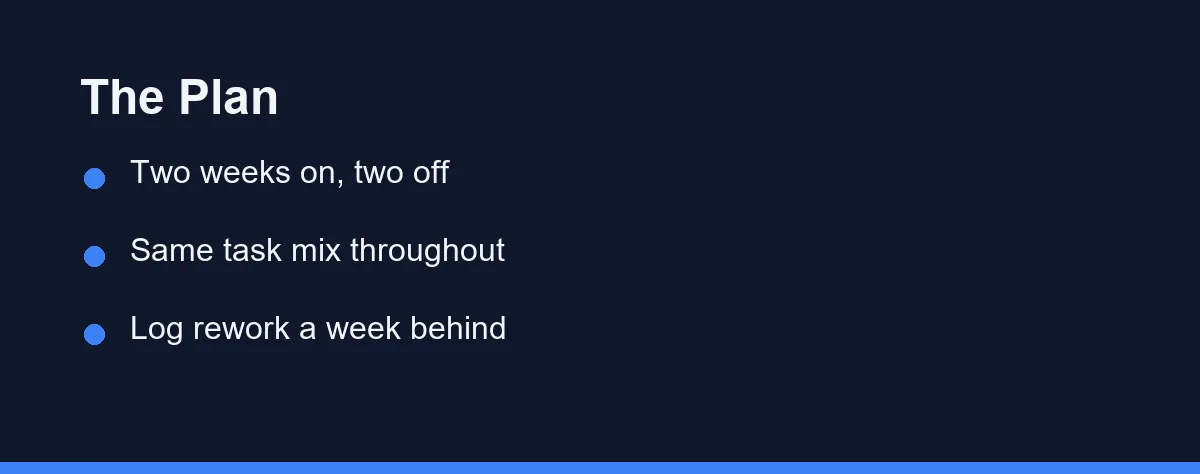
The plan needs a task log and nothing else. No time-tracking software, no telemetry, just a plain list kept honestly for a month.
Weeks one and two run without the assistant. Log each completed task with a one-line description, a rough size label of small, medium, or large, and the date it finished.
Weeks three and four run with the assistant on everything. Keep logging the same way, and resist the urge to pick friendlier tasks for the assisted period, since the comparison dies the moment the task mix drifts.
Throughout, log rework separately and a week behind. Any return to a task after it was called done, whether a bug, a review bounce, or a quiet rewrite, gets a tick against the original entry.
At the end, compare completed size-weighted tasks per week across the halves. Then compare rework ticks the same way, and read the two numbers together, because throughput up with rework up is a wash, not a win.
Developers unwilling to go two weeks cold can alternate instead. Assign the assistant to alternating tasks rather than alternating fortnights, which trades some cleanliness for a comparison that never leaves you unassisted on urgent work.
Either shape beats no measurement. The point is a written record of comparable work under both conditions, and any honest version of that record settles arguments that impressions never will.
How to Read the Results Without Fooling Yourself
Expect the difference to be smaller than the feeling. A tool that feels transformative commonly measures out at a modest single-digit or low-double-digit shift, and honest reading starts with accepting that scale.
Watch for the novelty effect in week three. New tools get enthusiasm, enthusiasm buys effort, and effort inflates the assisted half, which is one reason a second month of casual logging strengthens the verdict.
Split the reading by task type before concluding. Assistants routinely speed up boilerplate, tests, and unfamiliar territory while slowing down deep work in code you know well, and a single average hides exactly that split. The pattern mirrors the trade-offs in our comparison of AI pair programming and solo coding, where the same tool helps and hinders by context.
And keep the non-speed benefits in the ledger as words rather than numbers. Lower fatigue on dull work and easier starts on strange codebases are real, they are just answers to a different question than faster.
Who Should Trust Which Measurement
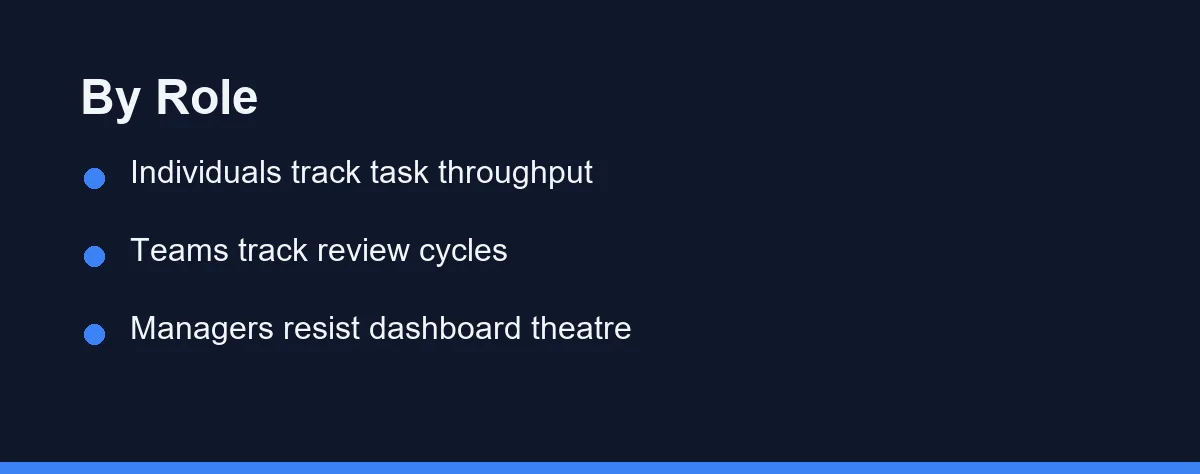
Individual developer deciding on a subscription: Trust your own four-week log over any published study. Sample size of one is a weakness everywhere except the question of whether the tool helps you.
Tech lead evaluating for a team: Trust merged-work throughput and review-time trends across the group, never self-reports. Run the trial on the team you have, since results vary sharply by codebase.
Manager reading vendor dashboards: Trust almost none of it. Acceptance rates and generated-line counts are engagement metrics wearing productivity costumes, and decisions built on them inherit the costume.
Freelancer billing by delivery: Trust revenue per week against hours worked, the one metric that closes the loop entirely. Subscription cost sits directly in the same ledger, and our Claude Code pricing breakdown shows how to model that side.
Beginner learning to code: Distrust speed measurement altogether for now. Your baseline moves week to week as you learn, so no comparison window is clean, and learning outcomes matter more than throughput at this stage.
The Measurement Errors That Produce Confident Nonsense
Choosing easier tasks during the assisted period is the classic self-deception. It happens without intent, since reaching for the tool feels natural on tasks the tool suits, and it silently rigs the comparison.
Measuring for three days comes next. Task variance across a working week is enormous, and any window short enough to remember clearly is short enough to mislead completely.
Counting output instead of outcomes is the third error. More code, more commits, and more pull requests all rise under generation without a single user-visible improvement shipping sooner.
Ignoring the review side hides a real cost. If your throughput rose while your reviewers slowed under a heavier load of plausible-looking code, the team number may be flat while your personal number celebrates.
The last error is ending the experiment once it gives the answer you wanted. A result you like deserves the same second month of confirmation as a result you hate.
Each of these errors shares one shape. They all replace an uncomfortable comparison with a comfortable one, and the discipline of writing the log before forming the opinion is the only reliable antidote.
Decide With a Number, Renew With a Number
The subscription question deserves the same rigour as any other engineering decision. Four weeks of honest logging answers it more reliably than any review, any benchmark, or any feeling.
Notice what the measurement quietly buys beyond the verdict. A task log with size labels and rework marks improves estimation and review habits on its own, so the experiment pays for itself even before the tool question resolves.
Whatever the verdict, date it. Tools change fast, your codebase changes with them, and a measurement from last year describes a pairing that no longer exists.
So re-run the month once a year or after any major tool change. The developers who get real value from assistants are the ones who know what that value measures, in their own log, on their own work.
A published benchmark score is the other number teams reach for, and it answers a far narrower question than your own log does. What SWE-bench Verified measures covers the 500 Python tasks behind that percentage and where it stops applying.
FAQ
Why does an AI assistant feel faster even when it is not?
Because typing less feels like working less, and the brain reads reduced effort as increased speed. Waiting on suggestions, reviewing output, and fixing subtle errors are less memorable than the typing they replaced. The felt experience systematically overweights the visible savings.
Do studies show AI assistants make developers faster?
Published research points both directions, with speedups on greenfield and boilerplate tasks and slowdowns reported on complex work in mature codebases. That split is exactly why personal measurement matters. Your codebase and your task mix decide which study you resemble.
What single metric works best for an individual developer?
Completed tasks per week is the headline number, backed by rework rate on the same tasks. Speed that creates downstream fixing is borrowed time, not saved time. Tracking both keeps the borrowing visible.
How long should a self-measurement run before trusting it?
Four weeks gives a fair signal for an individual, split between assisted and unassisted periods on comparable work. Shorter windows drown in task variance and novelty effects. Teams comparing across members need longer, since between-person differences dwarf tool effects.
Is it worth keeping the assistant if the numbers show no speedup?
No, and that is a finding rather than a failure. Many developers keep assistants for the reduced mental load on dull work even when throughput barely moves. Deciding that consciously beats assuming a speedup that never happened.
Sources
- SWE-bench — checked 2026-09-07
Some links may be affiliate links. We may earn a commission at no extra cost to you.
This article was written with AI assistance. It is researched and fact-checked, not based on personal hands-on testing unless explicitly stated.
Comments
Post a Comment