Does AI Pair Programming Improve Code Quality?
The Question Speed Metrics Cannot Answer
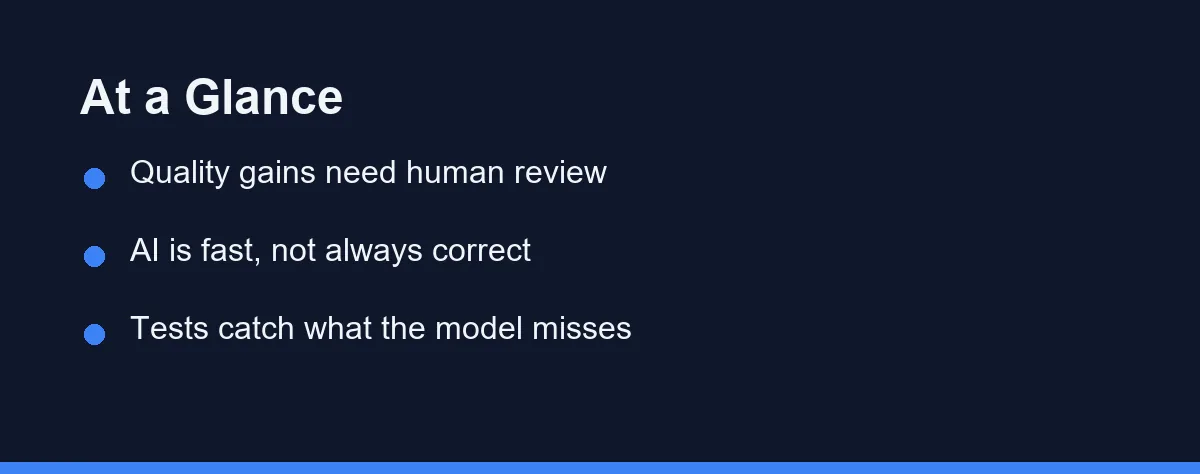
The short answer: it depends who reviews the output. Senior developers on a familiar codebase usually see a real gain, because they already know what correct looks like. Juniors on unfamiliar code often see the opposite, since plausible-looking output passes an inexperienced review. Quality follows review capacity, not the tool, which is why the same assistant helps one team and hurts another.
Every team that adopts an AI coding assistant notices the same thing first. Work goes faster. Boilerplate appears, tests scaffold themselves, and the blank-file feeling disappears.
Speed is easy to feel and easy to count. Quality is neither. It shows up months later as defect reports, confusing modules, and the cost of changing something nobody fully understands.
So the honest version of this question is narrower than it sounds. Does the finished software get better, or does it just arrive sooner? Our AI pair programming explained guide covers the mechanics if the workflow itself is new to you.
What “Quality” Actually Means Here
Arguments about this topic collapse because people measure different things. Pin the definition down first.
Correctness is the obvious axis. Does the code do what the ticket asked, including the cases nobody wrote down?
Maintainability is the expensive axis. Six months on, can a different developer read the module and change it safely? Generated code tends to be verbose and locally sensible, which reads fine today and adds friction later.
Consistency is the axis teams forget. A codebase where four developers each accepted a different assistant’s idea of the house style is harder to work in than one with a boring, uniform convention.
Where the Gains Are Real
Three areas improve consistently, and they share a trait. They are all things a human knows how to do but skips under deadline pressure.
Test coverage is the clearest. Asking for edge cases around a function you just wrote takes seconds, and the assistant proposes the null, empty, boundary, and unicode cases you meant to add later. Our best AI tools for writing unit tests guide goes deeper on that workflow.
Boilerplate quality improves too. Error handling, logging, and argument validation get written properly instead of stubbed out, because writing them properly now costs nothing.
Explanation is the underrated one. Asking an assistant to explain unfamiliar code before you change it prevents a category of bug that no linter catches. That is a quality gain even though it produces no code at all.
Where Quality Quietly Drops
The losses are less visible, which is exactly why they matter.
Volume is the first problem. An assistant makes writing more code cheap, so more code gets written. More code means more surface area, more dependencies, and more to maintain, even when every individual line is fine.
Plausibility is the second. Generated code reads as though someone competent wrote it, so it passes the glance test that a human’s rushed draft would fail. Reviewers skim what looks confident.
Convergence is the third. Suggestions pull toward the most common pattern in the training data, which is not always the right pattern for your architecture. Teams drift toward generic solutions without deciding to.
The Review Habit That Decides the Outcome
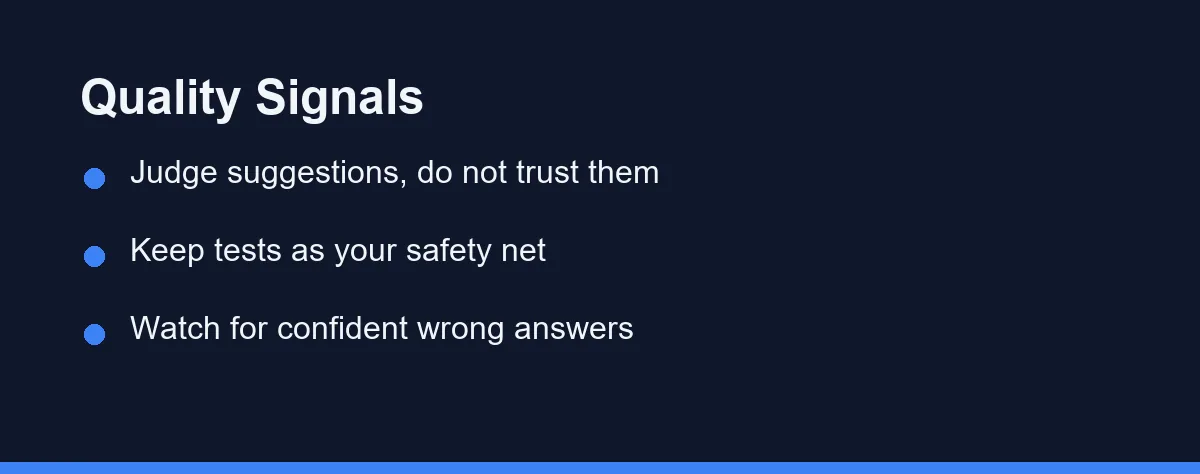
Everything above resolves at one point: whether a person genuinely reads the suggestion before accepting it.
That sounds obvious and is widely ignored. The failure mode is not laziness but rhythm. Tab-accept is fast enough that reading breaks the flow, so people stop reading.
One rule fixes most of it. Anything longer than a few lines gets read out loud in your head before it lands, and anything you could not have written yourself gets explained back to you first.
Teams that write this down do better than teams that assume it. A short policy in the contributing guide beats good intentions, and our how to choose an AI coding assistant for a small team guide covers the policy side.
Four Modes of Assistance, Four Different Risks
Each mode of assistance shifts quality in a different direction, and the review effort each demands is not the same.
| Assistant Type | Main Quality Gain | Main Quality Risk | Review Effort | Best Guardrail |
|---|---|---|---|---|
| Inline completion | Cleaner boilerplate and less typing | Tab-accept autopilot | Moderate | Read anything over three lines |
| Chat assistant | Understanding before editing | Copied answers that fit the question, not the codebase | Moderate | Ask it to explain, then write it yourself |
| Agent / multi-file | Large refactors that would not otherwise happen | Subtle flaws hidden in big diffs | High | Small scoped tasks, one commit each |
| Review-focused | Catches missed tests and known bug patterns | Blind to intent and business rules | Low | Treat findings as candidates, not verdicts |
The table points at one conclusion. Risk scales with the size of the unit you accept, not with the intelligence of the model.
Choose the mode that matches the failure you actually have. A developer who skips tests and a developer who rushes architecture need different help.
Tests Are the Only Cheap Safety Net
Reading every line is expensive and inconsistent. Tests are neither.
A suite that runs on every commit converts an unreadable diff into a pass or fail signal. That does not catch design problems, but it catches the confident wrong answers, which are the most common failure in this category.
The ordering matters more than people expect. Writing or reviewing the test before accepting the implementation keeps the assistant honest, because you have stated the expected behavior in code first.
Beware of one trap. Asking the same assistant to write both the implementation and its tests can produce a suite that confirms the bug rather than catching it.
What the Research Can and Cannot Tell You
Published work on AI-assisted development leans heavily toward speed. Task completion time is easy to instrument, so that is what most studies report, at the time of writing.
Defect rates and long-term maintenance costs are far harder to measure. They need longer windows, comparable teams, and agreement on what counts as a defect. Very little published work clears all three bars.
Treat any single headline figure with suspicion, whoever published it. Vendor benchmarks measure the workflows their product handles well, and academic studies usually run on tasks smaller than real work.
The practical response is to stop waiting for a definitive answer. Measure the thing on your own codebase, where the variables are yours.
Measuring It on Your Own Codebase
A useful trial takes a sprint, not an afternoon. Novelty distorts the first few days in both directions.
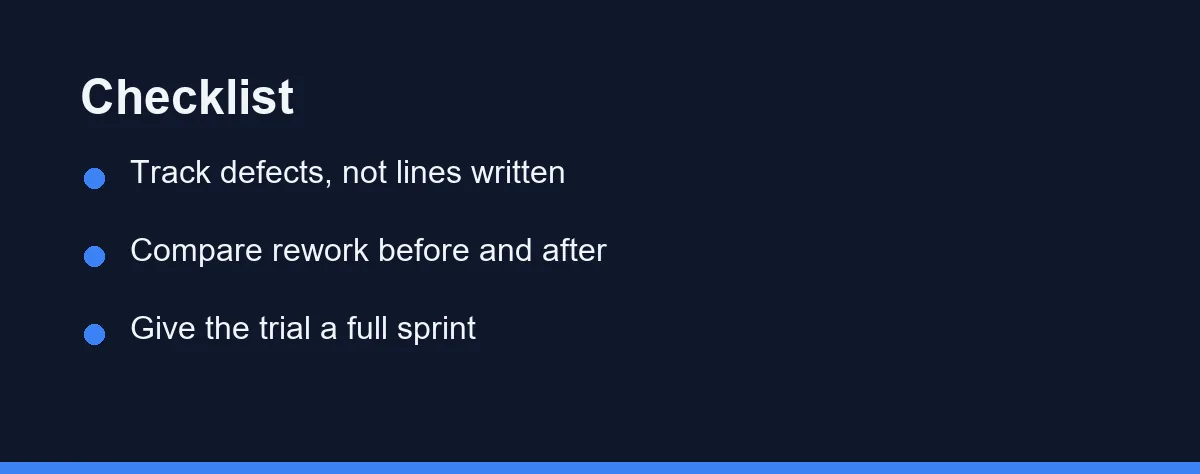
Pick three numbers you already track. Defects escaping to production, time spent on rework, and review comments per pull request all work, and all resist the speed illusion.
Record a baseline before the tool arrives, then compare the same window after. If defects fall while review comments rise, that is a healthy signal: people are looking harder and catching more.
Watch the shape of the change as well as its direction. Faster delivery with flat defect rates is a genuine win. Faster delivery with rising rework is the failure this whole article is about.
What Paying More Does and Does Not Buy
Free tiers exist across this category and cover a surprising amount of individual work. Confirm current pricing on the official site before you commit, since plans in this space change frequently.
Paid individual plans generally buy higher usage limits and access to stronger models. Stronger models make fewer obviously wrong suggestions, which reduces review load without removing it.
Team and enterprise tiers buy governance rather than quality directly. Policy controls, audit trails, and data handling agreements matter, and our AI coding assistant data privacy and security guide covers that ground.
Nothing on any pricing page buys review discipline. That remains the cheapest and most decisive input, and it costs nothing but attention.
Failure Modes Worth Naming
Four patterns account for most of the quality damage teams report.
Accepting without reading is the root cause of nearly everything else. It converts a drafting tool into an unreviewed contributor.
Trusting invented APIs comes second. Models produce function names and parameters that look right and do not exist, especially in fast-moving libraries.
Letting generated code set the house style comes third. Conventions should come from the team, with the assistant adapting to them rather than the reverse.
Judging the tool on output volume comes fourth. More code shipped is not the goal, and treating it as one guarantees the wrong outcome.
Which Developer Should Expect Which Result
Senior developers on a familiar codebase: Expect a real quality gain. You already know what correct looks like, so the assistant removes typing without removing judgment. The main risk is complacency on the days you are tired.
Junior developers still building fundamentals: Expect mixed results. The tool accelerates output and slows learning at the same time. Requiring yourself to explain every accepted line keeps the trade acceptable.
Small teams without formal review: Expect quality to move in whichever direction your habits already point. With no second reader, the assistant becomes the only reviewer, and it does not understand intent. A written acceptance rule matters more here than anywhere else.
Teams with strong tests and mandatory review: Expect the best outcome available. Your existing gates catch the confident wrong answers cheaply, so you keep the speed and absorb the risk.
Anyone working on security-critical or regulated code: Expect to slow down deliberately. Generated code in this context needs the same scrutiny as third-party code, and sometimes more.
The Honest Verdict
AI pair programming does not improve code quality on its own, and it does not damage it on its own either. It multiplies whatever process you bring to it.
Teams with tests, review, and a written rule about what gets accepted tend to come out ahead. Teams without those things ship their existing problems faster and blame the tool.
Start by naming the quality problem you actually have, then pick the assistant mode that attacks it. Measure defects and rework over a full sprint, not typing speed over an afternoon.
If you are weighing the workflow itself rather than the tooling, our AI pair programming vs solo coding comparison covers that decision directly.
FAQ
Does AI pair programming make code better?
It can, but the gain is conditional. Assistants reliably raise the floor on boilerplate, test scaffolding, and edge cases a tired developer would skip. They lower quality the moment suggestions land in a branch without a real read. The tool amplifies whatever review discipline you already have.
Can an AI assistant replace a human code reviewer?
No. An assistant flags patterns, not intent. It cannot know that a function violates a business rule agreed in a meeting, or that a shortcut is fine because the module ships to one internal user. Treat it as a fast junior partner whose output a human still owns.
What should I measure to know if quality improved?
Defect escape rate, rework, and review comment volume tell you far more than lines written or time saved. Speed metrics move first and look great. Quality metrics move later and decide whether the speed was real.
Are agent-generated multi-file changes riskier than inline completions?
Large generated blocks are the highest-risk output in this category. A subtle flaw hides more easily in eighty lines than in three. Ask for smaller units, or review agent output in chunks you can actually hold in your head.
What kind of mistakes do AI coding assistants make most often?
Confident wrong answers are the classic failure. Models invent function names, misuse API signatures, and reproduce patterns that were deprecated years ago. Verify anything unfamiliar against the official documentation before it ships.
Some links may be affiliate links. We may earn a commission at no extra cost to you.
This article was written with AI assistance. It is researched and fact-checked, not based on personal hands-on testing unless explicitly stated.
Comments
Post a Comment