AI Pair Programming vs Solo Coding: When Should You Use Each?
The Quiet Choice at the Keyboard
The short answer: pair for execution, work alone to learn. When the design is settled and the work is typing, an assistant removes the boring half. When you are learning a language or framework, write the core exercises yourself and use chat only to review what you produced. Asking why your version is wrong teaches more than accepting a finished answer.
Every developer eventually faces a quiet choice at the keyboard. Do you invite an AI assistant to pair with you, or do you work through the problem alone? Both paths can lead to good code by very different routes.
AI pair programming pairs you with an assistant that suggests, completes, and explains code as you type. Solo coding leans on your own knowledge, focus, and problem-solving. Each has clear strengths and just as clear trade-offs.
The debate is not really about which is universally better. It is about which fits the task in front of you. Reaching for the wrong approach can waste time or blunt your growth.
This guide compares AI pair programming and solo coding in practical terms. We look at speed, learning, focus, and code quality, and when each approach shines. By the end, you will know how to choose the right mode for the moment.
Speed on One Side, Depth on the Other
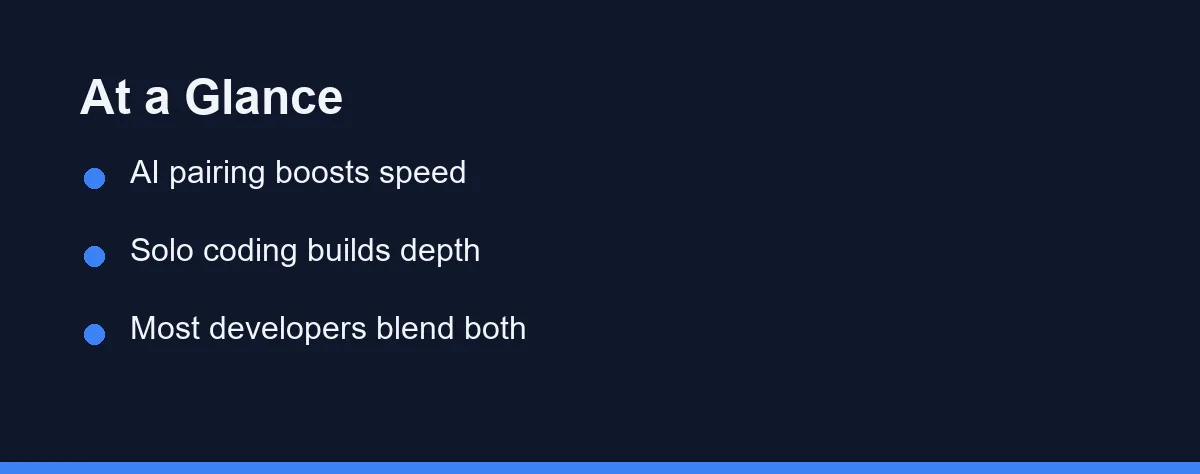
AI pair programming tends to win on speed and routine work, while solo coding wins on deep focus and skill building. Neither is best for every situation, and most experienced developers blend the two. The task should dictate the mode.
AI pairing accelerates the parts of coding that are repetitive or well-trodden. It fills boilerplate, suggests common patterns, and reduces time spent searching. For getting things done quickly, that help is substantial.
Solo coding preserves deep focus and forces genuine problem-solving. Working through hard logic alone builds intuition that no suggestion can hand you. For complex design and learning, that struggle has real value.
The honest answer is that they complement each other. Use AI for the routine and solo focus for the difficult, and you get the best of both. Our explainer on AI pair programming details how the paired workflow operates.
Six Signals That Point to a Mode
Start by considering the nature of the task. Routine, well-understood work suits AI assistance, while novel or intricate logic often rewards solo focus. The task type is the first signal.
Think about how much speed matters right now. Tight deadlines and repetitive code favor an AI assistant that keeps you moving. Careful, exploratory work may benefit from unhurried solo attention.
Weigh your learning goals against pure output. If your aim is to deepen a skill, coding alone builds it faster. If your aim is to ship, AI pairing removes friction. Our take on is Cursor worth it for solo developers explores this balance for one popular tool.
Consider the review burden either way. AI suggestions need checking for correctness, security, and fit. Solo code needs the same scrutiny, just without a second suggestion to compare against.
Look at how each mode affects your focus. Constant suggestions can help momentum or interrupt deep thought, depending on the person. Knowing your own concentration style guides the choice.
Finally, factor in the codebase and stakes. High-stakes or unfamiliar code may deserve slower solo reasoning, while familiar plumbing suits fast AI help. Match the method to the risk.
When the Assistant Earns Its Seat
When the task is boilerplate, glue code, or a familiar pattern, AI pairing shines. It writes the predictable parts quickly, letting you focus on the interesting decisions. For volume work, that speed compounds.
Assistants like GitHub Copilot and similar tools excel at filling in repetitive structures. They reduce the tedium that slows steady progress. That momentum keeps a project moving.
The trade-off is the need to review suggestions carefully. Fast output means little if it hides subtle bugs. Treat every suggestion as a draft to verify, not a finished answer.
When Silence Does More
When the problem is novel, intricate, or architectural, solo coding often serves better. Deep focus lets you reason through edge cases and design trade-offs. That uninterrupted thought is hard to replicate with constant suggestions.
Working alone also builds durable skill. Wrestling with a hard problem cements understanding that stays with you. For growth, that struggle is a feature, not a bug.
The trade-off is speed on routine parts. Doing everything by hand can be slower where an assistant would help. Reserve solo focus for the parts that genuinely need it.
Switching Modes Inside One Session
Most experienced developers switch between modes within a single session. They let AI handle plumbing and boilerplate, then go heads-down for the tricky core. This blend captures both speed and depth.
The skill is knowing when to switch. Recognizing routine versus demanding work lets you apply the right mode automatically. That judgment comes with practice.
The caution is not blurring the line carelessly. Leaning on AI for hard logic can erode understanding, while grinding through boilerplate wastes time. Deliberate switching beats defaulting to one mode.
The Two Modes, Row by Row

The table below summarizes how AI pair programming and solo coding compare on the factors that matter most. Use it as a quick reference, not a final verdict. The task in front of you still leads the decision.
| Factor | AI Pair Programming | Solo Coding |
|---|---|---|
| Speed on routine work | Fast, handles boilerplate | Slower, all by hand |
| Complex logic | Helpful but needs oversight | Deep focus, strong fit |
| Skill building | Reinforces if questioned | Builds durable intuition |
| Focus style | Suggestions aid momentum | Uninterrupted concentration |
| Review burden | Verify every suggestion | Verify your own code |
| Best use | Repetitive, familiar tasks | Novel, intricate problems |
Scanning the rows shows the split plainly. AI pairing leads on speed and routine work, while solo coding leads on depth and learning. The two solve different halves of the coding day.
For predictable, high-volume tasks, AI assistance removes friction. For hard, unfamiliar problems, solo focus produces better reasoning. The most productive developers move fluidly between them.
Classifying the Task Before You Start
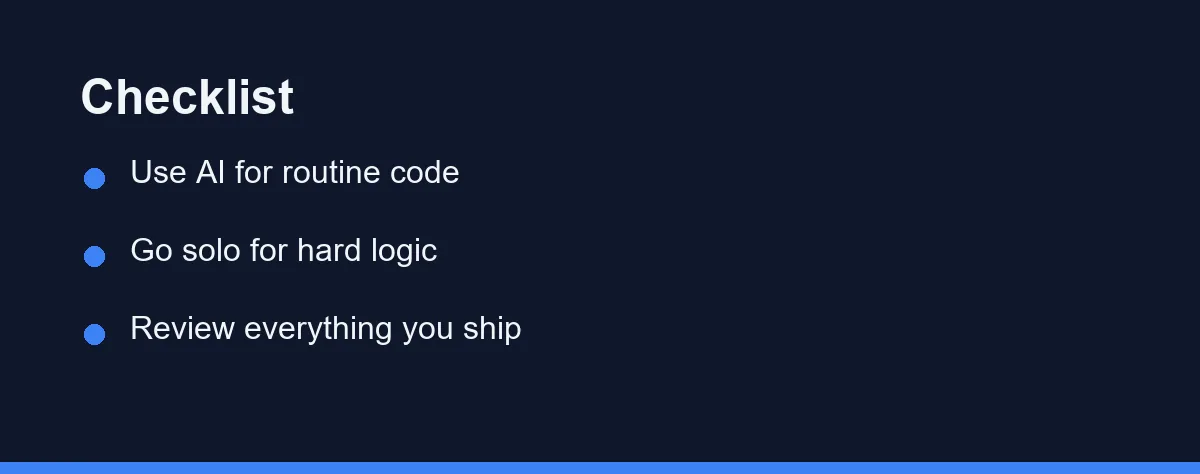
Begin by classifying the task as routine or demanding. Boilerplate and familiar patterns lean toward AI, while novel logic leans toward solo focus. That first read points you the right way.
Next, weigh your goal for this session. If shipping quickly matters, lean on the assistant. If deepening a skill matters, code the hard part yourself. The objective shapes the mode.
Then set a habit of reviewing everything you ship. AI suggestions and solo code both need checking for correctness and security. A consistent review step protects quality in either mode.
Consider your own focus style honestly. Some developers thrive with constant suggestions, while others need silence for hard problems. For a tool-specific read on that trade-off, our best AI coding tools for beginners guide is a useful starting point.
Finally, practice switching deliberately within a project. Let AI handle plumbing, then go solo for the core logic. That fluid blend tends to outperform rigidly choosing one approach.
What Each Mode Costs You
Solo coding has no direct tool cost beyond your editor, while AI pair programming usually involves a subscription or free tier, so the comparison is uneven. Many assistants offer free access, with paid plans unlocking more. Confirm current pricing on each official site, since these tiers move often.
Solo coding is essentially free at the tooling level. Your main investment is time and focus rather than money. That makes it the default baseline for cost.
AI assistants range from free tiers to paid subscriptions. Free access often covers light or student use, while professionals may pay for higher limits. The value depends on how much routine work you offload.
Comparing the two, the smart move is to try free AI tiers before subscribing. Confirm the assistant genuinely speeds your routine work first. Only pay if the time saved justifies the cost.
Watch for subscriptions that add features you may not use. Advanced capabilities matter more to heavy users. At the time of writing, every major vendor publishes its tiers and free-tier terms on its own site, so check there rather than trusting a summary.
Habits That Undercut Both Modes
A few habits lead developers to misuse either mode. Most are easy to correct once noticed.
Do not lean on AI for logic you do not understand. Accepting complex suggestions blindly erodes your grasp of the code. Reserve solo focus for problems you need to truly own.
Do not grind through pure boilerplate by hand out of habit. Refusing help on routine work wastes time an assistant could save. Match the tool to the tedium.
Do not skip review in either mode. AI output and solo code both hide bugs without scrutiny. A consistent review step is non-negotiable.
Do not let constant suggestions break your deep focus. If pairing interrupts hard thinking, switch it off for that stretch. Protect concentration when the problem demands it.
Do not treat the choice as permanent. The right mode changes task by task and even minute by minute. Stay flexible rather than defaulting to one approach.
Which Mode Fits the Work in Front of You
Learning a new language or framework. Code the core exercises yourself, then use chat to review what you wrote. Asking why your version is wrong teaches far more than accepting a finished answer.
Shipping a deadline-driven feature in familiar code. Turn the assistant on and let it draft the repetitive parts. Boilerplate, form handlers, and test scaffolding are where AI pairing recovers the most time.
Designing a new system or data model. Work alone first and sketch the shape before you type any code. Bring the assistant in once the structure holds, so its suggestions serve your design rather than replace it.
Debugging something you do not understand yet. Reproduce the failure yourself before you ask. An assistant working from the wrong context will produce a confident and useless explanation.
Maintaining code someone else wrote. Lean on chat for explanation and on solo focus for the change itself. Recovering the intent behind old code is the slow part, and that is exactly where a good explainer helps.
Flexibility Beats Loyalty
AI pair programming and solo coding are not rivals so much as tools for different jobs. AI pairing wins on speed and routine work, while solo coding wins on deep focus and skill building. The task in front of you decides which fits.
Lean on AI for boilerplate, familiar patterns, and momentum, and go solo for novel logic, architecture, and learning. Most strong developers switch between the two within a single session. That blend captures the strengths of both.
Whichever mode you use, review everything you ship and stay honest about your goals. Speed helps deadlines, while depth builds the skill that lasts. Balancing them serves you better than choosing one forever.
The best workflow is the flexible one that meets each task where it is. If you want the paired workflow in more detail, our AI pair programming explained guide walks through a full session.
FAQ
Is AI pair programming faster than coding alone?
For many tasks, AI pair programming can be faster because it handles boilerplate, suggests solutions, and reduces time spent searching. Solo coding can be faster for small, familiar problems where explaining context to a tool adds overhead. The speed edge depends on the task and your familiarity with it.
Does AI pair programming make you a better developer than coding alone?
Not necessarily. AI assistants speed up writing code but do not replace understanding, architecture decisions, or careful review. Coding solo builds deeper problem-solving skill, while AI pairing builds speed. Balancing both tends to serve developers best.
Can I combine AI pair programming with solo coding?
Yes, mixing both is common and often ideal. Many developers use AI for routine code and boilerplate, then switch to focused solo work for complex logic and design. The two approaches complement each other rather than competing directly.
Does AI pair programming help with debugging or only with writing new code?
It helps with both, in different ways. For a stack trace or a failing test, tools like GitHub Copilot chat or Claude Code can suggest likely causes and point at the relevant lines, which shortens the search. The risk is accepting a plausible explanation without checking it, so treat any diagnosis as a hypothesis to verify. Reproducing the bug yourself first usually makes the assistant far more useful.
How do I keep my own skills sharp while pairing with an AI every day?
Set aside part of your week for work you do without suggestions turned on, especially algorithms and design decisions. Switching off inline completion for an hour is enough to reveal which parts you no longer remember. Another habit is to explain every accepted suggestion in your own words before you commit it. Developers who can describe why a block works keep the understanding that blind acceptance erodes.
Some links may be affiliate links. We may earn a commission at no extra cost to you.
This article was written with AI assistance. It is researched and fact-checked, not based on personal hands-on testing unless explicitly stated.
Comments
Post a Comment