Cursor vs Windsurf: Which AI Code Editor Is Better in 2026?
Introduction
Cursor and Windsurf are two of the most talked-about AI code editors in 2026. Both are standalone editors, and both are built on the open-source VS Code base. That shared foundation makes them feel familiar the moment you open them.
The differences show up in how each tool approaches AI. Cursor leans toward giving you precise, manual control over edits. Windsurf pushes harder on automation through its agentic workflow. Neither approach is objectively better.
This guide compares the two specifically for developers deciding which editor to adopt as of mid-2026. It covers how each one works, where they differ, and how to try both without spending money.
Quick Answer
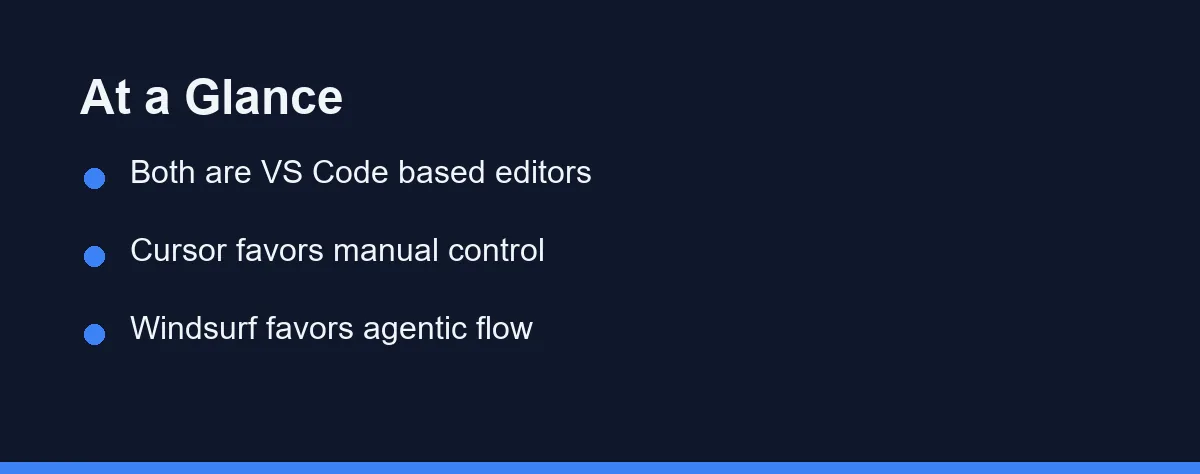
For developers who want tight control over every change, Cursor is usually the more comfortable fit. Its chat and inline editing let you review and steer each suggestion before it lands. That suits people who like to stay in the loop.
For developers who want the editor to handle more of the busywork, Windsurf is worth a serious look. Its Cascade flow can plan and apply multi-step changes across files with less manual prompting.
Weighing AI editors against plugin-based tools? Our GitHub Copilot vs Cursor guide covers that trade-off.
What to Look For
Choosing between two capable editors is less about feature counts and more about fit. The criteria below reflect what actually shapes your day-to-day experience. Judge each tool against these rather than marketing pages.
Editing Model
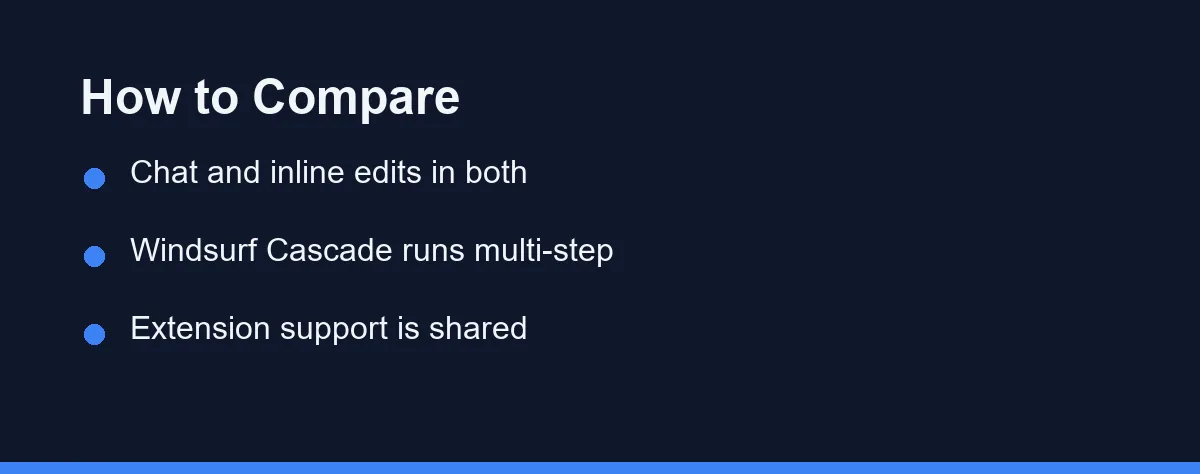
Cursor emphasizes inline edits and a chat panel that proposes changes you accept or reject. Windsurf offers the same building blocks but adds Cascade, an agent that chains steps together. Your preference for control versus automation matters most here.
Codebase Awareness
Both editors index your project so the AI can reference files beyond the one you have open. This context is what separates a modern AI editor from simple autocomplete. Larger projects benefit the most from strong indexing.
Extension Compatibility
Because both are built on VS Code, they support most familiar extensions, themes, and keybindings. That lowers the switching cost dramatically. You rarely have to rebuild your setup from scratch when you test either one.
Learning Curve
Cursor tends to feel immediately familiar to VS Code users. Windsurf’s agentic features can take a little longer to trust, since they do more on your behalf. Neither is hard, but the mental models differ.
How Each Editor Works
Cursor presents as a VS Code-style editor with AI woven in. You can highlight code and ask for a rewrite, chat about the project, or accept inline completions as you type. The emphasis is on quick, reviewable steps.
Windsurf shares that base experience but foregrounds its Cascade agent. Cascade can take a higher-level instruction and carry it across multiple files, proposing a sequence of edits. You still review the result, but more of the planning is automated.
In practice, the two tools converge on many features and diverge on philosophy. Cursor asks you to drive with assistance. Windsurf offers to drive while you supervise. Both keep you in control of what actually gets committed.
That difference in default posture is the real decision point. It is less about which has more features and more about how much autonomy you want the editor to take.
Feature Comparison
The table below summarizes the main differences from a practical standpoint. It is a judgment summary, not a benchmark, and specific capabilities evolve quickly.
| Aspect | Cursor | Windsurf |
|---|---|---|
| Base platform | VS Code fork | VS Code fork |
| Default posture | Manual, reviewable edits | Agentic, multi-step flow |
| Signature feature | Chat and inline edits | Cascade agent |
| Extension support | Broad (VS Code) | Broad (VS Code) |
| Best for | Staying in the loop | Delegating routine work |
The rows point to a consistent theme. Cursor optimizes for control, and Windsurf optimizes for automation.
Most other differences are smaller than they first appear. Both editors cover the everyday needs of writing, refactoring, and understanding code.
How to Choose

Start by installing both, since each offers a free tier. Spend a day in each on a real task rather than a toy example. The right choice usually becomes obvious once you feel the default workflow.
Pick Cursor if you like reviewing each change and steering the AI step by step. That control is reassuring on unfamiliar code and in production repositories. Many developers prefer this deliberate rhythm.
Pick Windsurf if you would rather describe an outcome and let the agent draft the steps. This shines on repetitive edits and scaffolding. You supervise instead of typing every change yourself.
Whichever you choose, keep one habit: read the proposed changes before accepting them. New to AI editors? Our Claude Code setup guide covers the same review-first mindset.
Pricing: What to Expect
Both Cursor and Windsurf have offered free tiers with usage limits, followed by paid plans that raise those limits and unlock newer models. Exact quotas and plan names have changed more than once and likely will again.
The practical takeaway is that you can evaluate both at no cost. Run your normal work through each free tier until you hit a wall that genuinely slows you down. Only then does paying make sense.
This guide avoids quoting specific prices because they shift faster than articles do. Confirm current plans on the official Cursor and Windsurf sites. Note the terms as of the date you check.
Conclusion
Cursor and Windsurf are both strong AI code editors in 2026, and the gap between them is mostly about philosophy. Cursor rewards developers who want control and reviewable steps. Windsurf rewards those who want to delegate multi-step work to an agent.
Because both are free to try and built on the same VS Code base, testing them costs only time. Install each, run a real task through it, and notice which default workflow feels right.
The best editor is the one that matches how you like to work, not the one with the longest feature list. Try both, trust your own experience, and upgrade only when a real limit tells you to.
FAQ
Is Cursor or Windsurf better in 2026?
For most developers, Cursor has the larger ecosystem and more mature chat workflow, while Windsurf leans on its agentic "Cascade" flow. The better pick depends on whether you prefer manual control or more automation.
Can I use both editors side by side?
Yes. Both are standalone editors built on the VS Code base, so you can install each one and keep your existing extensions and keybindings. Trying both before committing is the sensible approach.
Do I need to pay to try Cursor or Windsurf?
Both offer free tiers with usage limits, then paid plans for heavier use. Start on the free tier of each, and only pay once you hit a limit that actually blocks your daily work.
Some links may be affiliate links. We may earn a commission at no extra cost to you.
This article was written with AI assistance. It is researched and fact-checked, not based on personal hands-on testing unless explicitly stated.


댓글
댓글 쓰기