Per-Seat vs Usage-Based Pricing for AI Coding Tools
Why Two Bills for the Same Work
Two teams can adopt the same AI coding assistant, write roughly the same amount of code, and end the quarter with bills that differ by a factor of five. The tool did not change. The billing model did.
Vendors in this category have split into two camps. One sells a licence per developer at a fixed monthly rate, and the other meters what the model actually processes.
That split matters more than the feature comparisons that dominate most buying discussions. Features converge within a release cycle or two, while a billing model shapes how your team behaves for the whole contract.
This guide covers what each model charges for, where each one breaks, and how to pick the shape that matches how your engineers work rather than how the vendor prefers to sell.
The Short Version
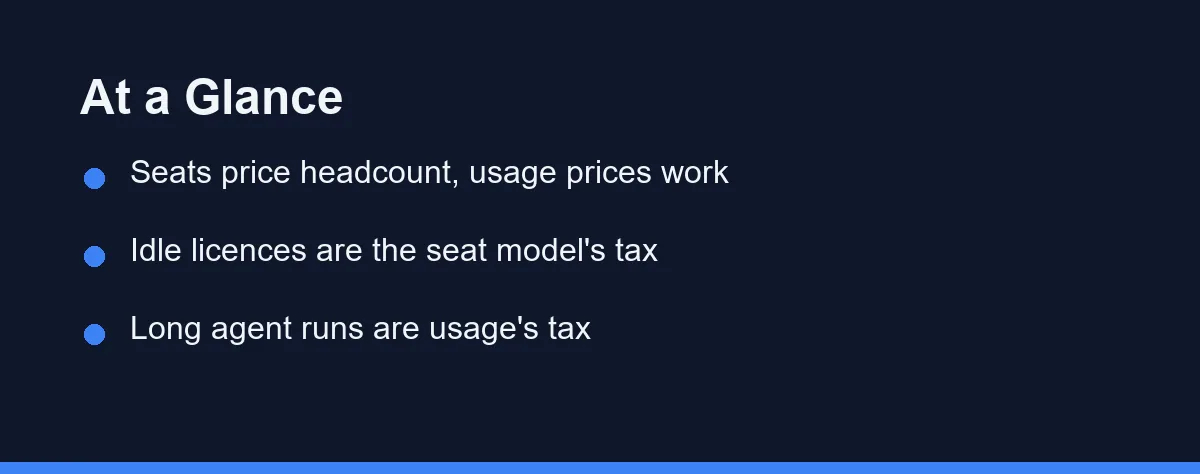
Per-seat pricing turns your bill into a headcount question. You pay the same whether a developer leans on the assistant all day or forgets it exists, which makes forecasting trivial and waste invisible.
Usage-based pricing turns your bill into a workload question. Heavy weeks cost more, quiet weeks cost less, and a single misconfigured agent can spend a month of budget overnight.
The deciding factor is rarely the headline rate. It is the ratio of active users to paid users, and the share of your work that runs as long agentic sessions rather than short completions.
Most teams above roughly twenty engineers end up with both. They buy seats for the steady daily flow and meter the automation that runs without a human in the loop.
How Each Model Charges
A seat licence grants one named person access for a billing period. The vendor absorbs the variance, so a developer who runs a hundred agent tasks costs the same as one who accepts a few autocomplete suggestions.
Usage billing meters tokens, requests, or agent actions. Input tokens carry the context you send, output tokens carry the reply, and most vendors price the two differently because they cost different amounts to serve.
The important detail hides in the input side. An agent that reads a directory before editing a file sends that whole directory as input, so the cost tracks how much code the model reads rather than how much it writes.
Hybrid plans sit between the two. They bundle an allowance into each seat and bill overage beyond it, which smooths small variance while still exposing you to a runaway job.
Rate limits are a third axis that buyers routinely miss. A cheap plan with a low request ceiling can stall a team mid-sprint, and the workaround is usually an upgrade rather than patience.
Pricing Models Side by Side
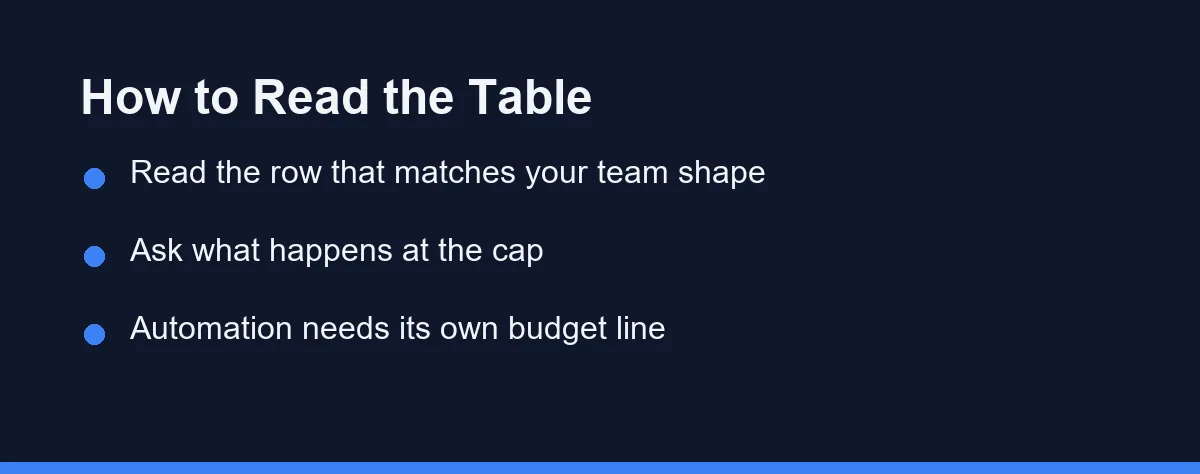
The table compares the structures rather than specific vendors, since published rates in this category change several times a year. Confirm current numbers on each vendor’s official pricing page before you budget.
| Billing model | What you pay for | Forecasting | Fails when | Typical fit |
|---|---|---|---|---|
| Flat per seat | A named licence per developer | Trivial and stable | Licences sit idle or usage is tiny | Stable teams with daily adoption |
| Usage metered | Tokens, requests, or agent actions | Hard without history | Long agent runs or automation loops | Bursty work, small active core |
| Hybrid seat plus overage | Seat with an included allowance | Stable until a busy sprint | Allowance masks the real run rate | Product teams with uneven weeks |
| Enterprise committed spend | A negotiated pool drawn down over a term | Predictable inside the term | Adoption undershoots the commitment | Large orgs with procurement cycles |
| Self-hosted or local model | Hardware, operations, and staff time | Fixed cost, hidden labour | Nobody owns maintenance | Strict data rules, sunk hardware |
Two rows carry most of the risk. Committed spend punishes you for optimism, because an unused commitment is money already gone rather than money saved.
Self-hosting looks free after the hardware purchase, which is exactly why the labour line goes unbudgeted. Our comparison of local and cloud AI coding assistants covers that trade in detail.
For vendor-specific structures, our breakdowns of Claude Code pricing and GitHub Copilot pricing walk through what each plan tier includes.
The published seat rates cluster tightly (as of Aug 2026). GitHub Copilot Pro is $10 per user per month, Cursor Pro is $20/month with Teams at $40 per user, and Claude Team Standard is $20 per seat per month billed annually, or $25 monthly. The hybrid row is already common too, since Copilot Pro bundles $15 of monthly credits and Copilot Pro+ at $39 bundles $70 before overage begins.
Where Usage Bills Spike
Context size drives cost more than question count. A one-line prompt that pulls in a large repository map can cost more than fifty short chat exchanges.
Retries multiply everything silently. When an agent fails a build and tries again, it re-reads the same files, so three attempts at one task cost roughly three times the input.
Long-running agents are the sharpest edge. A task left running against a large codebase can loop for hours, and the meter does not care that nobody is watching the terminal.
Automation is the quiet one. Review bots, nightly refactors, and pipeline hooks all bill to the same account as your engineers, and their spend accumulates on weekends when nobody checks.
Model choice inside a single tool changes the rate too. Many assistants let a user switch to a larger model mid-session, which can raise the cost of an identical task several times over.
Where Seat Bills Waste Money
Idle licences are the obvious leak. In most rollouts a meaningful share of seats go quiet within two months, and nobody reclaims them until renewal.
Contractors and short engagements make it worse. A six-week contractor on an annual seat costs the same as a permanent hire, and the licence rarely returns to the pool cleanly.
The subtler waste is behavioural. When usage carries no marginal cost, teams stop noticing that the assistant reads an entire monorepo for a two-line change, which is a latency problem before it becomes a bill.
Seat models also flatten the signal you need for capacity planning. You lose the per-task cost data that would tell you which workflows actually pay for themselves.
What Finance Actually Asks
Procurement rarely asks which model is cheaper. It asks whether the number can be predicted, defended, and capped.
That gives seat pricing a structural advantage in approval, even when metered billing would cost less. A fixed line item passes a budget review that a variable one does not.
The counter-argument that works is a cap with an alert. When you can show a hard ceiling, a named owner, and a weekly report, metered billing becomes as defensible as a licence.
Ask three questions before signing. What is the hard cap, who receives the alert, and what happens to running jobs when the cap is reached.
The answer to the third question separates vendors quickly. Some queue, some degrade to a smaller model, and some simply stop mid-task, which is the outcome you must plan around.
Who Should Pick Which
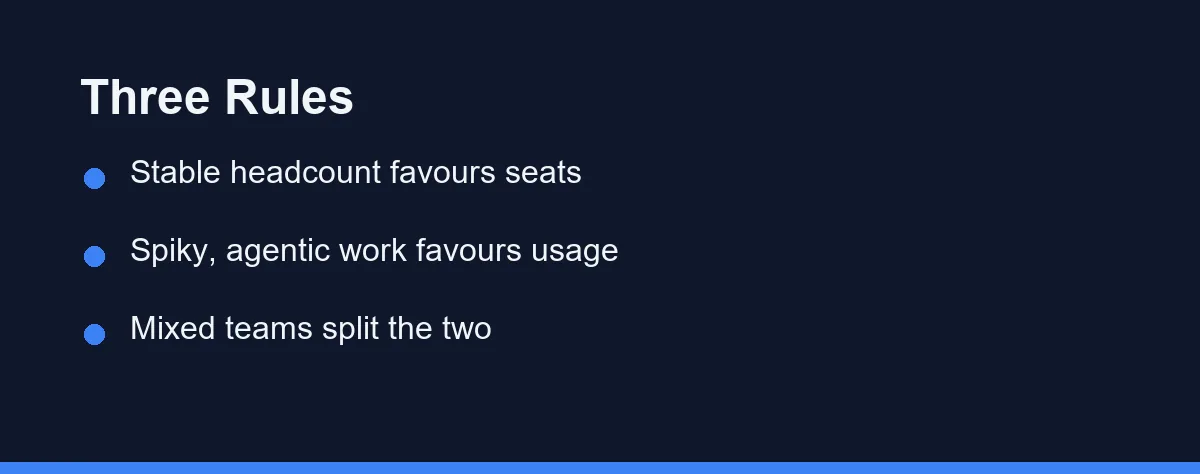
The five-person startup with daily adoption: Take seats. Everyone uses the tool every day, so metering adds accounting overhead without saving anything meaningful.
The agency with rotating contractors: Take usage or a hybrid plan. Headcount churns faster than a licence cycle, and paying for departed contractors is the dominant waste.
The team running heavy agentic refactors: Take seats if the vendor allows it, and read the fair-use terms carefully. Long autonomous runs are exactly the workload that metered plans price highest.
The platform team automating code review: Take usage with a separate key and budget. Automation belongs on its own line so a runaway loop never touches the developer budget.
The regulated organisation with strict data rules: Price the self-hosted route honestly, including the engineer who maintains it. Our guide to choosing an assistant for a small team covers the evaluation order.
The enterprise weighing a committed pool: Commit to less than your forecast. Overage on a low commitment costs less than a large commitment you never draw down.
Setting a Budget That Holds
Start with a thirty-day pilot on metered billing even when you expect to buy seats. The usage data tells you what your team actually does, which no vendor calculator can guess.
Then compute one number: cost per active developer per week. That single figure converts both models into the same unit and survives a renewal negotiation.
Split automation from people on day one. Separate keys make the eventual question of whether the review bot earns its keep answerable rather than theoretical.
Review idle seats monthly rather than annually. A quarterly sweep of accounts with no activity in thirty days usually returns more money than any negotiation.
Set the alert threshold below the cap, not at it. An alert that fires when the cap is already reached tells you about a problem you can no longer prevent.
Before You Sign
Read the overage clause before the feature list. Most disappointment in this category comes from the billing terms rather than the model quality.
Check whether unused allowance rolls over, because a plan that resets monthly punishes seasonal work patterns. Confirm the answer on the official terms page rather than in a sales conversation.
Ask how the vendor handles a mid-term switch between models. Teams that start on seats and grow into automation need a path that does not require a new contract.
Then pick for the shape of your team rather than the size of the discount. As of 2026 the rates in this category still move faster than annual contracts do, and the model that matches how you work will outlast whatever promotion is running this month.
On a usage plan there is one more variable worth modelling before you sign. Repeated context is billed on a different scale once caching is switched on, and our note on what prompt caching does to a coding bill works through the multipliers.
Modelling either plan means agreeing on the unit first, since seats hide it and usage exposes it. What a token is on an AI coding assistant bill sets out the arithmetic both sides of this comparison rest on.
FAQ
Is per-seat or usage-based pricing cheaper for a small development team?
Neither one wins on price alone. Per-seat costs more when half your licences sit idle, and usage billing costs more when a few engineers run long agentic sessions every day. Count active users first, then look at how those users actually work.
What makes usage-based AI coding costs jump without warning?
Token spend rises fastest with context size and retries, not with the number of questions asked. An agent that reads twenty files before editing one costs far more than a chat reply, and a failed run still consumes the input tokens it read.
Can you cap spending on a usage-based AI coding assistant?
Most vendors publish spend caps, per-user limits, or alerts on their billing pages, though the exact controls differ by plan and change often. Treat the cap as the feature you evaluate, not an afterthought. Confirm the current controls on the vendor's official pricing or documentation page before you commit.
What is a hybrid plan and who benefits from it?
Hybrid plans give each seat an included allowance and then bill overage. They suit teams with a stable headcount and uneven daily workloads, which describes most product teams. The risk is that the allowance hides the real cost until a busy sprint.
Does automated or background usage count against the same budget?
Yes, and it is the most common reason a bill surprises someone. Continuous integration jobs, review bots, and scheduled agents run without a person watching, so their spend accumulates quietly. Give automation its own key and its own budget line.
Sources
- GitHub Copilot plans — checked 2026-09-07
- Anthropic pricing — checked 2026-09-07
- GitHub Copilot documentation — checked 2026-09-07
Some links may be affiliate links. We may earn a commission at no extra cost to you.
How this article was made: it was drafted with AI assistance from the official sources listed above, and its figures were checked against those pages on the dates shown. It is not based on personal hands-on testing.
Comments
Post a Comment