How to Stop AI-Generated Code From Bloating Your Codebase
The Symptom Nobody Names
The short answer: make duplication visible before you argue about it. Assistants add rather than reuse, because reuse means knowing what already exists outside the current context window. A copy-paste detector in the pipeline turns a feeling into a threshold the pull request either meets or does not. Start the threshold just above where your repository sits today and lower it as you clean up.
Six months into using an assistant daily, a team notices something odd. The code passes review, the tests pass, and the repository has grown far faster than the feature list.
Nobody wrote anything obviously wrong. There are simply four date formatters, three ways to call the same API, and a utilities folder that nobody can summarise anymore.
This is the failure mode that matters with generated code, and it rarely appears in tooling discussions. The problem is not incorrect code, which review catches. The problem is redundant code, which review approves.
This guide covers why it happens, the shapes it takes, and the controls that keep a repository from growing sideways.
The Short Version
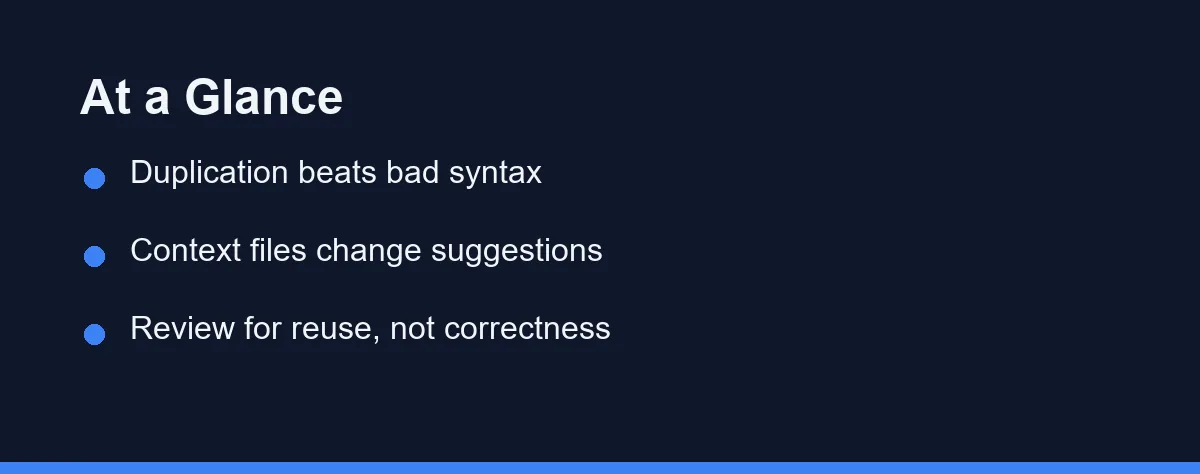
Assistants add rather than reuse, because reuse requires knowing what exists outside the current context window. New code that works is easier to produce than a search of your repository.
The fix has three parts. Tell the assistant what already exists, detect duplication automatically, and change what reviewers look for.
Context files do most of the work. A short document naming your existing helpers, error-handling convention, and approved libraries changes suggestions from the first prompt.
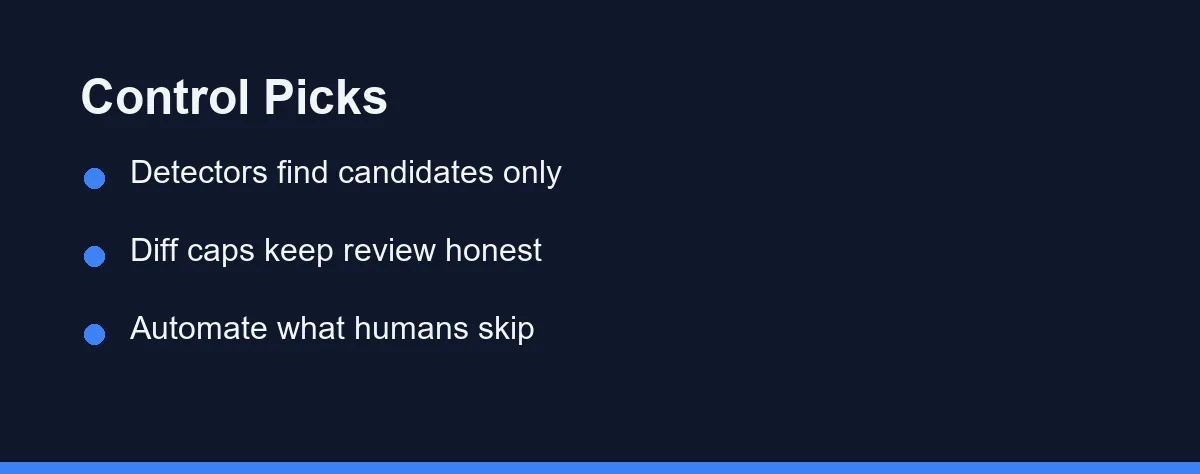
Detection catches the rest. Copy-paste and dead-code tools run in continuous integration and flag candidates before they compound.
Why Assistants Add Rather Than Reuse
A model writes from what it can see. If your existing string helper sits in a file that never entered the context, the assistant has no way to know it exists.
Producing a fresh implementation is also cheaper than searching. Generating twenty correct lines takes one step, while finding and adapting your version takes several, and nothing rewards the longer path.
Prompts make it worse without anyone noticing. Asking for “a function that formats a date for the invoice screen” describes an output rather than pointing at a location, so the model produces exactly what you asked for.
Repository shape matters too. A codebase with clear module boundaries and an obvious utilities location gets better reuse, because both people and models can find things.
Four Shapes of AI-Driven Bloat
Near-duplicate utilities. Several functions that do the same job with different names and slightly different edge-case handling. The variation is the dangerous part, since fixing a bug in one leaves the others broken.
Wrapper layers that add nothing. A function whose entire body calls one library method with the same arguments. Each wrapper adds a file, an import, and a place for behaviour to drift.
Repeated test scaffolding. The same mock setup pasted into a dozen test files rather than extracted into a shared fixture. Test folders bloat faster than source folders in most repositories using assistants.
Dependencies added for one function. A package pulled in because it solves a small problem cleanly, when three lines of existing code would do. Every dependency carries updates, audits, and supply-chain attention forever.
The first two inflate maintenance. The last two inflate build time and risk, which teams feel later and blame on something else.
Controls That Actually Work
The table compares the controls available, ranked by how much they change day-to-day behaviour. Confirm current features on each tool’s official site before adopting one, since capabilities change at the time of writing.
| Control | What it catches | Setup effort | Where it falls short |
|---|---|---|---|
| Project instruction file | Prevents duplication before it exists | Low, one afternoon | Only as current as you keep it |
| Copy-paste detector such as jscpd | Structural duplicates above a threshold | Low, runs in CI | Misses logically identical, textually different code |
| Dead-code scanner such as Knip | Unused exports, files, and dependencies | Medium, needs tuning | Noisy in the first run |
| Diff size cap on pull requests | Unreviewably large generated changes | Low, a review rule | Encourages artificial splitting if too strict |
| Review checklist for reuse | Near-duplicates a reviewer can recognise | Low, cultural | Depends on reviewer familiarity |
| Dependency approval step | Packages added for one function | Medium | Slows legitimate additions |
| Architecture decision records | Repeated re-invention of solved problems | Medium, ongoing | Only helps if people read them |
The first row deserves most of your attention. Prevention costs one afternoon, and every other row on that table is cleanup.
The dead-code scanner is the one teams underestimate. Generated code leaves behind exports nobody imports, and those accumulate invisibly until someone runs a scan and finds hundreds.
Reviewing for Duplication Instead of Correctness
Most review checklists ask whether the code works. With generated code, the answer is usually yes, and that is exactly why review stops catching anything.
Add three questions to your review template. Does something in this repository already do this? Does this wrapper earn its existence? Is this dependency worth its maintenance cost?
Reviewers also need permission to reject working code. Without an explicit norm, most people approve a correct pull request even when they suspect a duplicate exists, because rejecting feels disproportionate.
Keep diffs small enough to read properly. A change of several hundred lines gets skimmed rather than reviewed, and skimming is how duplicates enter. Our comparison of AI code review tools covers what automation can catch before a human looks.
Make Duplication Visible in CI
Duplication is easier to argue about when a number goes up. A copy-paste detector in the pipeline turns “this feels repetitive” into a threshold the pull request either meets or does not.
# .github/workflows/duplication.yml
name: duplication
on: [pull_request]
jobs:
  jscpd:
    runs-on: ubuntu-latest
    steps:
      - uses: actions/checkout@v4
      - run: npx jscpd src --min-lines 8 --threshold 3 --reporters console
Two numbers do the work. --min-lines decides how long a repeated block has to be before anyone cares, and --threshold is the percentage of duplicated lines above which the job fails.
Start with the threshold set just above where your repository sits today, then lower it as you clean up. Setting it at an aspirational number on day one only teaches the team to ignore a red check.
Which Control Set Fits Your Team Size
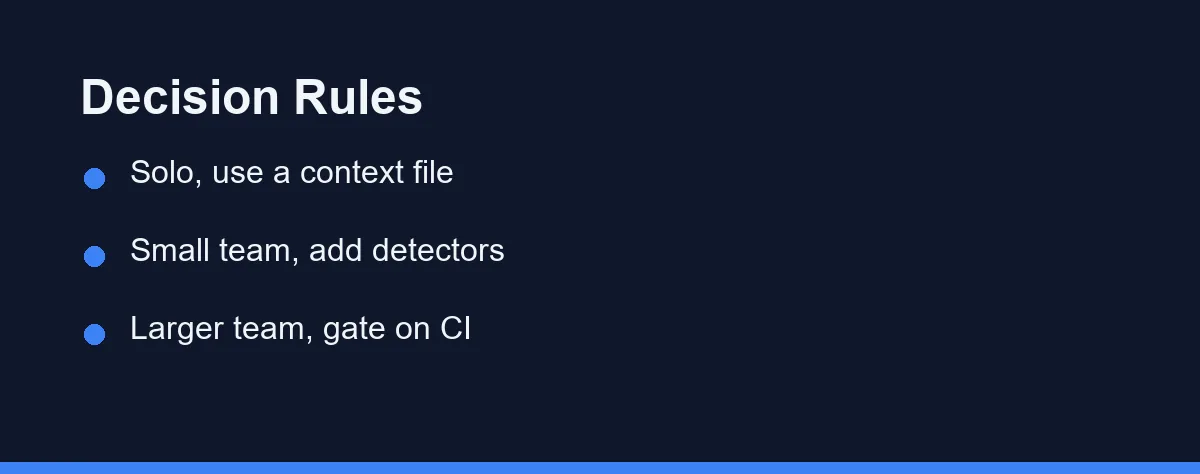
Solo developer: Write the project instruction file and nothing else at first. You are the only reviewer, so prevention beats detection by a wide margin.
Two to five engineers: Add a copy-paste detector in continuous integration with a generous threshold. Tighten it after a month, once the initial noise has been cleared.
Six to twenty engineers: Add dead-code scanning and a dependency approval step. At this size nobody holds the whole repository in their head, and duplicates become invisible without tooling.
Team with a large legacy codebase: Start with detection rather than prevention. You need a map of what already exists before any instruction file can point at it, which our legacy refactoring guide covers in more depth.
Team shipping under deadline pressure: Apply the diff cap alone. It is the cheapest control to enforce and the one that stops the worst outcome, which is a large unreviewed change merged on a Friday.
Open source project with outside contributors: Automate everything possible in continuous integration. Contributors do not know your conventions, and a bot enforcing them is less awkward than a maintainer doing it by hand.
What Enforcement Costs
Every control has a price, and the ones that feel free usually charge in developer patience.
| Control | Ongoing cost | Who pays it |
|---|---|---|
| Instruction file | Occasional updates | Whoever changes the architecture |
| Copy-paste detection | False positives to triage | The engineer who broke the build |
| Dead-code scanning | Periodic review of findings | Usually one maintainer |
| Diff caps | Extra pull requests to manage | The author and the reviewer |
| Dependency approval | Waiting for a decision | The person who wanted the package |
Tune thresholds rather than removing controls when the friction rises. A detector set too strictly gets disabled within two weeks, which leaves you worse off than a loose one that survives.
Prompting habits reduce the load on all of these. Pointing an assistant at the file that already solves a problem produces reuse directly, and our guide to effective prompts covers the patterns that work.
Writing the Instruction File That Does the Work
Since prevention beats every other control, the instruction file deserves more care than teams usually give it.
Keep it short enough that people update it. A page that nobody maintains becomes wrong within a quarter, and a wrong instruction file produces confidently wrong suggestions.
Name locations rather than principles. “Date handling lives in lib/date.ts, use formatInvoiceDate for anything customer-facing” changes behaviour, while “prefer reuse over duplication” does not.
List the libraries you have already chosen, and say which problems they own. Most one-function dependencies get added because nobody knew the repository already had a tool for that job.
Include your error-handling and logging conventions. These are the patterns assistants reinvent most often, because every codebase does them slightly differently.
Finally, review the file whenever you change architecture. Treat it as part of the change rather than documentation to update later, since later rarely arrives.
Cleaning Up a Codebase That Already Bloated
Start by measuring rather than deleting. Run a copy-paste detector and a dead-code scanner, and keep the raw output as your baseline.
Then sort by risk instead of size. Duplicated logic that touches money, permissions, or dates deserves attention first, because divergence there produces bugs people notice.
Consolidate in small, reviewable steps. Pick one duplicate family, choose the version with the best tests, and migrate call sites in separate pull requests so each stays readable.
Delete dead exports last, once you have consolidation under way. Removing unused code is satisfying and low value compared with unifying the four date formatters that keep drifting apart.
Final Thought
Generated code is rarely wrong in ways that matter. It is repetitive in ways that compound, and compounding is what turns a tidy repository into an unmaintainable one over a year.
The controls that work are unglamorous. Tell the assistant what exists, let a tool find the duplicates, and change what reviewers are asked to look for.
None of that reduces the speed benefit. It only stops the speed from arriving as debt you pay back with interest in the second year.
Debt is easier to spot than a silent state change. Our notes on what breaks when an agent publishes unattended cover failures that still returned success codes.
FAQ
Why does an AI assistant write a new helper instead of reusing mine?
Assistants optimise for producing working code in the current context, not for reusing what already exists elsewhere in the repository. When the existing helper sits outside the files in context, writing a new one is the path of least resistance, so near-duplicates accumulate quietly.
What tools detect duplicated or dead code?
Copy-paste detectors such as jscpd catch structural duplication, and dead-code tools such as Knip or depcheck catch exports and dependencies nobody imports. Neither understands intent, so treat their output as a list of candidates rather than a list of defects.
Does a project instruction file actually reduce duplication?
Yes, and it is the highest-value control available. A short project instruction file that names your existing utilities, error-handling pattern, and preferred libraries changes suggestions immediately, because the assistant reads it before writing anything.
How do I tell whether my codebase has AI-driven bloat?
Look for the same test scaffolding repeated across files, several near-identical utilities, wrappers that only rename a library call, and dependencies added for one function. Those four patterns account for most of the growth teams notice after a few months.
Should we limit how much AI-generated code enters a pull request?
Cap the diff instead. A review limit of roughly 400 changed lines keeps pull requests readable, and it forces large generated changes to arrive as several reviewable pieces rather than one unreadable block.
Some links may be affiliate links. We may earn a commission at no extra cost to you.
This article was written with AI assistance. It is researched and fact-checked, not based on personal hands-on testing unless explicitly stated.
Comments
Post a Comment