Claude Code vs Gemini CLI: Choosing a Terminal AI Agent
Two Agents in the Same Terminal With Different Philosophies
On no budget, pick Gemini CLI. The free tier does real work, and the skills transfer directly if you later move to a paid agent. For heavy professional multi-file work the paid agent earns its price through planning and repo-wide edits. Both live in the terminal, so the choice is about depth and budget rather than about workflow.
The terminal has become the newest battleground for AI coding agents. Claude Code and Gemini CLI both run there, both edit files, and both execute commands on your behalf.
The resemblance ends quickly after that. One is a proprietary tool from Anthropic built around paid access, and the other is an open-source project from Google that arrived with an aggressive free tier.
Neither is a plugin bolted onto an editor. Both are full agents that plan, read your repository, make changes, and run your test suite in a loop until the task completes or fails honestly.
This comparison sticks to verifiable differences. Feature sets and prices move fast in this category, so treat every specific below as a claim to confirm on the official sites as of 2026.
What Claude Code Brings to a Terminal Session
Claude Code is Anthropic’s agentic coding tool for the command line. It installs through npm, authenticates against a Claude account or API key, and works inside whatever shell and editor setup you already use.
Its core loop is deliberate and multi-step. Given a task, it searches the repository, reads the relevant files, proposes edits, applies them with your permission, and runs commands to verify the result.
Git workflows sit unusually close to the core. The agent writes commits, prepares pull requests, and reasons about diffs as first-class objects, which suits teams whose process lives in version control.
Project memory lives in a CLAUDE.md file at the repository root. Conventions, build commands, and warnings written there persist across sessions, which matters enormously for repeated work in one codebase.
Extensibility runs deep for a proprietary tool. Hooks fire scripts at lifecycle points, subagents split complex work, and MCP servers connect external systems, all documented on the official site. Setup takes minutes, and our step-by-step Claude Code setup guide covers the details.
What Gemini CLI Brings to the Same Job
Gemini CLI is Google’s answer, released as open source under the Apache 2.0 licence. The code sits on GitHub, contributions arrive in public, and anyone can read exactly what the agent does before trusting it.
The headline at launch was access. A personal Google account unlocked a free tier with daily request allowances generous enough for real individual work, which no comparable agent offered at the time.
The model side leans on scale. Gemini models expose a very large context window, on the order of a million tokens at launch, so the tool can hold big files and long sessions without aggressive trimming.
Google Search grounding is built in rather than bolted on. The agent can pull current documentation and recent answers into a session natively, and it reads a GEMINI.md file for project memory, mirroring the pattern Claude Code established.
Youth shows in places, as with any tool this new. Community reports describe rough edges in long agent sessions and occasional loops on complex refactors, though the public issue tracker means every such report is visible and dated.
Where the Two Agents Actually Differ Day to Day
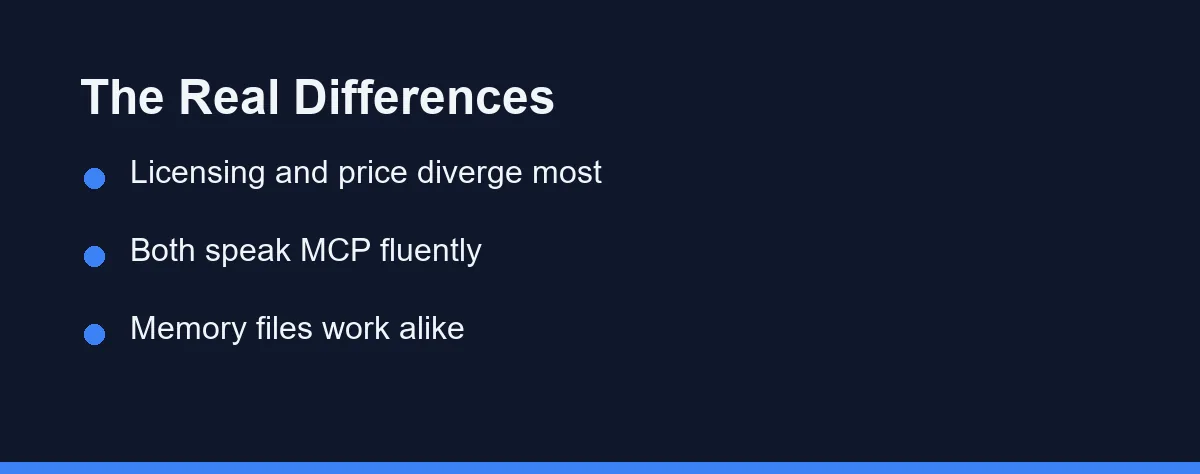
Most published comparisons list features that both tools share. The table keeps only the dimensions where a real difference survives scrutiny, with the reminder that each row deserves verification against official documentation as of 2026.
| Dimension | Claude Code | Gemini CLI |
|---|---|---|
| Model family | Anthropic Claude models | Google Gemini models |
| Source availability | Proprietary | Open source, Apache 2.0 |
| Free tier | None in practice | Generous personal tier at launch |
| Context window approach | Agentic reading on demand | Very large window, big files whole |
| Web grounding | Through tools and MCP | Native Google Search integration |
| Project memory file | CLAUDE.md | GEMINI.md |
| Extension model | Hooks, subagents, MCP | Extensions and MCP |
The licensing row matters more than it looks. Teams with security review requirements can audit Gemini CLI line by line, while Claude Code asks for trust in a vendor, which is a policy question rather than a quality one.
The context rows describe philosophy rather than capability. Holding more at once suits whole-file comprehension, and reading on demand suits precise multi-step edits, so the same task can feel different in each tool.
What Each One Costs and Where the Limits Sit
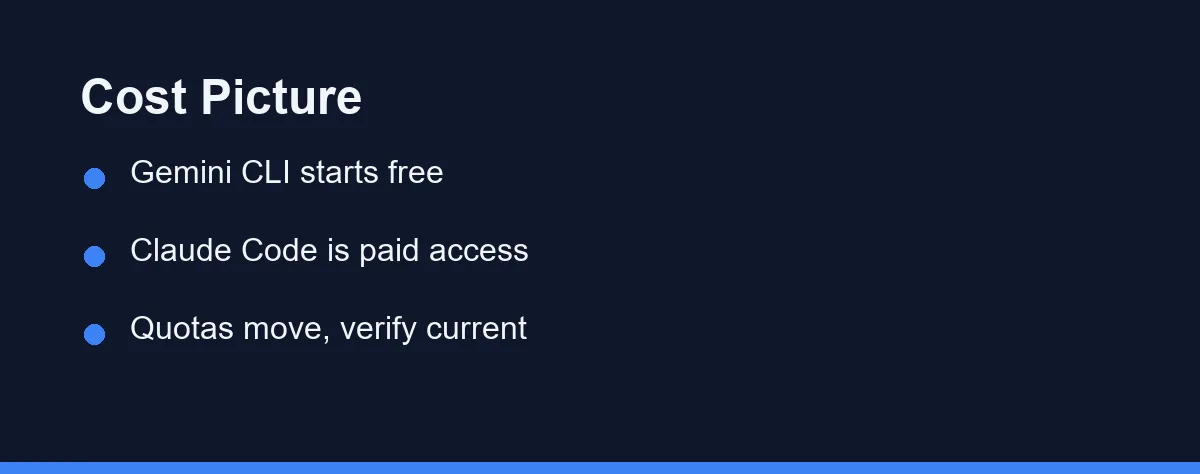
Pricing structures differ more than prices here. Claude Code bills through Claude subscription plans or metered API usage, and heavy agentic sessions consume allowances quickly, a dynamic our Claude Code pricing breakdown examines in depth.
Gemini CLI inverts the model. Individual use starts free with daily limits, and payment enters through API keys or bundled enterprise licences once usage outgrows the free quota.
Free has a cost profile of its own. Quota exhaustion mid-task, model downgrades on the free path, and changing terms are the recurring complaints, and none of them appear on a pricing page.
For budgeting, model the workload rather than the sticker. An agent that reads dozens of files per task multiplies token consumption, so a week of realistic trial use tells you more than any published tier table. Confirm current numbers on both official sites, since quotas and plans as of 2026 shift frequently.
Which Terminal Agent Fits Your Workflow
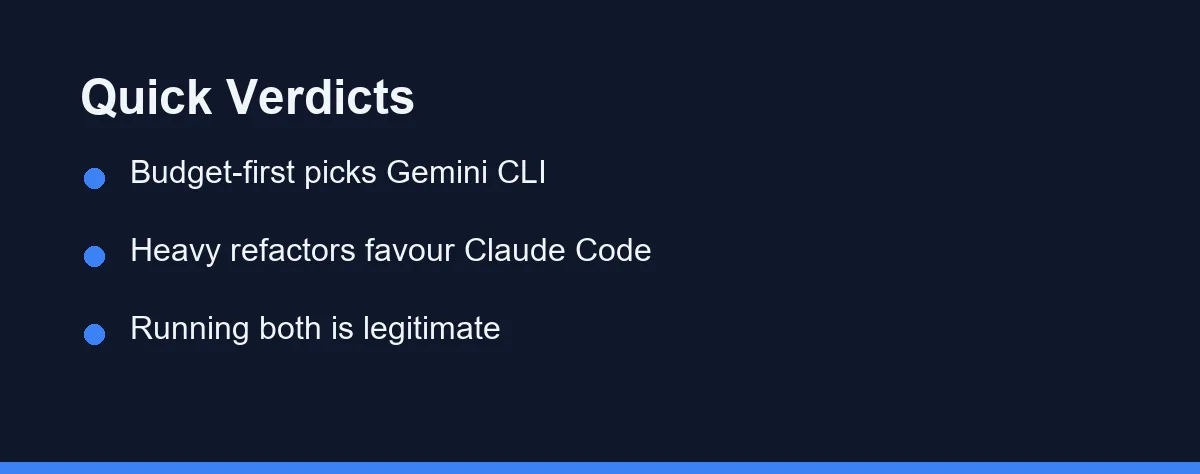
Student or hobbyist with no budget: Gemini CLI, without much debate. The free tier does real work, and the skills transfer directly if you later move to a paid agent.
Professional doing heavy multi-step refactors: Claude Code earns its subscription here. Deliberate agentic editing across many files is the workload it was built around, and the permission model keeps large changes reviewable.
Team with strict security review policies: Gemini CLI has the structural advantage, since auditable source code answers questions a vendor document cannot. Pair the audit with your own data-handling review before rollout.
Developer already paying for a Claude plan: Use the Claude Code access your plan includes before adding anything. Marginal cost beats a second tool with a second quota to manage.
Researcher who needs current web information mid-task: Native search grounding gives Gemini CLI the edge. Pulling fresh documentation into context without extra configuration saves real friction daily.
Engineer scripting automation or CI jobs: Either works, since both run headless with flags for non-interactive use. The deciding factor becomes quota predictability, and a paid metered plan is easier to budget than a free tier that may throttle mid-pipeline.
Undecided with an afternoon to spare: Run both on the same small task in the same repository. The philosophical difference shows up within an hour, and your preference will be less abstract than any review, including our comparison of Copilot and Claude Code for the editor-centric alternative.
The Comparison Mistakes That Lead to the Wrong Pick
Choosing on context window size alone is the most common error. A bigger window changes how a tool works, not how well it works, and task outcomes depend far more on retrieval and editing discipline.
Treating free as permanently free comes next. Launch-era quotas are marketing decisions, marketing decisions get revised, and a workflow built on a specific daily limit inherits that fragility.
Ignoring the ecosystem around each tool also misleads. Memory files, hooks, and MCP servers accumulate into real switching costs, so the agent you configure deeply this year is the one you still run next year.
The last mistake is benchmarking on toy tasks. Both agents look identical writing a small script from scratch, and they only separate on messy multi-file work inside an existing codebase, which is the job you are actually hiring for.
Pick one real ticket from your backlog instead. A genuine bug with a genuine test suite exposes the differences in an afternoon, at a cost of nothing but the free quota one of them already gives you.
A Sensible Default and When to Break It
Start with Gemini CLI if cost dominates your decision, because free and open source is an unbeatable entry point. Nothing about that choice locks you in.
Choose Claude Code when the workload is professional, multi-step, and worth paying for. Its agentic discipline on complex edits is the strongest argument for a subscription in this category.
Whichever you pick, invest in the memory file first. A well-written CLAUDE.md or GEMINI.md improves every session afterwards, and the habit transfers between tools even when the subscription does not.
And revisit the choice twice a year. Both tools ship changes constantly, the gap between them moves, and the comparison you read in spring describes tools that no longer exist by autumn.
FAQ
Is Gemini CLI actually free to use?
Google shipped it with a generous free tier for personal Google accounts, with daily request limits that covered normal individual use at launch. Heavier or commercial use runs through paid API keys or bundled licences. Confirm the current limits on the official site, since quotas change.
Does Claude Code have a free tier?
Not in any meaningful way as of 2026. Claude Code runs on paid Claude subscription plans or metered API usage, and the occasional trial promotions do not change the general rule. Check the official pricing page before planning around it.
Can you run Claude Code and Gemini CLI in the same project?
Yes, and some developers do exactly that. Each tool keeps its own project memory file, so they coexist in one repository without conflict. A common split uses the free tool for exploration and the paid one for complex multi-step edits.
Which one handles a large codebase better?
Both handle them, but through different strengths. Gemini CLI leans on a very large context window to hold big files whole, while Claude Code leans on agentic search that reads only what the task needs. Neither approach ingests an entire large repository at once.
Do both tools support MCP servers?
Yes, both act as MCP clients, so external tools and data sources plug into either one. Configuration details differ, and support matures release by release. Verify the specific servers you need against each official documentation site.
Sources
- Model Context Protocol — checked 2026-09-07
- Anthropic docs: context windows — checked 2026-09-07
- Anthropic pricing — checked 2026-09-07
Some links may be affiliate links. We may earn a commission at no extra cost to you.
This article was written with AI assistance. It is researched and fact-checked, not based on personal hands-on testing unless explicitly stated.
Comments
Post a Comment