Claude Code on Windows: 6 Traps We Hit
Windows Broke Our Files, Not the Agent
The short answer is that none of our six worst failures came from the model. Every one came from the layer underneath: how Windows writes bytes, how the console decodes them, and how a sync client holds a file open. If you run an AI coding agent on Windows and something goes wrong quietly, check encoding and file handles before you rewrite a single prompt.
Some scale, so you know what this is drawn from. The pipeline publishes to nine blogs, one post per blog per day, with nobody watching. It runs on 44 Python scripts totaling 5,481 lines across a repository of 750 Markdown files, and it has 521 published posts behind it.
Not one of these problems announced itself. That is the part worth keeping. On Windows, an agent workflow rarely fails loudly. It succeeds with the wrong result.
The BOM That Ate Our Frontmatter
Every post is a Markdown file with a YAML block on top. That block carries the title, the slug, the labels, and the publish status, so losing it means losing the post as far as every downstream script can tell.
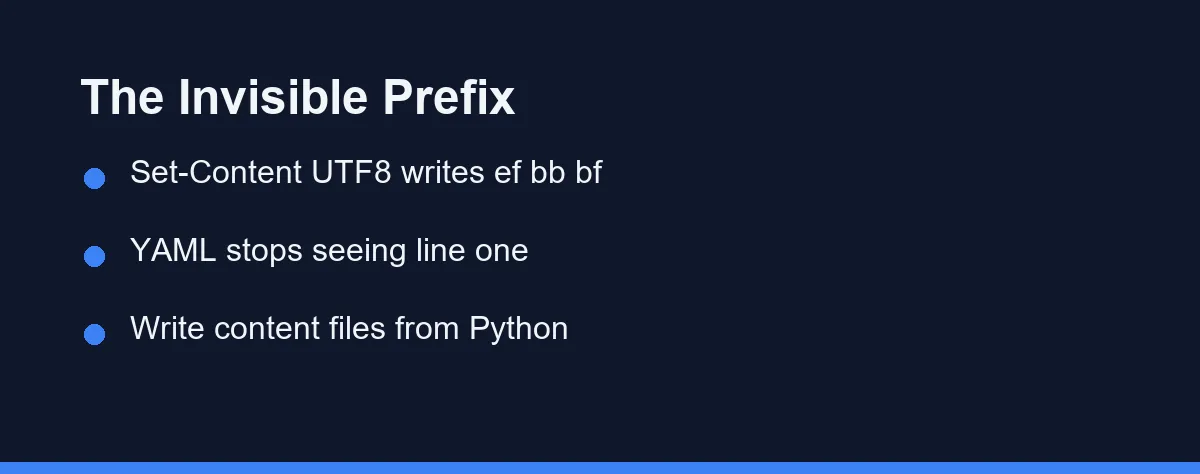
Early on, a helper wrote one of those files from PowerShell. We read the first bytes of the result and found ef bb bf sitting in front of the opening dashes. Set-Content -Encoding UTF8 adds a byte order mark, and it does so without saying anything.
A YAML parser reading that file no longer finds --- on line one. It finds an invisible three-byte prefix, and the frontmatter block stops existing. The text survives. The identity does not.
The repair was to keep every content write inside Python, where the encoding and the line ending are both explicit:
import io

with io.open(path, "w", encoding="utf-8", newline="\n") as f:
    f.write(text)
The durable version of that fix is to narrow the number of writers. Auditing every write is endless, and keeping content writes inside one module is a single decision you make once.
The newline argument earns its place next to the encoding. Leave it out and Python on Windows converts each newline into a carriage return plus newline, which flips the line endings of every file the pipeline touches.
Why the Console Died on Korean Output
Our operational logs print in Korean, and this machine reports code page 949 as its ANSI default. We read that value rather than assuming it, which took one line and settled an argument.
Code page 949 has no room for an em dash or an arrow. One of those characters in a status line raised a UnicodeDecodeError and stopped the run partway through a loop. Work already written stayed on disk, and everything after the failure never happened.
The failure hides in a second way. The exception fires on the print, not on the work, so the pipeline dies at the moment it tries to report what it did. Logs are the last thing anyone encodes defensively and the first thing that breaks.
Two lines at the top of a shared module fixed it for every script at once:
import sys

sys.stdout.reconfigure(encoding="utf-8")
sys.stderr.reconfigure(encoding="utf-8")
Put that in a module every entry point already imports. A fix that lives in one file and applies everywhere beats a fix you have to remember, especially when an agent writes the next script.
OneDrive Locks the File You Are Writing
The project folder lives inside OneDrive, which syncs while scripts write into it. Every so often a write failed with PermissionError, and the identical command succeeded on the next run.
We never found a reliable reproduction, and eventually we stopped looking. What changed instead was the shape of the work. Each step now writes one file and finishes, so a rerun repeats a few seconds of effort rather than an hour of it.
That single choice turned an unpredictable failure into a shrug. An idempotent step you can safely repeat is worth more than a root cause you cannot pin down.
Background Agents Do Not Survive a Restart
Long jobs looked like an obvious fit for background workers. Hand off the batch, keep the main session responsive, collect the result later.
Then the session restarts and the worker is gone. Whatever it held in memory goes with it, and the symptom is nothing at all: no error, no partial output, no record that it ever ran.
Synchronous execution with per-file persistence survived every restart we hit. The loop finishes one post, writes it, and moves to the next. A restart costs one post instead of the batch, and the queue picks up where the disk left off.
Restarts are not rare in this kind of work. A session ends when you close the window, when an update lands, or when the machine reboots overnight. Any of those quietly emptied a queue we believed was still in flight.
The rule generalizes. Durability lives on disk rather than in a process, so progress that a crash would erase was never progress.
Coordinate Clicks Missed, Code Clicks Landed
Part of the pipeline drives a browser through a Chrome extension. Clicking by screen coordinate worked in a demo and failed in production, and clicking by element reference failed the same way, only less often.
Screen coordinates assume a layout that a scroll, a late-loading font, or a consent banner can shift. Element references assume the page has not re-rendered since the last read. Neither assumption holds on a page that keeps working after it loads.
Looking the element up in JavaScript and calling click() on it worked every time:
const btn = [...document.querySelectorAll("button")]
  .find(b => b.textContent.trim() === "Publish");
btn.click();
The debugging cost is the real expense here. A missed click leaves no trace, so you inspect the automation logic, the timing, and the selectors before you accept that the pointer landed on empty space.
The principle reaches past browsers. Prefer the addressing scheme the machine can verify over the one that depends on where things happen to be drawn.
A New Status Value Needs Every Reader Updated
We wanted to pull a few posts out of rotation without deleting them, so we added a status called retired.
Writing the value took one line. The daily candidate picker and the reporting counters still recognized only the older statuses, so a retired post came back as a publish candidate the next morning and overwrote its own status on the way through.
The daily schedule made it worse. An unattended pipeline repeats its mistake on a timetable, so one missing branch became a correction we made by hand every morning until we found the cause.
A new state is not a field change. It is a contract change, and every reader of that field is party to the contract. Search for the old values before you add a new one, then update the readers in the same commit as the writer.
This is the same class of mistake as a permission rule you approve once and forget about, which we cover in letting an assistant run shell commands. The write is trivial. The readers are the problem.
The Six Traps in One Table
| Trap | What you see | Fix | How we stop a repeat |
|---|---|---|---|
| BOM from PowerShell | Frontmatter parses as empty | Write content files from Python with an explicit encoding | No shell writes into the content folder |
| Console code page 949 | UnicodeDecodeError partway through a run | Reconfigure stdout and stderr to UTF-8 | Both lines sit in a shared import |
| Sync folder file lock | Intermittent PermissionError, gone on rerun | Rerun the step | One file per step, safe to repeat |
| Background worker loss | Nothing at all, and no error | Run the job synchronously | Persist to disk after every file |
| Coordinate clicking | The click lands nowhere | Find the element in JavaScript and call click | Address elements by their content |
| A new status value | A retired post returns as a candidate | Update every reader of the field | Search the old values before adding one |
Which Fix Fits Your Setup
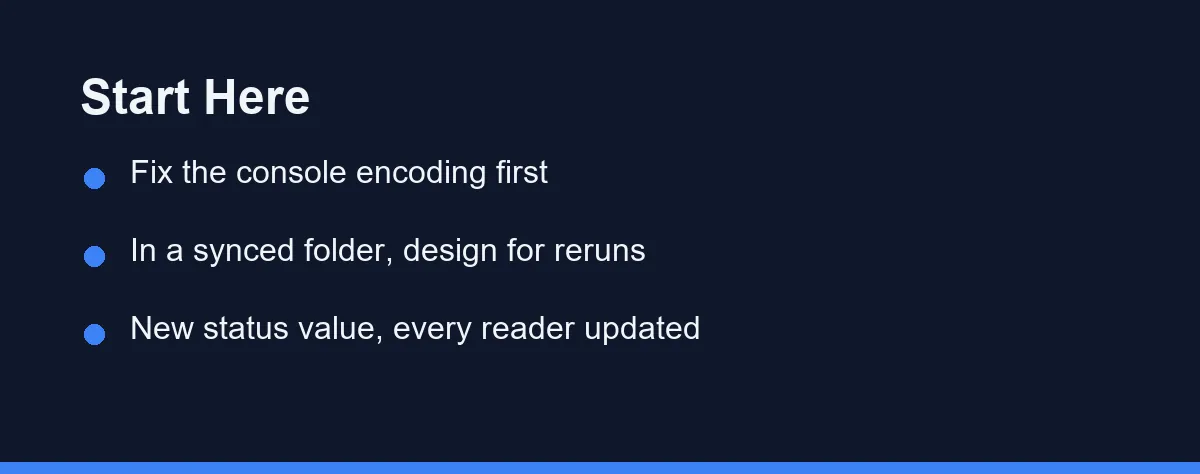
Setting up an agent on Windows for the first time: fix the console encoding and stop writing content files from PowerShell. Those two changes cover the failures that produce no error message, which are the ones that cost you a week. Our Claude Code setup walkthrough covers the install side.
Working in a folder that OneDrive, Dropbox, or iCloud syncs: assume intermittent locks and design for reruns. One file per step, written immediately, is the cheapest insurance available here.
Handing long jobs to background workers: ask what a restart costs you. If the answer is the whole batch, move to synchronous steps that persist as they go.
Driving a browser from an agent: address elements by their content rather than their position on screen, and verify the result instead of trusting the click.
Adding a value to a status field: treat it as a schema change. Update the writer and every reader in one commit, or the old readers will quietly undo you.
Running any of this unattended: add one check that fails loudly and run it often enough that nobody negotiates with it. Silence is not evidence that anything worked.
What a Cheap Check Is Actually Worth
Every post clears a quality gate before publication. The gate groups its rules into five families: standard English, mobile readability, monetization criteria, topic fit, and differentiation against the posts already published.
We timed a single run at roughly 1.4 seconds. That number, rather than any argument about rigor, is what makes the gate real. At that cost it runs on every edit, on every rerun, and across the whole queue whenever a rule changes.
The gate also refuses to trust its own approvals. When a person or an agent marks a post as reviewed, the gate stores a fingerprint of the body, and any later edit cancels the mark automatically. Otherwise a script that rewrites the text while leaving the flag alone turns the approval into a lie.
A second script checks something the gate does not. Each post declares image anchors that have to match a heading in the body word for word, and a separate command walks the file and reports the broken ones. Renaming a heading is exactly the kind of edit an agent makes without thinking, so that check runs next to the gate every time.
Cheap checks that run constantly beat thorough checks that get skipped. Every fix in this article shares that property, which is the only reason six of them stuck.
The Pattern Under All Six
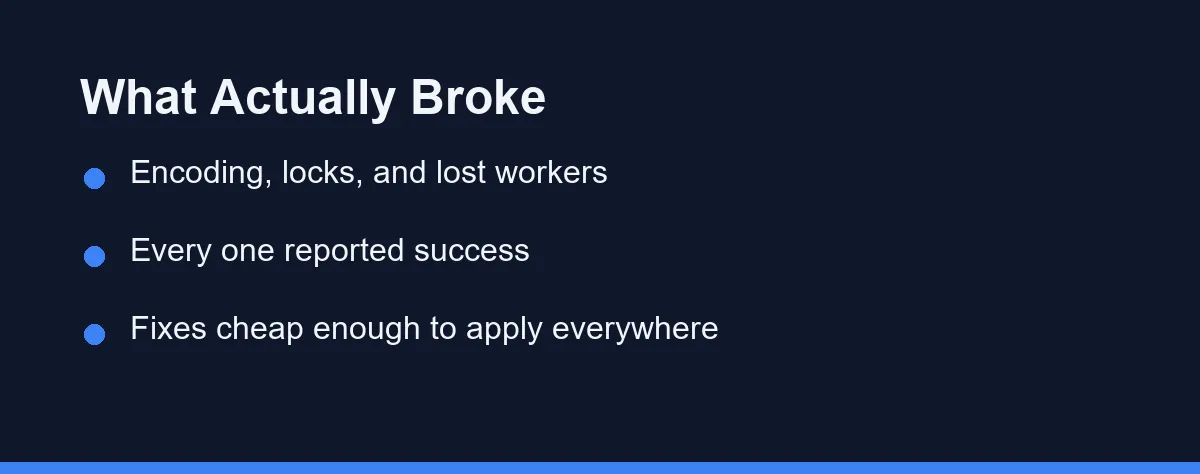
Each trap here has the same shape. The operation reported success and produced the wrong result.
The file wrote. The click returned. The status saved. The worker started.
Silent wrong answers are the expensive failure mode in an unattended system, because nothing wakes you up. We caught all six by reading output that looked fine and asking what it should have contained instead.
So the advice is unglamorous. Check the bytes, check the code page, and check who reads the field you just changed. If an assistant seems to have got worse for no reason, rule the environment out before the model, and our troubleshooting guide covers the model side once you have.
A step that cannot tell you it worked has not told you it worked.
FAQ
Does PowerShell really add a BOM to UTF-8 files?
Yes. Set-Content with -Encoding UTF8 adds a byte order mark, and we confirmed the first three bytes of a file it wrote as ef bb bf. A YAML parser then stops seeing the opening dashes on line one, so the whole frontmatter block disappears while the text of the file looks perfectly normal.
How do you stop a Windows console from killing a script on one character?
Reconfigure stdout and stderr to UTF-8 at the top of a shared module that every entry point imports. The failure comes from the console code page, which is 949 on this machine, and a single em dash in a log line is enough to stop a run. Fixing it in one imported file beats remembering to paste two lines.
Can you avoid file lock errors inside a OneDrive folder?
Not reliably, and we never found a reproduction. We changed the shape of the work instead, so every step writes one file and finishes. A rerun then costs a few seconds rather than an hour, which turns an unpredictable lock into something you can ignore.
What do you lose when a background agent dies mid-job?
Nothing, which is the problem. A session restart removes the worker and anything it held in memory, with no error and no partial output, so synchronous steps that persist after each file are the safer default for unattended work.
Why did adding one status value break an automated queue?
Treat it as a contract change rather than a field change. We added a retired status, updated the writer, and left the candidate picker and the counters reading the older values, so a retired post came back as a publish candidate the next morning and overwrote its own status.
Some links may be affiliate links. We may earn a commission at no extra cost to you.
This article was written with AI assistance. It is researched and fact-checked, not based on personal hands-on testing unless explicitly stated.
Comments
Post a Comment