Can You Share a GitHub Copilot Seat With Your Team?
The Licence Says No And The Saving Is Smaller Than It Looks
You cannot share a Copilot seat, because GitHub’s Terms of Service state that a single login may not be shared by multiple people. The saving is also modest once you price the alternative. Five developers cost $95 a month on Copilot Business at $19 per seat, against $10 for one shared Copilot Pro seat.
That $85 gap buys audit trails, separate usage limits, and no risk to the account itself. Claude Team is $25 per seat monthly and Cursor Teams is $40 per user monthly as of August 2026.
The question comes up in every small team that starts paying for AI tooling. One person already has a subscription, the tool is useful, and adding four more people multiplies a line item that was already unwelcome.
Sharing looks like the obvious workaround, especially where the tool feels like a utility rather than a named account. It is not a licensing grey area, though, and the reason has less to do with the subscription than with what the login controls.
What The Terms Actually Say
GitHub is unusually direct about this, which removes the ambiguity people hope to find.
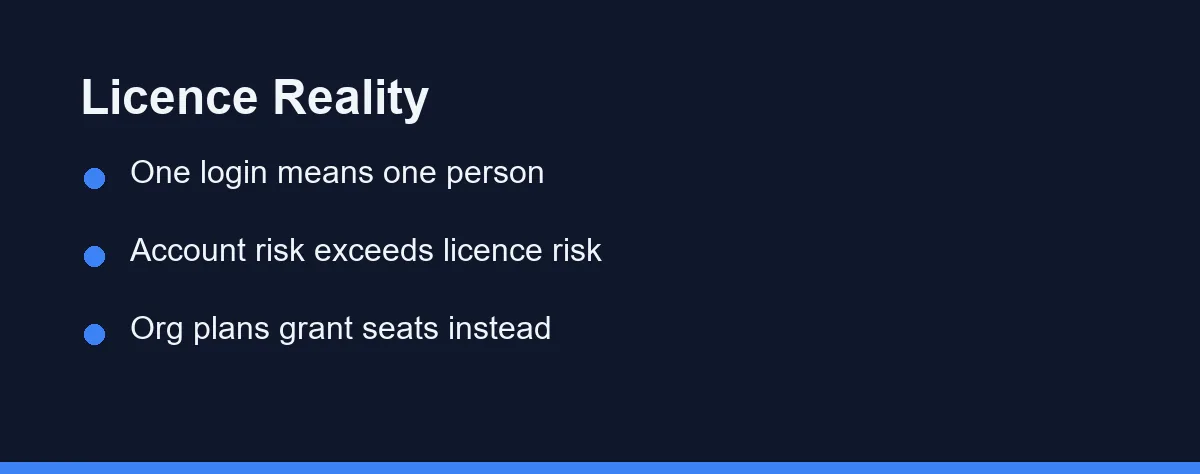
The Terms of Service state plainly that your login may only be used by one person, and that a single login may not be shared by multiple people. There is no team exception buried below it.
That rule governs the GitHub account rather than the Copilot add-on, which is the part that matters most. Sharing the seat means sharing credentials to repositories, actions, packages, and everything else the account can reach.
Organisation plans exist precisely to solve this legitimately. Copilot Business and Copilot Enterprise use granted seats, so an administrator assigns a licence to a person who signs in as themselves.
Other vendors follow the same structure. Claude sells Team seats and Cursor sells per-user Teams pricing, and in both cases the unit being purchased is a person rather than a session.
The Numbers That Make Sharing Look Tempting

The temptation is real, so it is worth seeing the actual figures rather than an impression of them. All prices are as of August 2026 and taken from the vendors’ published plans.
| Plan | Price | Billing unit | Fits |
|---|---|---|---|
| GitHub Copilot Free | $0 | Per user | 2,000 completions and 50 chat requests monthly |
| GitHub Copilot Pro | $10/month | Per user | Individual developers |
| GitHub Copilot Pro+ | $39/month | Per user | Heavy individual usage |
| GitHub Copilot Business | $19/month | Per granted seat | Teams needing central management |
| GitHub Copilot Enterprise | $39/month | Per granted seat | GitHub Enterprise Cloud organisations |
| Claude Pro | $20/month, $17 billed annually | Per person | Individuals using Claude Code |
| Claude Team | $25/month, $20 billed annually | Per seat | Teams wanting shared administration |
| Cursor Teams | $40/month | Per user | Teams wanting admin and analytics |
Run a five-person team through that table and the arithmetic is clear. One shared Copilot Pro seat is $10 a month, five individual Pro seats are $50, and Copilot Business is $95 with the management features included.
The gap between $10 and $95 is what tempts people, and it looks larger in isolation than it does per developer. Split across five engineers, Copilot Business costs $19 each, which is a rounding error next to any salary line.
Our breakdown of GitHub Copilot pricing covers what each individual tier includes, and our guide to Claude Code pricing does the same on the Anthropic side.
Four Failures That Show Up Within A Month
Licensing aside, shared seats break in predictable operational ways, and teams usually discover all four.
Usage limits collapse first. Paid tiers meter premium requests and agent runs, so one person running a large refactor can exhaust the allowance that four colleagues were relying on that afternoon.
Attribution disappears second. Every suggestion, telemetry event, and audit entry traces to a single account, which makes it impossible to answer who did what when something goes wrong.
Access control breaks third. A shared login carries the union of what that account can reach, so a contractor using it inherits repository access that nobody intended to grant.
Authentication becomes the daily tax. Two-factor prompts land on one person’s phone, and single sign-on and device checks turn a shared credential into a standing interruption.
Offboarding is the fourth failure and the most expensive. When the person whose account it is leaves, the team loses the tool, the history, and sometimes access to the settings that were configured through it.
Legitimate Ways To Cut The Bill
There are real savings available that do not involve sharing credentials, and most teams have not tried them.
Rotate seats through an organisation plan rather than a login. Administrators grant and revoke seats on Copilot Business and Enterprise, so a licence can follow a project instead of sitting idle, and each person still signs in as themselves.
Mix tiers by role. Not everyone needs the same plan, and putting heavy users on a higher tier while occasional contributors sit on a free or basic tier is cheaper than levelling everyone up.
Buy annually where the discount is real. Claude Pro drops from $20 to $17 per month on an annual subscription and Claude Team drops from $25 to $20 per seat, which is a genuine 15 to 20 percent saving for a stable headcount.
Consolidate vendors before adding seats. Paying for two assistants that overlap is a larger waste than any seat count, and our comparison of AI coding assistants for teams covers where the duplication usually sits.
Audit idle seats every quarter. Seats granted during a busy sprint often stay assigned to people who stopped using the tool months ago.
When A Free Tier Is Genuinely Enough
Free tiers are not merely demos, and for part of a team they may be the correct permanent answer.
Copilot Free includes 2,000 completions per month plus 50 chat requests, which covers a developer who writes code occasionally rather than daily. Reviewers, data analysts, and part-time contributors often fit inside that envelope.
The honest test is how quickly the allowance runs out. If someone burns through it in the first week, the paid tier is earning its price, and if it lasts the month, nothing needs to change.
Use the free tier for evaluation before committing a whole team. A two-week trial across three developers produces better data than any comparison article, including this one.
Watch for the features that free tiers withhold rather than the volume they limit. Policy controls, content exclusion, and centralised administration usually appear only on business plans, and those are the reasons regulated teams pay.
What To Check Before Moving The Team Onto One Bill
Consolidating individual subscriptions into an organisation plan is the right move, and it goes wrong in a handful of predictable places.
Decide who owns the billing account before anyone subscribes. An organisation plan tied to a founder’s personal account recreates the offboarding problem you were trying to solve.
Separate the billing administrator from the technical administrator if your provider allows it. Finance should not need repository access to change a payment method.
Ask what happens to a person’s history when their seat is revoked. Chat threads, saved prompts, and configuration sometimes live with the seat rather than with the organisation, and finding out during an exit is too late.
Check how mid-cycle seat changes are charged. Rotating seats between projects is only cheap if the provider prorates rather than billing a full month for each grant.
Handle contractors deliberately. A contractor with a granted seat inside your organisation may inherit more visibility than intended, and a separate arrangement is usually cleaner than an internal seat.
Read the data settings before migrating, not after. Organisation tiers typically expose controls over content exclusion and data handling that individual plans do not, and those settings are the reason many teams upgrade in the first place.
Commit annually only when headcount is stable. The discount is real, but a team that grows or shrinks quickly loses more to stranded seats than the annual rate saves.
Finally, write down who reviews the seat list each quarter. Every team that skips this ends up paying for people who left, which costs more over a year than the sharing arrangement would ever have saved.
Which Setup Fits Your Team Size
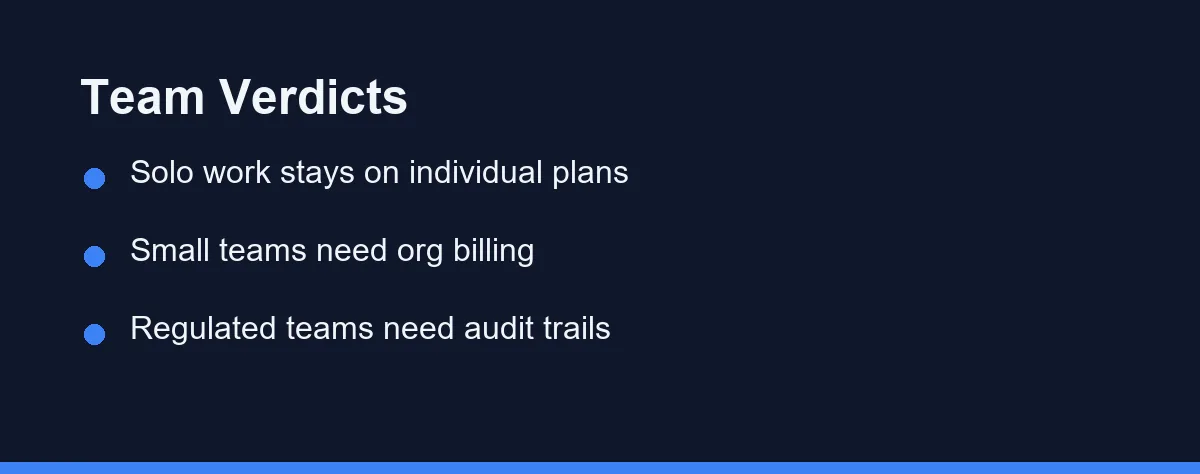
You are a solo developer or freelancer: an individual plan is both correct and cheapest. Copilot Pro at $10 monthly or Claude Pro at $17 annually needs no team structure at all.
You are two or three developers in a startup: individual plans still work, but move to an organisation plan as soon as you share private repositories. Our guide to choosing an assistant for a small team covers where that line sits.
You are a team of five to twenty: buy per-seat business plans and use seat management. Copilot Business at $19 per seat or Cursor Teams at $40 per user buys the administration that makes the spend defensible.
You work under compliance or client audit requirements: shared credentials are disqualifying, not merely discouraged. Per-seat plans with audit logs are the only structure that survives a review.
You have occasional contributors or reviewers: put them on free tiers rather than paid seats. The 2,000 monthly completions in Copilot Free are sized for exactly this pattern.
Your budget genuinely cannot stretch to per-seat pricing: reduce the number of licensed people rather than sharing one. Two developers with real seats and three on free tiers is legitimate, and a shared login is not.
The Short Answer For A Small Team
Sharing a seat is not a pricing hack. It is credential sharing, it is prohibited in plain language by GitHub’s terms, and the account carries far more than the subscription you were trying to split.
The financial case is weaker than it feels in the moment. Per-seat business pricing lands between $19 and $40 per person, and the management, limits, and audit trails that come with it are the things that make the tool usable at team scale.
If the budget is the real constraint, cut seats rather than share them, mix paid and free tiers by role, and revisit the allocation quarterly. Pricing and plan structures change often, so confirm current pricing on the official site before committing to an annual term.
FAQ
Can two developers share one GitHub Copilot seat?
No. GitHub's Terms of Service state that a login may only be used by one person and that a single login may not be shared by multiple people. Sharing a seat means sharing a GitHub account, which puts the account itself at risk rather than only the subscription.
What does a seat cost if everyone gets their own?
Copilot Pro is $10 per user per month, Copilot Business is $19 per granted seat, and Copilot Enterprise is $39 per seat as of August 2026. Claude Team is $25 per seat billed monthly or $20 billed annually, and Cursor Teams is $40 per user per month.
Is a shared team account cheaper than a business plan?
On paper yes, and the gap is smaller than it looks. Five developers on Copilot Business cost $95 a month against $10 for one shared Pro seat, but shared usage limits, lost audit trails, and account suspension risk eat that difference quickly.
Can we rotate one paid seat between developers instead?
Organisation plans are designed for exactly this, since an admin grants and revokes seats rather than sharing a login. Each person signs in as themselves and the licence moves. Check how your provider charges for a mid-cycle change before rotating often.
Do free tiers cover a small team at all?
They cover evaluation and light use. Copilot Free includes 2,000 completions per month and 50 chat requests, which is enough to judge whether the paid tier earns its price. Sustained daily work exhausts that allowance in the first week.
Sources
- GitHub Copilot plans — checked 2026-09-07
- Anthropic pricing — checked 2026-09-07
- Cursor pricing — checked 2026-09-07
Some links may be affiliate links. We may earn a commission at no extra cost to you.
This article was written with AI assistance. It is researched and fact-checked, not based on personal hands-on testing unless explicitly stated.
Comments
Post a Comment