Is GitHub Copilot Worth It for Beginners in 2026?
Introduction
GitHub Copilot is the assistant most new programmers hear about first. It autocompletes code, explains errors, and answers questions without leaving the editor. For a beginner staring at a blank file, that sounds like a superpower.
The honest question is not whether Copilot is impressive, but whether it helps someone who is still learning fundamentals. Tools that accelerate professionals can quietly stunt beginners. The difference lies in how the tool is used, and that deserves a clear-eyed look.
This guide assesses Copilot specifically for beginners as of mid-2026. It covers what the tool genuinely does well, where it can hurt learning, and how to try it without spending money. No hype in either direction.
Quick Answer

For most beginners, Copilot is worth trying, because the free routes make the risk close to zero. Verified students have historically received free access through GitHub Education, and a general free tier has covered light usage. You can form your own judgment before paying anything.
The value depends almost entirely on your habits. Beginners who read every suggestion and ask the chat to explain unfamiliar code learn noticeably faster. Beginners who tab-accept their way through assignments finish faster but understand less.
Choosing between assistants instead of deciding whether to use one? Our practical comparison of GitHub Copilot vs Claude Code covers how the two leading tools differ in daily work.
What to Look For
Evaluating Copilot as a beginner is different from evaluating it as a professional. The criteria below reflect what actually matters in your first year of programming. Judge the tool against these rather than feature lists.
Learning Support, Not Just Speed
Copilot’s chat can explain code line by line, suggest simpler alternatives, and describe error messages in plain language. These explanation features matter more for beginners than raw completion speed. A faster wrong answer teaches nothing.
Friction Inside Your Editor
Copilot lives inside VS Code, JetBrains IDEs, and other mainstream editors, as described on the official Copilot page. For beginners, low friction means more practice time and fewer configuration rabbit holes. If your course already uses VS Code, setup takes minutes.
Free Route Availability
Paying for a tool you cannot evaluate yet is backwards. Copilot’s student program and free tier let you test the real product, not a demo. Verification through GitHub Education has historically unlocked the paid experience for enrolled students.
The Overreliance Risk
The biggest cost of Copilot for beginners is not money. Accepting suggestions you do not understand builds the illusion of progress while fundamentals lag. Any honest assessment has to weigh this against the convenience.
What Copilot Does Well for Beginners
Copilot shines at removing the friction that makes beginners quit. It fills in boilerplate, recalls syntax you have seen once, and keeps you moving when a missing semicolon would otherwise cost an evening. Momentum matters enormously in the first months.
The chat mode doubles as a patient tutor. You can paste an error and ask what it means, or highlight code and ask why it works. Unlike search results, the answer arrives in the context of your actual file.
It also models idiomatic code. Seeing how a common task is usually written teaches conventions that textbooks rarely cover. Beginners who read suggestions critically absorb patterns faster than those learning from scratch alone.
Used this way, Copilot works like training wheels that explain themselves. The tool handles recall, and you keep responsibility for understanding. That division is where the value sits.
Where It Can Hurt
The same autocomplete that maintains momentum can bypass learning entirely. If Copilot writes your loops before you understand loops, assignments get done while skills stall. The gap surfaces brutally in closed-book exams and technical interviews.
Suggestions are also confidently wrong at times. Beginners lack the pattern recognition to spot subtle bugs in generated code. Debugging a wrong suggestion you did not understand is harder than debugging your own honest mistake.
There is a dependency risk too. Programmers who never practice without assistance can freeze when the tool is unavailable. Instructors increasingly design assessments assuming this, so unassisted fluency still matters.
None of these risks are unique to Copilot, and all of them are manageable. They simply require rules that most beginners do not think to set on day one.
Feature Comparison
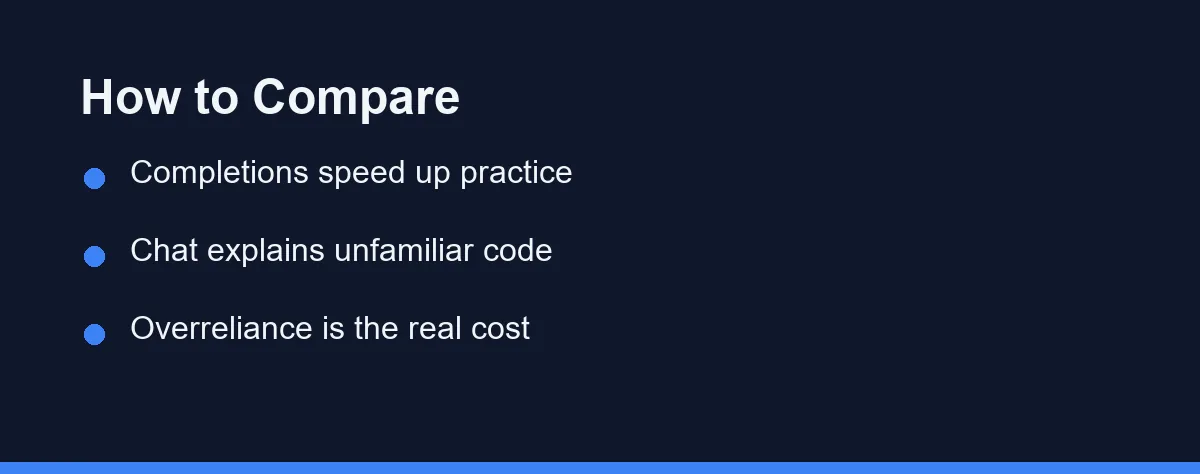
The table below weighs Copilot’s main aspects specifically from a beginner’s perspective. It is a judgment summary, not a benchmark.
| Aspect | Benefit for Beginners | Risk for Beginners |
|---|---|---|
| Code completions | Keeps practice momentum | Tab-accepting without reading |
| Chat explanations | Contextual tutoring | Outsourcing all thinking |
| Editor integration | Low setup friction | None significant |
| Free student route | Zero-cost evaluation | Terms require re-verification |
The pattern is consistent across rows. Every benefit depends on active engagement, and every risk comes from passive use.
That makes the worth-it question mostly about you. The tool is capable; the variable is discipline.
How to Choose
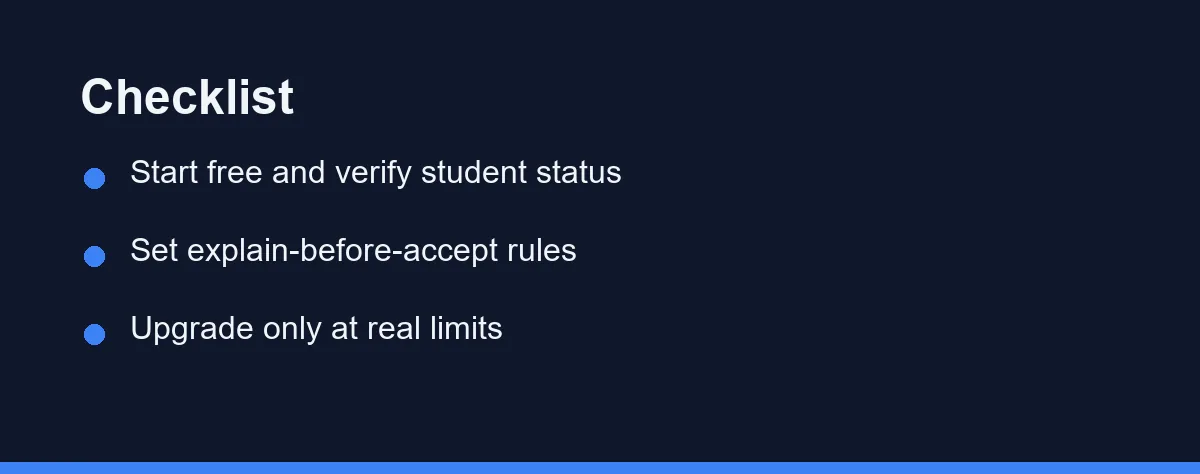
Start with the free route that fits your situation. If you are enrolled anywhere, attempt student verification first, since it has historically unlocked the full experience. Otherwise begin on the general free tier and see how far it carries you.
Before writing a single line with it, set two rules. First, never accept a suggestion you cannot explain out loud. Second, attempt each problem for a few minutes before letting the assistant weigh in. These two habits capture most of the benefit while blocking most of the harm.
Schedule regular unassisted practice. One session a week with completions turned off keeps your recall honest and exam-ready. Treat it like a musician practicing without a metronome.
Upgrade to a paid plan only when you hit real limits during genuine work. Running out of chat messages during a project is a real limit. A comparison table suggesting you might want more is not.
Pricing: What to Expect
Copilot’s pricing has typically included a free tier with usage caps, individual paid plans with higher limits and newer models, and free access for verified students through GitHub Education. Exact quotas and eligibility have changed several times and likely will again.
For beginners, the practical takeaway is that evaluation costs nothing. Between the free tier and student verification, you can use the real product long enough to know whether it earns a place in your workflow.
This guide avoids quoting specific prices because they change faster than articles do. Always confirm current plans, caps, and student eligibility on the official GitHub pricing and education pages before deciding.
Conclusion
Copilot is worth it for most beginners in 2026, with one condition attached. Used actively, with explain-before-accept discipline and regular unassisted practice, it accelerates learning and keeps motivation alive. Used passively, it manufactures progress that evaporates under real assessment.
The free routes remove any financial argument against trying it. Verify student status if you can, set your rules before you start, and judge the tool by whether your understanding grows week over week.
If your understanding stalls while your output grows, that is the signal to change habits, not tools. Get that balance right and Copilot becomes what it should be for a beginner: a tutor that types fast.
FAQ
Is GitHub Copilot worth it for someone just learning to code?
For most beginners, yes, provided you use it as a learning aid rather than an answer machine. The free routes make it easy to try before paying, and the editor integration keeps friction low while you build fundamentals.
Will Copilot teach me to code by itself?
No. Copilot accelerates people who already practice deliberately, but it cannot replace understanding syntax, debugging, and problem decomposition. Beginners who accept every suggestion without reading it tend to plateau early.
Should a beginner pay for Copilot right away?
Try the free options first, including student verification if you qualify. Upgrade only when you hit real limits in your daily work, not because a plan comparison page suggests it.
Some links may be affiliate links. We may earn a commission at no extra cost to you.
This article was written with AI assistance. It is researched and fact-checked, not based on personal hands-on testing unless explicitly stated.


댓글
댓글 쓰기