GitHub Copilot vs Tabnine: Which AI Coding Assistant Wins in 2026?
Introduction
AI coding assistants have moved from novelty to daily tool. Most developers now expect inline suggestions the way they expect syntax highlighting.
GitHub Copilot and Tabnine are two long-running names in this space. They both autocomplete code, yet they aim at different priorities under the hood.
Copilot chases breadth. It bundles completions, chat, and agent features across popular editors, backed by a large cloud model.
Tabnine chases control. It leans hard into privacy, self-hosting, and a training approach built to reassure legal and security teams.
This guide compares the two on the traits that actually decide adoption. Prices stay qualitative, so confirm current numbers on each official site as of 2026.
Quick Answer
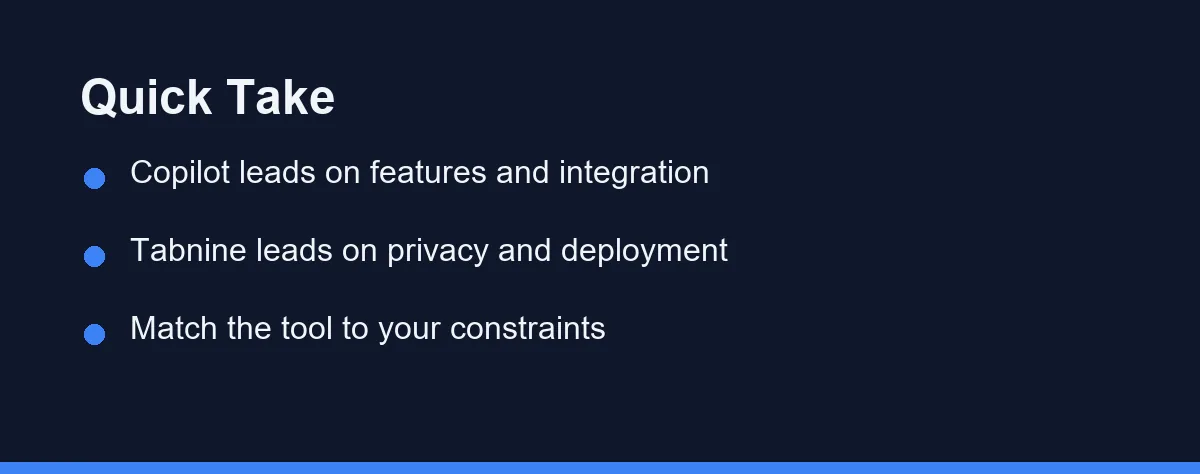
Choose GitHub Copilot if you want the most complete feature set and the smoothest experience inside VS Code and other editors. Its chat and agent tools are strong.
Choose Tabnine if code privacy or deployment control is a firm requirement. Its self-hosted and air-gapped options exist for teams that cannot send code to a shared cloud.
For a solo developer with no strict data rules, Copilot is often the simpler pick. For a regulated enterprise, Tabnine frequently makes the shortlist first.
What to Look For
A handful of traits separate a good coding assistant from a frustrating one. Weigh these before you commit a whole team.
Completion quality is the core. The assistant should suggest useful lines in your real stack, not just tidy snippets in a demo.
Privacy and deployment matter for many teams. Ask whether the tool runs only in the cloud or offers self-hosted and on-premises options.
Chat and agents add depth. Modern assistants explain code, write tests, and take multi-step actions, so check how far each one goes.
Editor support shapes daily use. Confirm the tool has a mature plugin for your editor, whether that is VS Code, a JetBrains IDE, or Neovim.
Training data and licensing raise real questions. Some teams care deeply about what code a model learned from, so review each vendor’s stated approach.
Top Options
Both tools ship in a few clear tiers. Match the tier to your team size and constraints rather than the flashiest feature.
GitHub Copilot offers individual and business plans. It integrates tightly with GitHub and VS Code, adding chat, code explanations, and agent-style features.
Tabnine offers individual and enterprise plans. Its pitch centers on privacy, with self-hosted deployment and a model that Tabnine says trains on permissively licensed code.
Copilot Business targets organizations. It adds policy controls, license filtering, and admin management on top of the individual completion experience.
Tabnine Enterprise targets regulated shops. It emphasizes air-gapped installs and keeping proprietary code inside the company’s own environment.
For a wider field, see our guide to the best AI coding assistants in 2026 before narrowing to these two.
Feature Comparison

The table below sums up the trade-offs. Treat it as a starting map, then test both in your own editor.
| Feature | GitHub Copilot | Tabnine |
|---|---|---|
| Main focus | Broad features and integration | Privacy and deployment control |
| Self-hosting | Cloud-based | Self-hosted and air-gapped options |
| Chat and agents | Extensive | Present, more focused |
| Editor support | VS Code, JetBrains, more | VS Code, JetBrains, more |
| Training data stance | Broad public code | Permissively licensed code |
| Best for | Solo devs and general teams | Regulated and privacy-first teams |
| Free tier | Yes, limits apply | Yes, limits apply |
| Admin controls | Strong on Business plan | Strong on Enterprise plan |
How to Choose
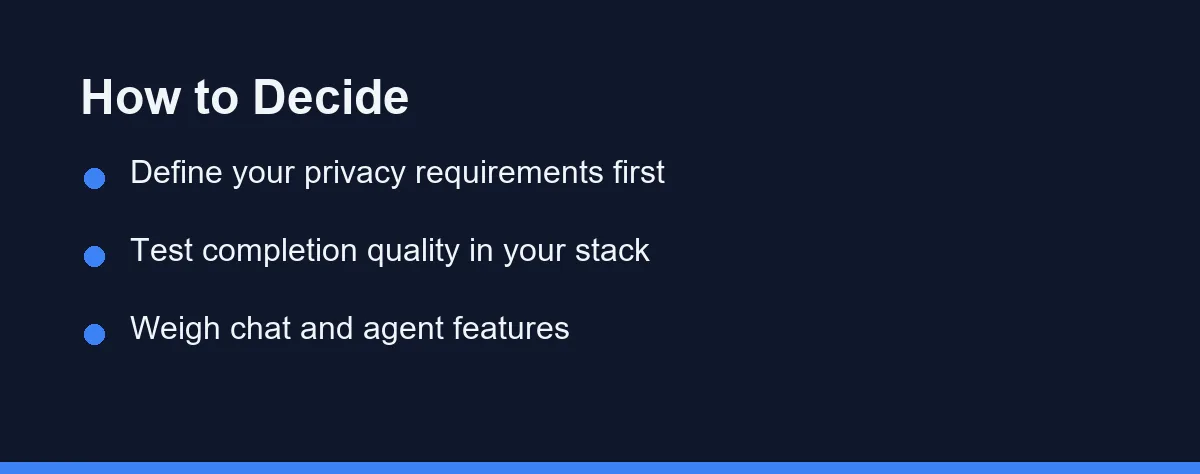
Start with your privacy requirements. If your organization cannot send source code to a shared cloud, that single rule may point you straight to Tabnine.
Test completion quality next. Install both in your primary editor and write real code for a few days, since demo snippets rarely reflect your stack.
Weigh the chat and agent features after that. If you want an assistant that explains code and drafts tests inline, Copilot’s toolkit is broad and mature.
Consider your team size and admin needs. Business and enterprise tiers add policy controls, so factor in who will manage licenses and settings.
If you are also weighing editor-first tools, compare our look at GitHub Copilot vs Cursor to see how integration styles differ.
Pricing: What to Expect
Both tools use subscription pricing with individual and organization tiers. Confirm current numbers on the official sites, valid as of 2026, since plans shift often.
Copilot prices per user, with a higher business tier that adds admin and policy features. Its individual plan is a common entry point for solo developers.
Tabnine also prices per user, with an enterprise tier for self-hosted and air-gapped deployments. That enterprise option typically costs more due to its control features.
Free tiers exist on both sides, though the limits change. Use those free plans to judge completion quality before you pay for a whole team.
For a deeper look at one side’s plans, read our GitHub Copilot pricing explainer alongside Tabnine’s official pricing page.
How They Fit Different Teams
A solo developer usually values speed and simplicity. Copilot’s tight VS Code integration and broad features make it an easy default in that case.
A startup with normal data rules can go either way. Both tools boost output, so the choice often comes down to which completions feel better in the stack.
A regulated enterprise faces harder limits. Banks, healthcare firms, and defense-adjacent teams often need self-hosting, which pushes Tabnine up the list.
An open-source maintainer may weigh licensing carefully. Tabnine’s stated focus on permissively licensed training data appeals to those wary of code provenance questions.
Whatever the team, a short pilot beats a long debate. Run both tools on a real sprint and let the results, not the marketing, decide.
Common Mistakes to Avoid
The biggest mistake is choosing on brand name alone. Copilot is popular, but popularity does not clear a strict privacy requirement your security team set.
Another trap is skipping the trial. Completion quality varies by language and codebase, so a tool that shines for one team can underwhelm another.
Some buyers ignore admin features until rollout day. If you plan a team deployment, check license management and policy controls before you commit.
Overlooking editor fit causes friction too. Confirm the plugin is mature for your editor, since a rough integration erases much of the productivity gain.
Finally, do not treat either tool as a code reviewer. They speed up writing, but human review still matters, as our AI coding assistants for teams guide explains.
Conclusion
GitHub Copilot and Tabnine solve the same broad problem from opposite ends. Copilot leads with breadth and integration, while Tabnine leads with privacy and deployment control.
Pick Copilot when you want the most complete assistant and have no hard cloud restriction. Pick Tabnine when self-hosting, licensing, or air-gapped installs are non-negotiable.
Confirm current pricing and deployment terms on the official sites, since both evolve quickly. Then run a short pilot in your own editor, because real code is the only fair test.
FAQ
Is GitHub Copilot or Tabnine better in 2026?
Pick GitHub Copilot for the widest feature set, strong chat, and deep editor integration. Pick Tabnine when code privacy, self-hosting, or permissive-license training data are hard requirements for your team.
Which is more privacy-friendly, Copilot or Tabnine?
Tabnine markets itself around privacy, offering self-hosted and air-gapped deployment options and a model trained on permissively licensed code. Copilot runs in the cloud, so teams with strict data rules often shortlist Tabnine first. Confirm the current deployment terms on each official site.
Do Copilot and Tabnine have free plans?
Both offer a free tier for individuals, though the limits and features differ and change often. A free plan is a good way to test completion quality in your own editor before paying. Check the latest free-tier terms on each vendor site.
Some links may be affiliate links. We may earn a commission at no extra cost to you.
This article was written with AI assistance. It is researched and fact-checked, not based on personal hands-on testing unless explicitly stated.


Comments
Post a Comment