AI Coding Assistants for Mobile Development: Swift, Kotlin, and Xcode
The Tooling Wall Mobile Developers Hit First
If you write Kotlin, start inside Android Studio. Google ships an assistant in the IDE and the plugin system accepts the others, so you can compare two options in an afternoon. iOS is the harder side, because Xcode takes extensions rather than the deep editor integrations these tools were built for. Cross-platform work in Flutter or React Native behaves like ordinary project code and suits any of them.
Advice about AI coding assistants usually assumes a web stack. One editor, one terminal, one language server, and a tool that plugs into all of it.
Mobile development breaks that assumption on day one. iOS work runs through Xcode, Android work runs through Android Studio, and neither behaves like a general purpose editor that welcomes any extension you install.
The result is a split experience. Android developers get most of what the marketing promises, while iOS developers spend their first week working out where the assistant can even live.
This guide covers that gap. It looks at where each kind of assistant runs, what Swift and Kotlin do to suggestion quality, and which arrangement holds up on a real project.
The Short Answer for iOS and Android
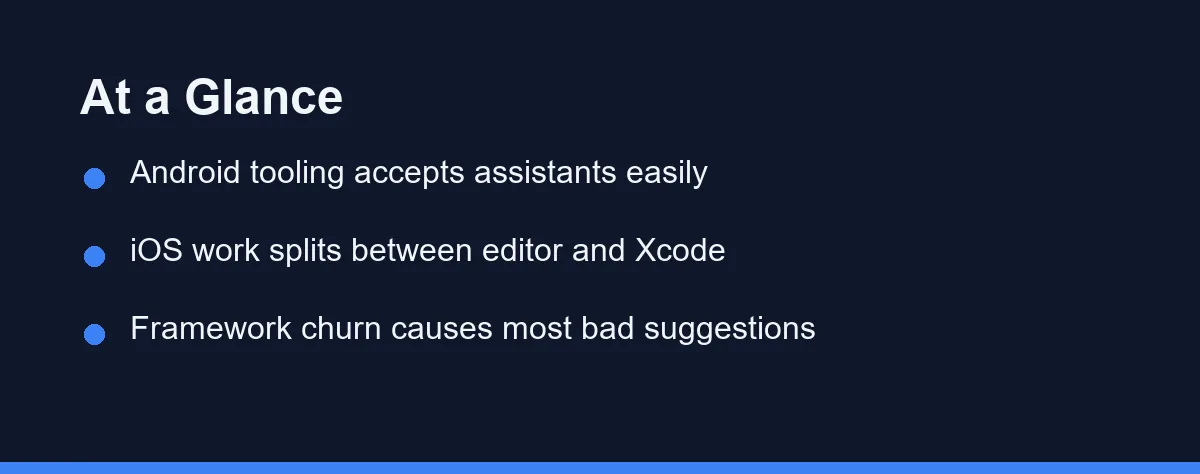
Android Studio accepts assistants through its plugin system, and Google ships one of its own inside the IDE. If you write Kotlin, the setup takes minutes and you can compare two options in an afternoon.
iOS is a hybrid or nothing. Xcode has added its own completion and chat features in recent releases, and GitHub distributes a separate Copilot extension for Xcode, but neither matches the depth of a VS Code style editor.
Most iOS developers land on one of two patterns. Either they stay in Xcode and accept lighter assistance, or they edit Swift in another editor and switch to Xcode for builds, storyboards, simulators, and signing.
Cross platform teams face a third question. A shared tool across Kotlin Multiplatform, Flutter, or React Native is worth more than the best single platform tool, because it keeps review habits consistent.
Why Xcode Changes the Calculation
Xcode is not only an editor. It owns the build system, the simulator, code signing, provisioning profiles, and the path to App Store submission, and none of that moves to another application.
That ownership sets a hard limit. An assistant can write a view, refactor a model, and explain a crash log, and you still return to Xcode to build the thing and put it on a device.
Apple has narrowed the gap from its own side. Recent Xcode versions added predictive completion that runs locally and, later, chat style assistance that can connect to external model providers. Confirm the version requirements and supported providers on Apple’s developer documentation rather than a blog post, since these features moved quickly across releases.
Third party options exist as well. GitHub ships a Copilot extension aimed at Xcode, and a small group of Xcode native assistant apps has appeared alongside it. Feature parity with the VS Code ecosystem still lags, so verify what a tool does today before you design a workflow around it.
The practical effect is context loss. An assistant that sits outside Xcode cannot see your build settings, your scheme configuration, or the simulator output, which is exactly where many iOS bugs live.
Android Studio Is a Different Story
Android Studio builds on IntelliJ, and that inheritance matters. The plugin ecosystem is mature, and assistants reach the editor through the same mechanism as any other tool.
Google ships its own assistant inside the IDE, and GitHub’s JetBrains plugin covers Android Studio as well. Check the current listing on the JetBrains Marketplace for supported IDE versions, because plugin compatibility trails each Android Studio release by a few weeks.
Kotlin also suits assistants better than Swift does. The language has a large public corpus, its idioms are stable, and coroutine patterns appear often enough in training data that suggestions usually compile.
Gradle is the weak spot. Build logic lives in Kotlin or Groovy scripts that look like ordinary code, so an assistant edits them confidently and gets version catalogs, plugin blocks, and dependency resolution subtly wrong.
What the Models Get Wrong in SwiftUI and Compose
Both UI frameworks move fast, and model training data lags behind them. That single fact explains most of the bad suggestions mobile developers report.
In SwiftUI, the classic tell is navigation. Assistants still reach for the older navigation container that Apple deprecated in favour of a stack based API, and the code compiles with warnings while behaving differently on newer systems.
Jetpack Compose has the mirror image problem. Suggestions pull in helper libraries for pagers, flow layouts, and system bar handling, even though those features graduated into Compose itself and the standalone library is no longer the right answer.
Concurrency is the other recurring trap. Swift concurrency and structured concurrency in Kotlin both changed the correct pattern for background work, and older answers still appear because they dominated the corpus for years.
The habit that fixes this costs almost nothing. When a suggestion touches UI structure, navigation, or concurrency, check the current API reference before you accept it, the same way our guide to outdated code suggestions recommends for any fast moving framework.
Assistant Options Side by Side
The table compares the arrangements mobile developers actually use. Availability and features change often, so confirm the details on each official site before committing a team to one.
| Setup | Where it runs | Best for | Main limit |
|---|---|---|---|
| Xcode built in assistance | Inside Xcode | Solo iOS work, staying in one app | Lighter feature set than editor plugins |
| GitHub Copilot for Xcode | Xcode extension | iOS developers who want completion in place | Parity with the VS Code version lags |
| JetBrains or Google assistant in Android Studio | Inside the IDE | Kotlin and Android teams | Plugin compatibility trails IDE releases |
| VS Code fork such as Cursor or Windsurf | Separate editor | Cross platform code, Flutter, React Native | Cannot build, sign, or ship an iOS app |
| Terminal agent such as Claude Code | Alongside any IDE | Repository wide refactors and test runs | No visual feedback from the simulator |
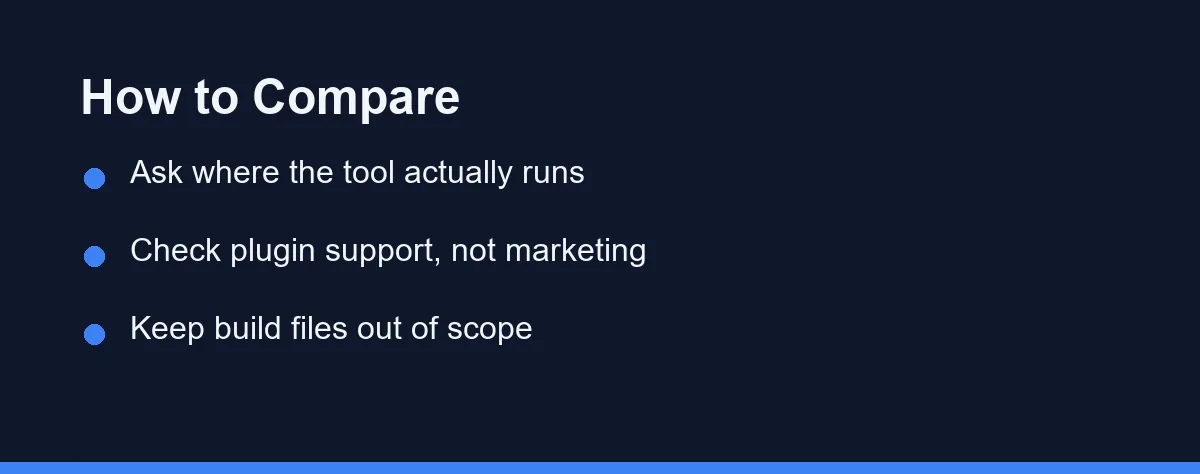
Two rows decide most cases. The Android Studio row means Kotlin developers can choose on quality alone, while the VS Code fork row explains why iOS developers end up running two applications.
The terminal row is easy to overlook. An agent that reads the whole repository and calls the command line build tools handles migrations and test failures well, and it never competes with Xcode for ownership of the build.
Which Setup Fits Your Mobile Work
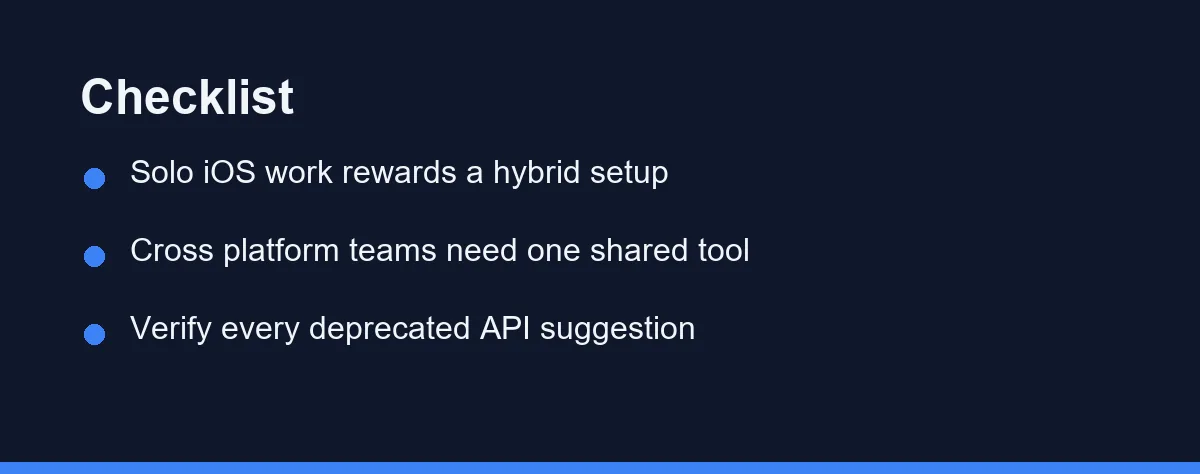
Solo iOS developer on a SwiftUI app: Xcode plus its built in assistance, with a terminal agent for larger refactors. Adding a second editor to the loop rarely pays off on a small codebase.
iOS team on a large legacy Objective C and Swift codebase: A hybrid setup. Edit in a VS Code style editor where assistance is strongest, and keep Xcode for builds, instruments, and signing.
Android team writing Kotlin: An in IDE assistant, chosen by trial. Run two candidates for a sprint on the same feature work and compare how often suggestions survive review.
Kotlin Multiplatform or Flutter team: One tool that covers shared code well, even if it is weaker on the iOS side. Consistency across the shared module matters more than platform specific polish.
Anyone maintaining CI, Fastlane, or release scripts: A terminal agent, with build files excluded from its scope. Release automation is text heavy work where an agent helps, and it is also where a wrong edit costs a day.
A student learning mobile development: Start with completion only and turn chat off for the first few weeks. Learning what a view hierarchy does matters more than producing one quickly, a point our guide for beginners learning to code makes in more detail.
Guardrails Worth Setting Before You Start
Keep generated code out of the project file. The Xcode project file and Gradle build scripts are structural, and an assistant that rewrites them creates merge conflicts nobody wants to resolve.
Pin the platform target in your prompts. Telling the assistant which minimum OS version you support removes a whole class of suggestions that assume newer or older APIs.
Ask for the API version alongside the code. A suggestion labelled with the release it targets is far easier to verify than a bare snippet.
Watch what leaves the machine. Mobile repositories hold signing identities, API keys, and store credentials, and the rules for what an assistant uploads deserve the same review our privacy and security checklist applies to any codebase.
What You Will Pay For
Pricing for coding assistants sits in familiar tiers. A free level with limits, an individual subscription, and a business plan that adds administration and policy controls.
Mobile work adds one wrinkle. If you keep two tools, an editor assistant and a terminal agent, you may end up paying twice for capability that overlaps.
Usage based agents behave differently from seat based plugins. Large refactors across a mobile repository consume more than day to day completion, so a month of heavy migration work costs more than a quiet month.
Prices and plan limits change regularly, so confirm the current figures on each vendor’s official site as of 2026 rather than trusting a comparison table anywhere, including this one.
Common Mistakes to Avoid
Expecting an assistant to fix code signing. Provisioning errors come from certificates and profiles, and no amount of generated Swift resolves them.
Accepting UI code without running it. Layout problems in SwiftUI and Compose appear on screen, not in the compiler output, and the assistant never sees the screen.
Letting the tool add dependencies freely. A suggested library that solves one screen adds a maintenance obligation for the life of the app.
Trusting concurrency suggestions by default. Threading bugs in mobile apps surface as rare crashes on real devices, long after review.
Running two assistants in the same editor. Overlapping completion produces conflicting suggestions and makes it impossible to tell which tool is helping.
Where This Leaves a Mobile Team
Android developers can pick on merit today, because the tooling puts almost every option within reach inside the IDE. The decision comes down to suggestion quality and how the tool handles Gradle.
iOS developers still make a workflow decision rather than a product decision. Choose whether you value staying inside Xcode or accept a two application routine, and the shortlist follows from that answer.
Both groups benefit from the same discipline. Verify anything touching navigation, concurrency, or build configuration, keep project files off limits, and confirm current features and pricing on each official site before you commit a team to one tool.
FAQ
Can I replace Xcode with Cursor or another AI editor for iOS work?
Not for shipping. Building, signing, and submitting an iOS app still runs through Xcode and Apple's toolchain. Many developers edit in another editor and keep Xcode open for builds, simulators, and archive uploads.
Does GitHub Copilot work inside Xcode?
GitHub distributes a separate Copilot extension for Xcode, and it works differently from the VS Code version. Feature parity lags, so check the current capabilities on GitHub's official documentation before you plan a workflow around it.
Why do assistants suggest outdated SwiftUI and Jetpack Compose code?
Both frameworks change quickly, and models carry older patterns from their training data. Suggestions often use deprecated navigation APIs or helper libraries whose features already moved into the framework itself.
Should I let an AI assistant edit project.pbxproj or Gradle build files?
Treat it as off limits. The project file is machine generated, merge conflicts in it are painful, and an assistant editing it can break build settings in ways that are hard to trace. Add files through the IDE instead.
Can a terminal based agent help with mobile projects?
Yes, and it is a common setup. A terminal agent runs beside Xcode or Android Studio, reads the repository, and calls the command line build tools directly. The IDE stays the place where you build, sign, and run on a device.
Sources
- GitHub Copilot plans — checked 2026-09-07
- JetBrains AI IDEs — checked 2026-09-07
Some links may be affiliate links. We may earn a commission at no extra cost to you.
This article was written with AI assistance. It is researched and fact-checked, not based on personal hands-on testing unless explicitly stated.
Comments
Post a Comment