How to Undo an AI Assistant's Changes Without Losing the Good Ones
The Mess a Good Session Leaves Behind
Commit before you accept anything large. A clean tree turns every bad outcome into a one-command recovery, and it costs about four seconds. If you already have a mess, stage the good hunks with an interactive add before discarding the rest. Editor undo and assistant checkpoints both have gaps, so git is the only layer that reliably survives a restart.
A productive hour with an assistant does not look like a productive hour of your own typing. Twelve files have changed, three of them in ways you did not read closely.
Most of it works. One part does not, and the failure only shows up after you have layered your own fixes on top of the generated code.
Now undo becomes a real question rather than a keystroke. You want the last forty minutes of the assistant’s work gone, and the twenty minutes of your work kept.
That distinction is the whole problem. The tools most developers reach for first were built for single-file edits by a single author, and an assistant session breaks both assumptions at once.
The Short Version
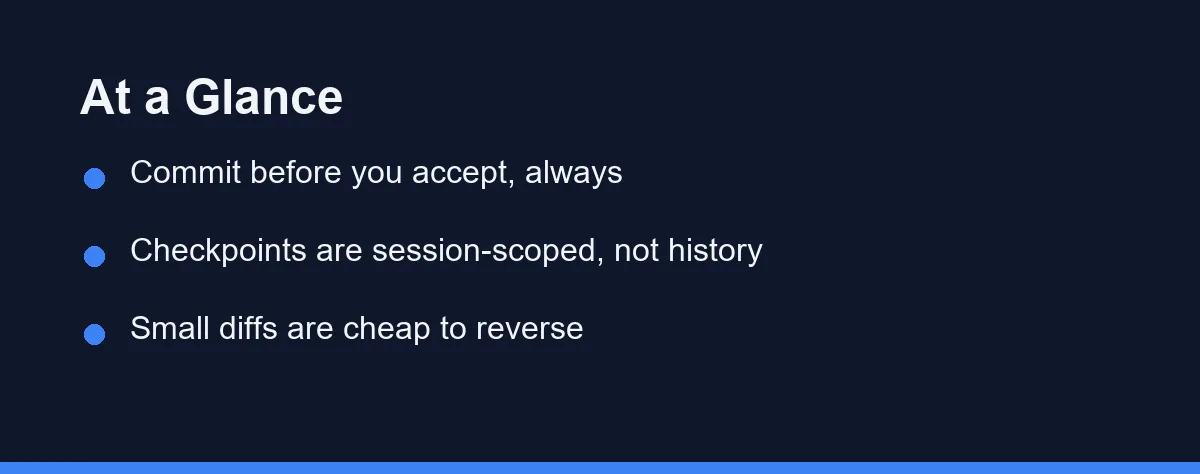
Commit before you accept anything large. A clean tree turns every bad outcome into a one-command recovery, and it costs about four seconds.
If you already have a mess, do not start with the editor undo stack. Look at the diff first, decide which files you want to keep, and reverse the rest at the file level rather than the keystroke level.
Checkpoints from your assistant are useful inside a session and unreliable across restarts. Treat them as a fast rope, not as history.
Why Undo Is Harder Here Than With Your Own Edits
Your own edits arrive in a rhythm. You change one file, run something, change another, and the mental model of what happened stays roughly intact.
An assistant edit arrives as a batch. The context that produced it lived in the model, not in your head, so reconstructing the intent afterwards is genuinely harder.
The editor undo stack does not help much with that shape. It is per file, per session, and ordered by keystroke rather than by intent, so reversing a nine-file change means nine sequences in the correct order.
Worse, edits applied while a file sat closed often never enter that stack at all. The file changed on disk, the editor reloaded it, and there is nothing local to undo. A patch that only half landed sits in the same blind spot, which is why an edit that fails to apply deserves a look at the diff rather than a retry.
Two other habits make recovery harder than it needs to be. Long sessions without a single commit leave no checkpoint to return to, and mixing your fixes into the same uncommitted blob as generated code destroys the line between them.
Five Ways Back, and What Each One Costs

Every method below trades granularity against safety. The table compares them by what they can actually restore, which is the only question that matters at the moment you need one.
| Method | What it can restore | Granularity | Main risk | Best moment to reach for it |
|---|---|---|---|---|
| Editor undo stack | Recent keystroke-level edits in open files | One file at a time | Silent gaps for files edited while closed | Immediately, for a single file you just watched change |
| Assistant checkpoint or restore | The session’s edits as one snapshot | Whole session, sometimes per step | Usually cleared on restart or workspace change | Mid-session, when the last few steps went wrong |
git stash |
All tracked uncommitted changes | Whole working tree | Untracked files need an explicit flag | Before letting the assistant touch a working tree you care about |
git reset --hard to a commit |
The exact state of that commit | Whole repository | Uncommitted work is discarded permanently | On a local branch nobody else has pulled |
git revert of a commit |
The inverse of one commit, as a new commit | One commit | Noisy history if used repeatedly | On a shared branch, after the bad code is already pushed |
| Local history in the IDE | File snapshots kept by the editor itself | One file, timestamped | Retention window is limited and quiet | When the change is old enough that undo is empty |
| A copied directory | Everything, exactly as it was | Whole project | Easy to forget which copy is current | Before a risky refactor across a codebase you cannot rebuild |
The pattern in that table is worth naming. Everything fast is narrow, and everything broad requires that you did something in advance.
Checkpoints and undo cost nothing until you need them across a restart, and then they cost everything. Git costs one command before the session and almost nothing after.
Checkpoints, Git, and the Gap Between Them
Assistant checkpoints exist because commits are too heavy for a twenty-second experiment. That reasoning is sound, and the feature is genuinely useful during a session.
The gap appears at the boundaries. A checkpoint typically lives in tool state tied to a workspace and a session, which means a crash, a machine restart, or a cleared workspace can take it with them.
Confirm the retention behaviour for your specific tool on its official documentation rather than assuming, since these features change between releases. The safe assumption in the meantime is that a checkpoint protects you for the next hour, not the next week.
Git has the opposite profile. It is slower to reach for and permanent once used, which is exactly the trade you want at the end of a working block.
The practical arrangement is to use both and to know which one you are relying on. Checkpoints handle the inner loop of a session, commits handle the boundary between sessions, and neither substitutes for the other.
The Changes a Rollback Does Not Reach
Every method above restores files. Assistants with terminal access do things that files do not record, and those actions survive any rollback you run.
A database migration is the clearest example. Reverting the migration file leaves the schema exactly where the migration put it, and the code now expects a shape the database no longer has.
Installed packages behave the same way. Reverting a lockfile does not remove what already sits in the local dependency directory, so a build can keep passing locally and fail everywhere else.
The same gap applies to deleted files outside the repository, generated caches, environment variables written during the session, and any request the assistant sent to a service. None of that lives in a diff.
The practical response is a short list rather than a rule. After a rollback, check the schema, reinstall dependencies from the restored lockfile, and clear build caches before you trust a passing test run.
Sessions with terminal access deserve a second habit as well. Skim the command history for anything that touched state outside the working tree, because that is the part your next rollback will silently miss.
The Commands Worth Knowing Before You Need Them
Rollback is a lot calmer when the shell commands are already familiar. These four cover most of what a session can do to a working tree.
# See exactly what the session touched, before undoing anything
git status --short
git diff --stat

# Keep the good parts: stage what you want, then discard the rest
git add -p                 # choose hunks interactively
git restore .              # drop every unstaged change that is left

# Reverse one committed change without rewriting history
git revert <commit>

# Park a half-good session instead of losing it
git stash push -m "assistant session, partly good"
The one to internalise is git add -p. It is the difference between an all-or-nothing rollback and keeping the two files the assistant got right.
Note that git restore . only reaches tracked files. New files the assistant created are untracked, so they survive it; git clean -n lists them before git clean -f removes them.
Reading the Diff Before You Reverse Anything
The instinct after a bad session is to undo quickly. The better first move is to read what actually changed, because the diff is the only honest record of the session.
Run a file-level summary first rather than a full patch. A list of changed paths tells you the blast radius in a few seconds, and it usually reveals one or two files you did not expect to see.
Then read the unexpected ones. Generated changes to configuration, lockfiles, and test fixtures are where quiet damage hides, and they are the files people skim.
Once you know which files you want, reverse at file granularity. Restoring three files to their committed state is a single command, and it leaves the rest of the session untouched.
This is also the moment to check whether the assistant reversed something you had already fixed. That failure mode is common enough to look for deliberately, and our guide to reviewing AI-generated code covers the wider read-before-you-accept habit.
Who Should Use Which Rollback Method
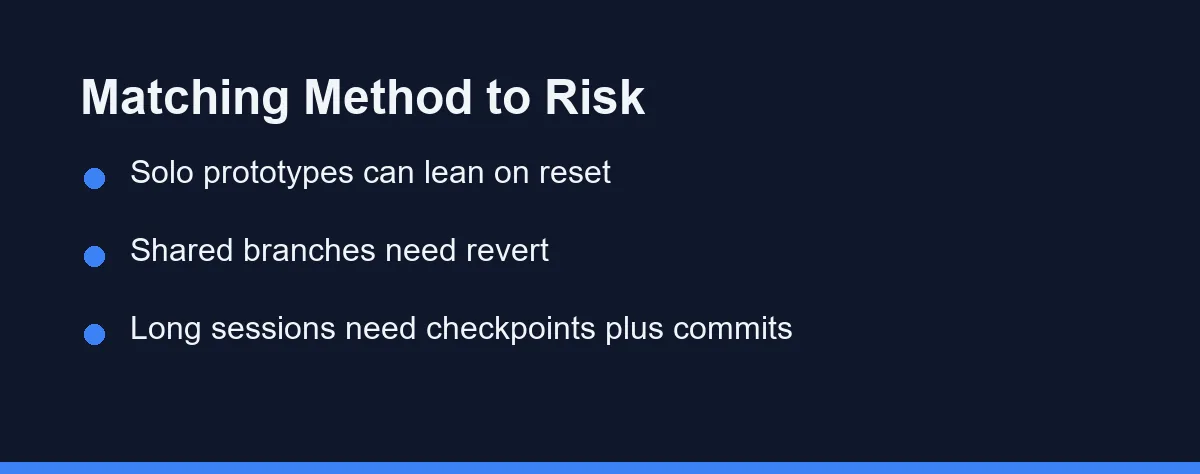
You are on a local branch nobody else has pulled: reset to the last good commit and move on. The history is yours, and rewriting it costs nothing.
The bad code is already pushed to a shared branch: revert rather than reset. A revert commit is noisier, but it does not rewrite history other people have built on.
You are mid-session and the last two steps went wrong: use the assistant’s checkpoint, then commit immediately once you are back to a state that works.
You are about to accept a large multi-file suggestion: stash or commit first. This is the cheapest insurance available and the one most often skipped.
You cannot tell which of your files are yours any more: stop reversing anything and read the diff by file. Recovering deliberately from a known state beats guessing at speed.
You have discovered the problem days later: look for the commit that introduced it and revert that specific commit. Nothing in the working tree will help you at that distance.
Habits That Make Rollback Cheap
Commit before you delegate, not after. A commit at the start of a session is the difference between reversing one batch and untangling two authors from the same blob.
Keep the assistant’s turn small enough to read. A change spanning four files can be reviewed and reversed; a change spanning twenty rarely gets either treatment.
Separate your fixes from generated code by committing between them. When the two are interleaved in one uncommitted state, no tool can tell them apart on your behalf.
Run the test suite before you commit generated work rather than after several batches. Catching the break at batch three is a two-minute fix, and catching it at batch nine is an afternoon, which is why stopping an assistant from breaking your tests is worth setting up early.
Watch generated changes to dependencies and configuration with particular care. Those files are small, easy to approve without reading, and disproportionately capable of breaking a build, which is the same reasoning behind our security checklist for generated code.
When the Good Version Is Already Gone
Start with the reflog. If the work was committed even once, the commit usually still exists and the reflog will show the tip position you left behind.
If it was never committed, check the editor’s local history next. Many IDEs keep timestamped file snapshots independently of the undo stack, and that window is often wider than people expect.
Failing both, look for build artefacts, running processes, and open editor buffers before closing anything. A file still loaded in a tab is a copy of the version you lost.
Then do the unglamorous thing and rebuild it while the reasoning is fresh. The second attempt at a change you already understood usually takes a fraction of the original time.
The Rule Worth Keeping
The developers who never lose work to an assistant are not more careful readers. They simply put a commit between themselves and every batch they did not write.
That habit converts every rollback question into the same answer, which is the point. You stop needing to know which tool restores what, because one command always returns you to a state you chose.
Everything else in this article is recovery. The commit is prevention, and it costs four seconds.
Undoing cleanly depends on commits that say what they actually did. That is a separate habit, and we weighed it in whether to let an AI write your commit messages.
FAQ
Does undo in the editor cover everything an assistant changed?
Rarely. The editor undo stack is per file and per session, so a change that touched nine files needs nine separate undos in the right order. Anything written while the file was closed, or after a restart, sits outside that stack entirely.
Is a built-in checkpoint the same thing as a commit?
No. A checkpoint is a tool-managed snapshot of a session, held outside your repository and usually cleared when the session or workspace goes away. A commit lives in the repo history, survives restarts, and can be shared, inspected, and reverted later.
What should you do before accepting a large multi-file suggestion?
Commit or stash whatever already works. A clean working tree turns any bad outcome into a one-command recovery, because the diff you are looking at contains only the assistant's work and nothing of yours.
Can you recover work you already threw away with a hard reset?
Often, if it was committed at least once. The reflog keeps recent tip positions for a period set by your Git configuration, so a lost commit is usually still reachable. Uncommitted edits that a reset discarded are generally gone.
Why do assistants sometimes reverse a fix you made minutes earlier?
The model works from the context it currently holds, not from your memory of the session. If an older version of a file entered the context after your fix, the earlier shape can reappear in a later edit, which is why frequent small commits matter.
Sources
- git-revert documentation — checked 2026-09-07
Some links may be affiliate links. We may earn a commission at no extra cost to you.
This article was written with AI assistance. It is researched and fact-checked, not based on personal hands-on testing unless explicitly stated.
Comments
Post a Comment